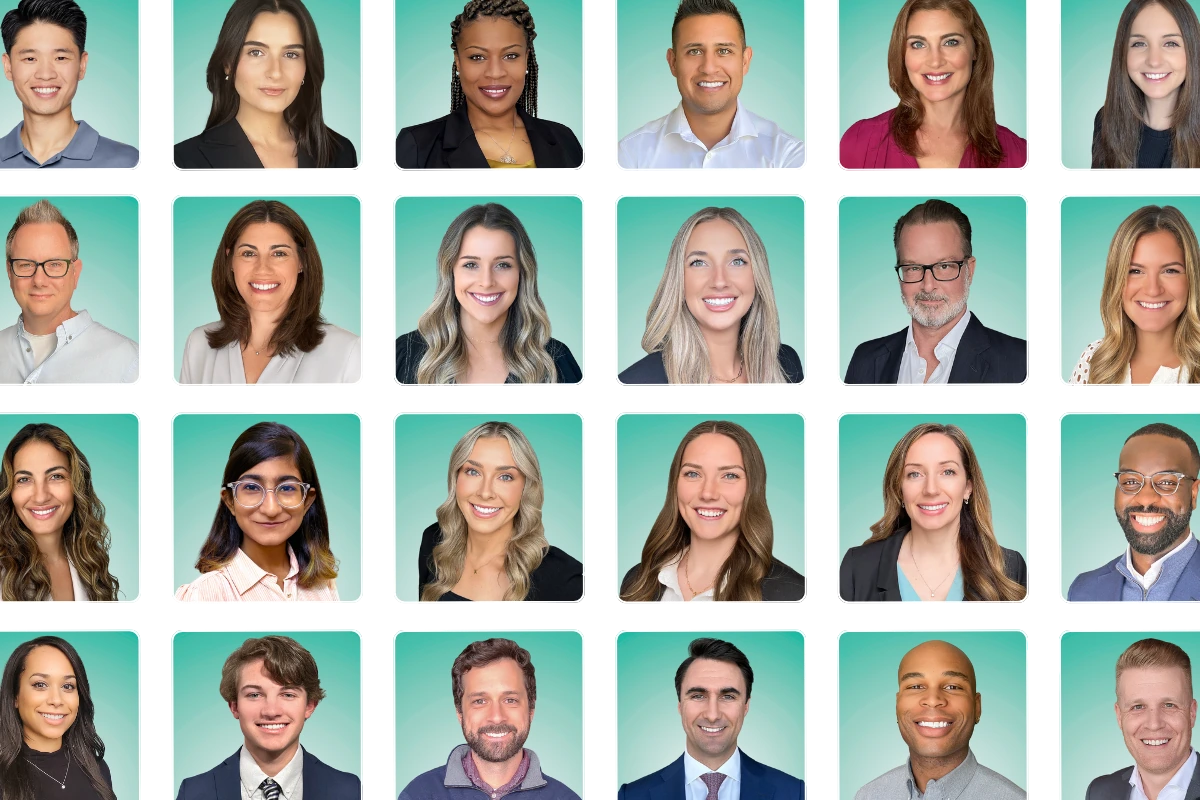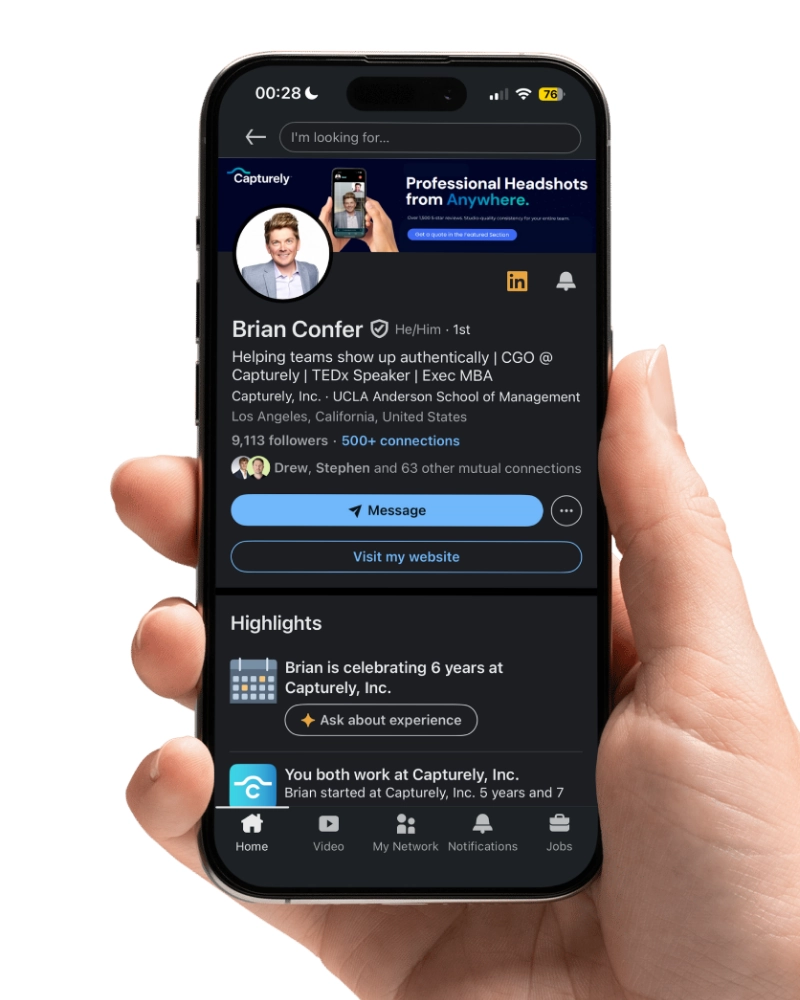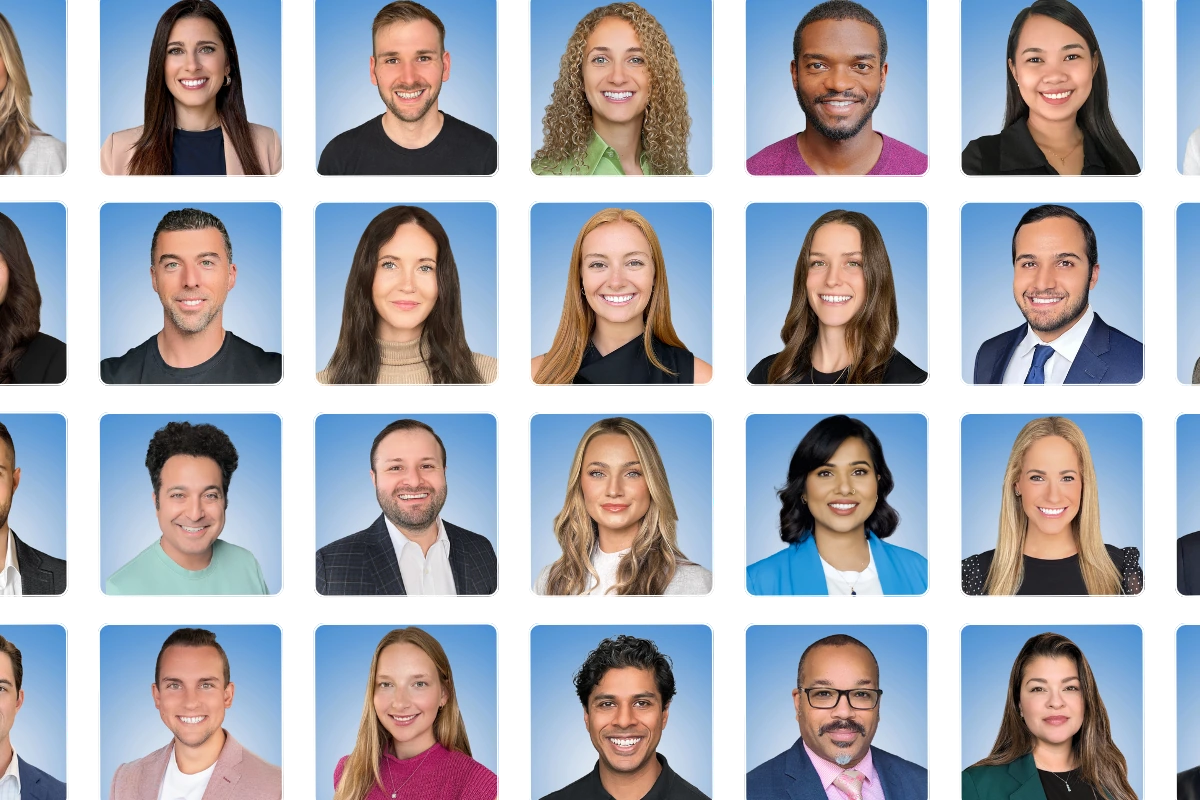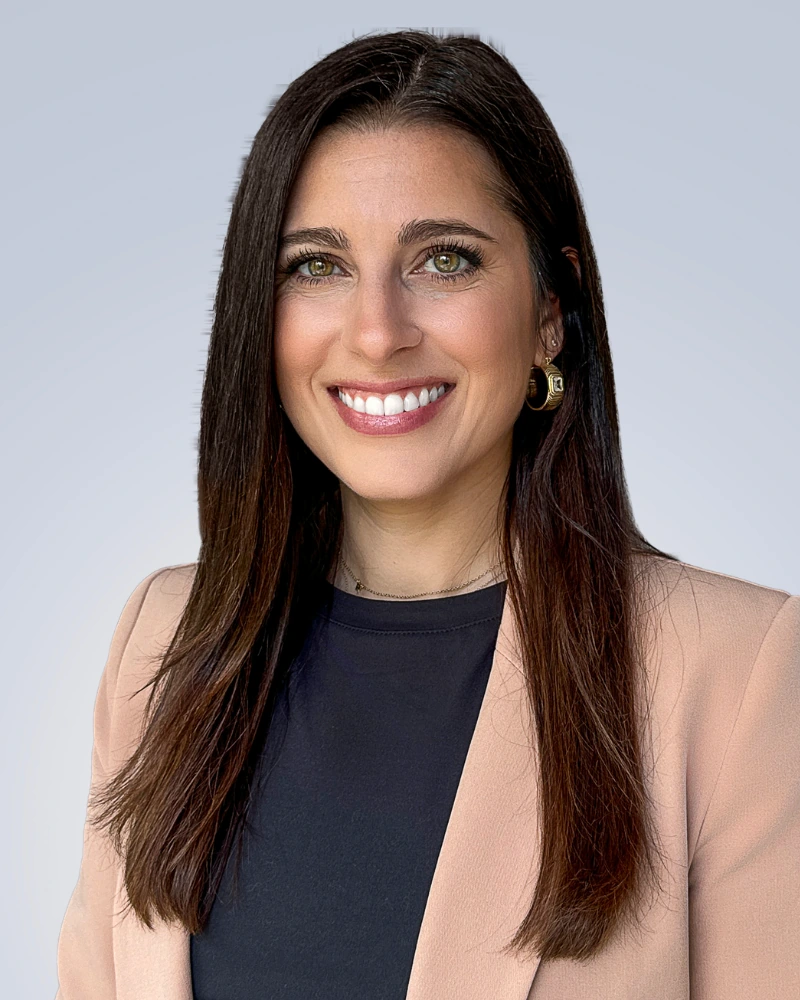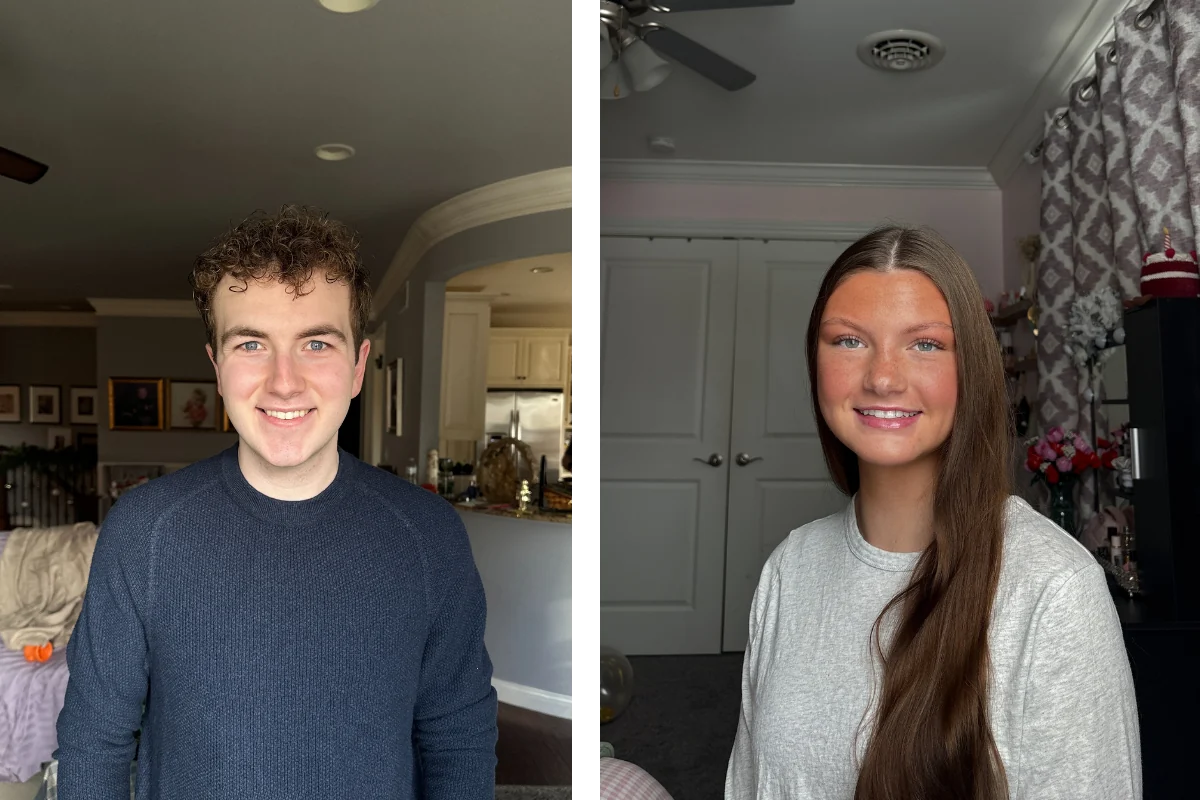

A professional headshot is the single most-viewed photo of your career. It shows up on LinkedIn, your company website, email signatures, Slack, Zoom, conference badges, and every proposal your team sends out. The average professional uses their headshot in seven different places — and 94% of hiring managers say that photo shapes their perception of you before you ever speak a word.
Last updated: March 15, 2026 · Written by Brian Confer, Co-founder & COO at Capturely

It takes seven seconds to form a first impression online. Your headshot is doing the talking before you get the chance to.
This guide covers what makes a professional headshot actually professional, the different types and when you need each one, what to wear, how much to pay, and — if you’re managing headshots for a team — how to get consistent, on-brand results without the logistical chaos of traditional photo days.
Everything here is based on patterns from over 100,000 headshots delivered for organizations like Google, Netflix, McKinsey, and UnitedHealth Group. Not theory. Not recycled tips. Real patterns from real work.
The Short Version
Professional headshots are polished, well-lit photographs — head and shoulders, clean background, natural expression — used across LinkedIn, company websites, email signatures, and business materials. They range from $29 (AI-generated) to $450+ (traditional studio), with virtual sessions guided by a live photographer starting at $79 per session for individuals and as low as $45 per session for teams (up to 45% off).
What makes them work: genuine expression, clean background, professional retouching, and a composition that looks like the real you. What kills them: bad lighting, forced smiles, cluttered backgrounds, and over-editing that makes you look like a different person.
The biggest shift in 2026? Virtual headshots with a live photographer. Real photos, real direction, done in 10 minutes from anywhere, delivered in 24 hours. That’s the model that’s replaced traditional photo days for most enterprise teams.
What Is a Professional Headshot?
A professional headshot is a high-quality photograph designed to present you at your professional best. It captures your face and shoulders with controlled lighting, a clean background, and a natural but confident expression. Unlike a casual photo or a selfie, a professional headshot is intentionally composed — the framing, lighting, background, and retouching are all chosen to communicate competence and approachability.
Here’s what separates a professional headshot from the photo you cropped from a wedding (and yes, we’ve seen plenty of those):
- Lighting. Professional headshots use directional light — either studio strobes or carefully positioned natural light — to define your features without harsh shadows. Overhead fluorescent light from your office doesn’t cut it.
- Background. Clean and intentional. Solid colors (white, gray, navy), gradients, or lightly blurred environmental settings. Not your kitchen. Not a bookshelf that’s trying too hard.
- Composition. Framed from mid-chest up. Head positioned with purpose. Enough negative space for cropping across different platforms and formats.
- Expression. Relaxed, genuine, and appropriate for your industry. A slight smile with engaged eyes reads as approachable. A composed, neutral expression with direct eye contact reads as authoritative. Either can work — the wrong one is the one that doesn’t match your context.
- Professional retouching. Minor blemish removal, color correction, skin tone evening. Not a filter. Not a makeover. You on a good day.
If someone sees your headshot on LinkedIn, then meets you on a video call, and thinks “that looks exactly like them” — the headshot is doing its job. If they think “who is that?” — it isn’t.

Types of Professional Headshots
Not all professional headshots serve the same purpose. The style you need depends on your industry, the platform, and who’s looking at it.
Corporate Headshots
The standard for large organizations. Clean backgrounds, consistent framing, and a uniform look across every employee. Corporate headshots are about brand consistency — when everyone on your team page has the same style, it signals that your organization pays attention to details. That consistency is harder to achieve than it sounds, especially for distributed teams. (We go deeper on corporate headshots and how to keep them consistent.)

Executive Headshots
Higher-stakes photography for C-suite leaders, managing partners, and board members. Executive headshots often use deeper, richer backgrounds and more intentional lighting. The goal is to project authority and trustworthiness — these photos end up in annual reports, press kits, investor decks, and speaking engagement bios. Worth investing more time and thought here.

LinkedIn Headshots
Your LinkedIn headshot has an outsized impact on your career. Profiles with professional photos get 14x more views and 36x more messages than those without. LinkedIn headshots tend to be slightly warmer and more approachable than formal corporate shots — you want to look like someone people would actually enjoy having a conversation with. (Full guide: the best professional headshot for LinkedIn.)

Creative and Editorial Headshots
For designers, marketers, actors, and creative professionals, headshots can bend the rules. Bold colors, environmental settings, unconventional crops. The goal isn’t to look corporate — it’s to show personality and creative sensibility while still reading as polished.
Healthcare and Provider Directory Headshots
Healthcare organizations have specific requirements that most headshot guides overlook. Provider directory photos directly affect patient trust — patients research their doctors before booking, and a professional, current headshot increases confidence in the provider. Multi-facility health systems need consistent imagery across hundreds of providers spread across different cities and states. (More on healthcare headshot photography at scale.)
How to Get Professional Headshots in 2026
You have four real options. Each one makes trade-offs between cost, quality, convenience, and authenticity. Here’s the honest breakdown — no sales pitch, just what actually works and what falls short.
Traditional Studio Photography
Walk into a studio, sit in front of a backdrop, get your photos taken by a professional with years of experience and thousands of dollars in lighting equipment. This is the original model and it still produces excellent results when you find a skilled photographer.
Where it works: Individual professionals who have a good local photographer and can invest the time. The controlled environment, professional equipment, and face-to-face rapport with the photographer are genuine advantages.
Where it breaks down: Teams. If you’ve got 200 people across five offices — or worse, 200 remote employees scattered across the country — studio photography becomes a logistics nightmare. Booking photographers in each city, coordinating schedules, chasing no-shows, dealing with inconsistent styles across different photographers. It costs $150–$450+ per person before you factor in the hours of coordination.
For a complete comparison of every option, including studios, see our guide on where to get professional headshots.
Virtual Headshots With a Live Photographer
This is where the industry has moved — and where the biggest quality-per-dollar gains are happening right now.
The model: you receive a secure link, open it on your phone, and connect with a professional photographer who directs your session in real time through the rear camera. Not the selfie camera — the rear camera, which captures at 36–48 megapixels. The photographer coaches your posture, helps you find the best light in your space, adjusts your expression, and captures multiple shots. Professional retouching follows, with delivery in 24 hours.
Capturely built this model for enterprise teams — companies like Google, Netflix, McKinsey, and UnitedHealth Group use it across distributed workforces. It works because you get the two things that matter most: a real photographer directing you and a real photograph at the end. No studio, no travel. Ten minutes from wherever you happen to be.
Where it works: Teams of any size, especially distributed ones. Individual professionals who don’t have a great local photographer. Anyone who wants professional direction without the hassle of an in-person session.
Where it breaks down: You need decent natural light (near a window works) and a smartphone. That’s the list.

AI Headshot Generators
AI headshot tools let you upload a few selfies and receive digitally generated images styled to look like professional headshots. They’re cheap ($29–$59 per person) and fast (minutes, not hours).
But they’re not photographs of you. They’re fabrications that approximate your appearance. The gap between the AI image and what you actually look like on a Zoom call creates a trust problem that most people underestimate. Research on AI-generated professional photos found that 38% of viewers described them as “soulless.” And the problem compounds for teams — when every headshot on your company page has that same slightly-too-perfect, slightly-uncanny look, it undermines the credibility you were trying to build.
Multiple enterprises now prohibit AI-generated headshots for compliance and authenticity reasons. If your organization is client-facing, this matters. A lot.

For a solo professional with a $30 budget who needs a LinkedIn photo by tomorrow? AI might get you through. For teams that need authentic, trustworthy imagery? It falls short. (Full comparison: AI headshots vs. real headshots.)
DIY / Smartphone
The budget option. Find a well-lit spot near a window, prop your phone on a tripod or stack of books, set a timer, and hope for the best.
DIY headshots fail in predictable ways: awkward framing, unflattering lighting angles, tense expressions (because nobody is behind the camera coaching you), and wildly inconsistent quality when scaled across a team. If you try to save money by having 50 employees take their own headshots, you’ll spend more time on rejections, redos, and complaints than the money you saved was worth.
That said — if you’re going the DIY route, use your phone’s rear camera (have a friend hold it or use a timer), shoot near a large window with indirect light, stand in front of a clean wall, and take at least 50 shots. You need volume to find one that works.
Ready to see what professional headshots look like for your team? Get a free instant quote — configure your look, see pricing, and get started in under 30 seconds. Get your instant quote →
What Makes the Best Professional Headshots
You know a great headshot when you see one. But what specifically makes it work? After seeing tens of thousands of professional headshots across every industry, five things consistently separate the ones people love from the ones that get ignored.
1. The eyes are doing something.
Dead eyes kill an otherwise perfect shot. In the best professional headshots, the person’s eyes are engaged — like they’re looking at someone they’re genuinely glad to see. This isn’t about intensity. It’s about presence. A good photographer gets this by talking to you, making you laugh, then catching the natural expression that follows.
2. The expression matches the industry.
A warm, open smile works for healthcare, education, and consulting. A composed expression with a hint of confidence works for finance, law, and executive leadership. The worst headshots are the ones where the expression and context don’t match — a stiff, unsmiling photo for a children’s therapist, or an overly casual grin on a managing partner’s bio page.
3. The background stays out of the way.
The background should support the subject, not compete with it. Solid colors, subtle gradients, or lightly blurred environments. If someone’s attention goes to the background before the face, something went wrong.

(We break down 15+ background options and when to use each in our professional headshot backgrounds guide.)
4. The retouching is invisible.
Good retouching is like good tailoring — nobody notices it, but everyone notices when it’s missing. Remove temporary blemishes, even out skin tone, correct color balance. Don’t reshape the jaw, smooth away every pore, or whiten the teeth three shades. If someone meets you in person and thinks you look different from your headshot, the retouching went too far.
5. The framing works everywhere.
A great headshot needs to work at 400×400 pixels on LinkedIn and 1200 pixels wide on a company website. Shoulders visible but not dominating the frame. Enough space above the head for cropping flexibility. The image should hold up whether it’s printed on a conference badge or displayed on a 27-inch monitor.
What to Wear for Professional Headshots
Wardrobe is the most common source of pre-session anxiety. It shouldn’t be. Here’s the framework that works across industries.
Match your industry, not your mood. A tech startup founder can wear a clean crew-neck tee. A financial advisor should wear a blazer. A creative director can push boundaries. When in doubt, look at what the most respected people in your field wear in their headshots, and start there.
Solid colors photograph best. Navy, charcoal, black, white, forest green, burgundy, and muted blues all work across skin tones and background colors. Avoid busy patterns, thin stripes (they create a shimmering visual distortion on camera called moire), neon colors, and large logos.
Necklines matter more than you think. V-necks elongate the neck and slim the face. Crew necks work for casual-industry headshots. Collared shirts and blazers add structure and authority. Turtlenecks photograph better than most people expect — try one.
Jewelry and accessories: less is more. Small earrings, a simple necklace, a watch — all fine. Large statement pieces compete with your face for attention, which defeats the purpose of the headshot.
Bring options. Whether you’re working with a photographer in person or virtually, bring two or three outfit choices. A good photographer will help you pick the one that works best with your lighting and background.

For detailed industry-specific wardrobe guidance — including tech, finance, healthcare, law, and real estate — see our full breakdown: what to wear for professional headshots.
Professional Headshot Backgrounds: How to Choose
Your background sets the tone before anyone looks at your face. Pick wrong, and it undermines everything else you got right.
White — Clean, bright, minimal. Works for tech companies, healthcare directories, and any organization going for a modern, approachable feel. The most versatile option by far.
Light gray — Slightly warmer than white. Adds depth without distraction. The most popular choice for corporate headshots when you want something professional but not clinical.
Navy or dark gray — Authoritative. Common in finance, law, and executive photography. Creates contrast that makes the subject stand out.
Gradient — Subtle fades from one tone to another add visual interest without competing for attention. Increasingly popular for companies that want a polished look with personality.
Environmental — An office, a building exterior, or a natural setting, usually blurred. Works well for real estate, architecture, and creative roles. Harder to keep consistent across a large team unless everyone shoots in the same location — or unless your headshot service can digitally apply a consistent background.
Capturely offers 98+ background options, including custom branded backgrounds for organizations that need headshots to match specific brand guidelines. That’s how teams get a uniform look even when employees are shooting from 40 different cities.

(Full guide: professional headshot backgrounds.)
How Much Do Professional Headshots Cost?
Pricing depends on how you get them done. Here’s what you’ll actually pay in 2026:
Traditional studio: $150–$450 per person in most cities. Premium photographers in NYC, LA, and SF can run $500–$1,500+. Factor in coordination time and travel for distributed teams, and the real cost per person is even higher.
Virtual with live photographer: $79 per session for individuals. Teams save up to 45% — as low as $45 per person depending on team size. Significantly less than traditional studios. This typically includes the live photographer-guided session, professional retouching, multiple edited images, and 24-hour delivery.
AI headshot generators: $29–$59 per person. The cheapest option on paper — but you’re not getting a photograph of yourself. You’re getting a digitally generated image that resembles you.
DIY: Free, if you don’t count your time. Budget $30–$50 for a phone tripod and ring light if you want to give yourself a fighting chance.
The question worth asking isn’t “what’s cheapest?” It’s “what’s the cost of getting this wrong?” A cheap AI headshot that looks fake costs you more in lost trust than a real photograph that looks exactly like you. An inconsistent team page where everyone’s headshot looks different costs your brand more than a coordinated program that makes the whole team look sharp.
For a full comparison with per-method breakdowns, check out our professional headshot cost guide.
Professional Headshots for Teams: Getting Consistent Results at Scale
Getting one great headshot is straightforward. Getting 500 that all match? That’s where most organizations hit a wall.
The usual playbook goes like this: someone in marketing or HR gets tasked with organizing headshots. They book a photographer. They send six rounds of scheduling emails. Photo day arrives, and 30% of the team either can’t make it or “forgot.” New hires who join the following month get left out entirely. Six months later, the company website has a patchwork of headshots — some professional, some from 2018, and at least two that are clearly cropped from wedding photos.

We hear some version of this story from nearly every organization we talk to. One client put it best: “The headshots were from the 90s. Nobody liked their photos. We spent a tremendous amount of time and money and it was a waste.”
The fix isn’t trying harder with the same broken approach. It’s changing the approach entirely. Modern team headshot programs work when they remove the logistics barrier:
- Self-service scheduling — Each employee picks their own time. No more coordination spreadsheets or email chains.
- Virtual delivery — Sessions happen from wherever the employee is. No travel, no conference room reservations, no chasing people down the hallway.
- Live photographer direction — A real photographer guides each person through posing, lighting, and expression in real time. This is the piece that self-guided services and AI tools miss entirely — and it’s why the reshoot rate drops to almost nothing.
- Admin dashboard — The person managing the program can see scheduling status, download completed photos, and enforce brand standards from a single portal.
- Ongoing credits — New hires, promotions, role changes, rebrands — people need updated headshots on an ongoing basis. A credits model handles that without repurchasing every time.

Capturely built this model for enterprise teams. With 765+ reviews at 4.9 stars, 10-minute sessions, and 24-hour delivery, it handles the exact scale and consistency challenges that make traditional photo days fail. Organizations from 15-person startups to 5,000+ employee enterprises use it across fully distributed workforces.
If you’re the person responsible for making team headshots happen, the HR manager’s guide to team headshot programs walks through everything from building the business case to rolling it out.
Managing headshots for a team? See how Capturely works for organizations — get an instant quote in under 30 seconds, or book a free demo to see it live. Get your instant quote →
Frequently Asked Questions About Professional Headshots
What qualifies as a professional headshot?
A professional headshot is a high-quality, intentionally composed photograph showing your head and shoulders, taken with controlled lighting and a clean background. It’s professionally retouched — blemish removal, color correction, skin tone evening — and appropriate for business contexts like LinkedIn, company websites, email signatures, and professional directories. The key word is “intentional.” Every element is chosen, not accidental.
How often should I update my professional headshot?
Every one to two years, or whenever your appearance changes noticeably — new hairstyle, glasses, significant weight change. The test: if someone who’s only seen your headshot wouldn’t recognize you in person, it’s time for a new one. Organizations with active hiring should build headshots into their onboarding process so new employees never start without one.
Can I take a professional headshot with my phone?
Yes. Modern smartphone rear cameras capture at 36–48 megapixels — more than enough resolution for professional-quality images. The camera is not the bottleneck. Lighting, composition, and direction are. That’s why virtual headshot services like Capturely pair smartphone capture with a live professional photographer who coaches you through every aspect of the session in real time. The technology is in your pocket — the skill is in the photographer.
Are AI headshots good enough for professional use?
For temporary or low-stakes use, AI headshots can work as a stopgap. For professional or enterprise use, they fall short. AI-generated headshots aren’t photographs — they’re digital fabrications that approximate your appearance. Research shows 38% of viewers describe AI-generated professional photos as “soulless,” and many enterprises now prohibit them outright. The trust gap between an AI headshot and what you actually look like on a video call is real, and it matters most in exactly the situations where your headshot matters most. (Full breakdown: AI headshots vs. real headshots.)
What’s the difference between a headshot and a portrait?
A headshot is tightly framed on the face and shoulders, typically for professional or commercial use. A portrait is a broader category — it can include three-quarter or full-body compositions, environmental context, and artistic interpretation. A headshot is functional: it identifies you and communicates competence. A portrait is expressive: it tells a story. You need a headshot for LinkedIn. You might want a portrait for a book jacket or an editorial feature.
What background color is best for professional headshots?
There’s no single “best” — it depends on your industry, brand, and the impression you want to make. White and light gray are the safest bets and work for nearly everyone. Navy or dark backgrounds add authority for executive and financial roles. The most important factor for teams is consistency: if every person has a different background, the overall impression is fragmented. (Full guide: professional headshot backgrounds.)
How long does a professional headshot session take?
Traditional studio sessions run 30–60 minutes. Virtual sessions with a live photographer typically take about 10 minutes — the photographer directs the session efficiently because they handle hundreds of sessions per month and know exactly what to look for. The shorter time isn’t a compromise on quality. It’s the result of a focused, well-practiced process.
Where can I get professional headshots?
Several options exist: local photography studios, on-demand photographer marketplaces like Snappr, virtual headshot services with live photographers, AI headshot generators, or DIY. The right choice depends on whether you need headshots for one person or a whole team, your budget, how much consistency matters, and whether you need real photographs or are comfortable with AI-generated images. We compare every option side by side in our where to get professional headshots guide.
Your Headshot Is Working Right Now — Is It Saying the Right Thing?
Your professional headshot is on LinkedIn, on your company website, in email inboxes, and in video call previews right now — representing you in rooms you haven’t walked into yet. It’s either building trust or quietly eroding it. Every day.
The good news: getting a professional headshot has never been faster or more accessible. Whether you’re an individual professional upgrading your LinkedIn presence or an HR leader rolling out headshots for a 5,000-person organization, the infrastructure to make it painless already exists.
If you’re ready to see what modern professional headshots look like for your team — real photographers, real photos, 10-minute sessions, 24-hour delivery — get a free instant quote or book a demo and see it yourself.