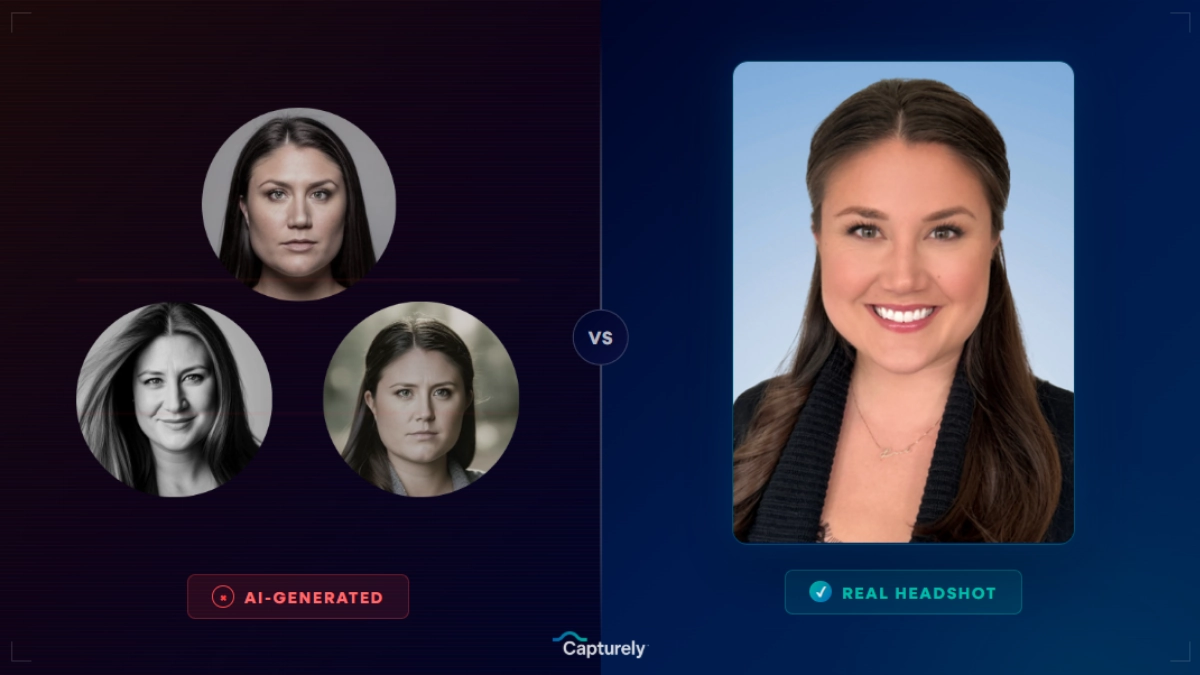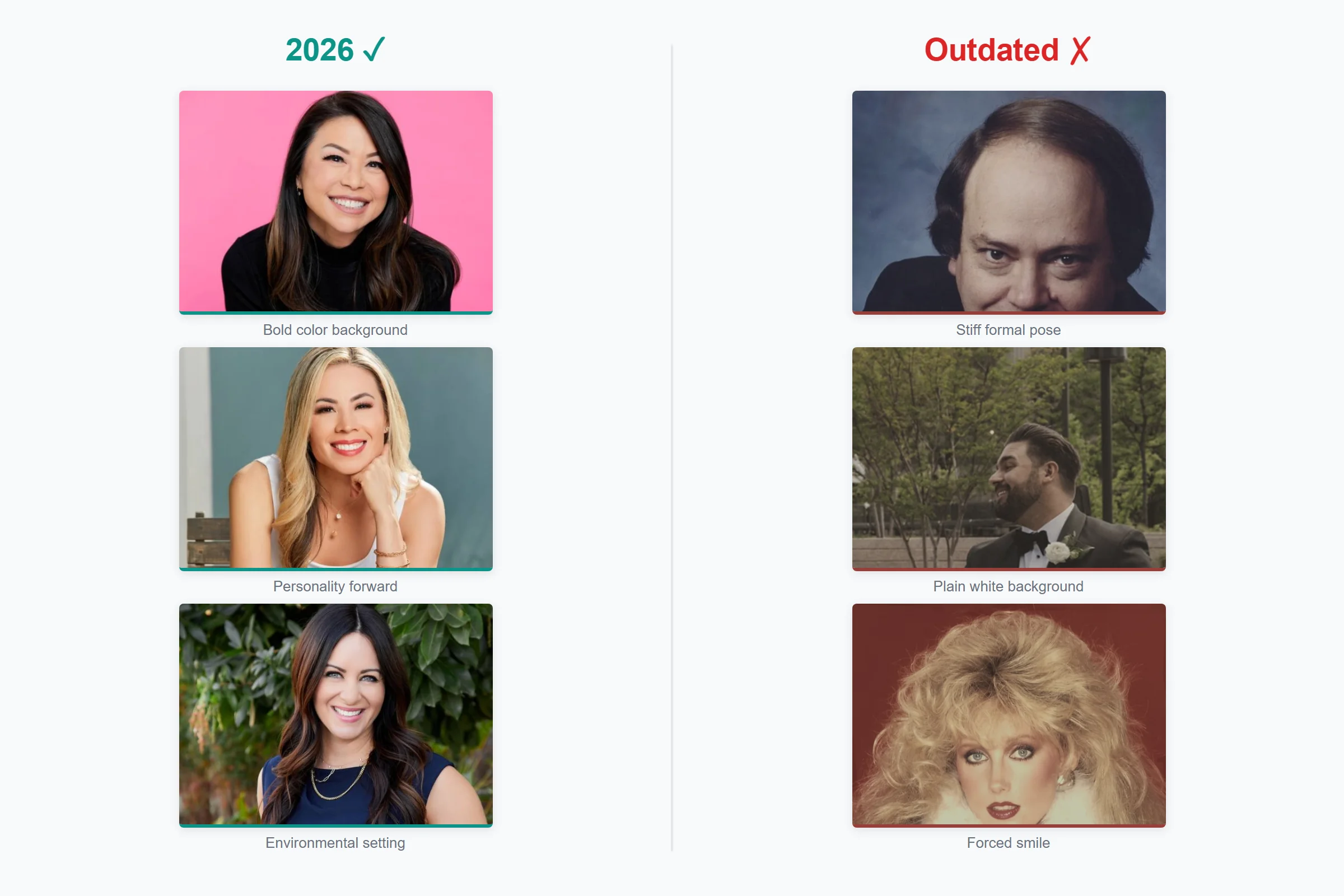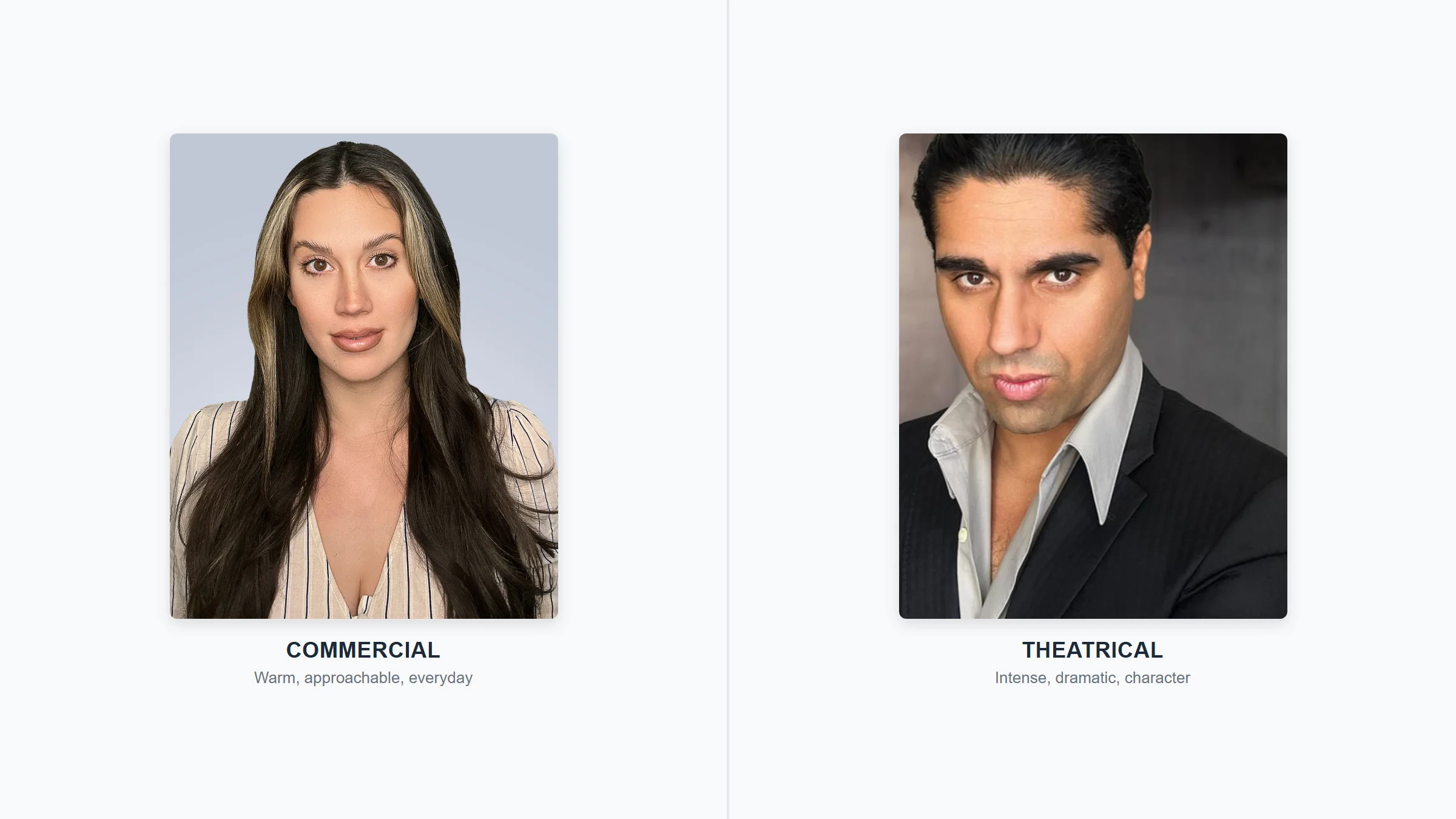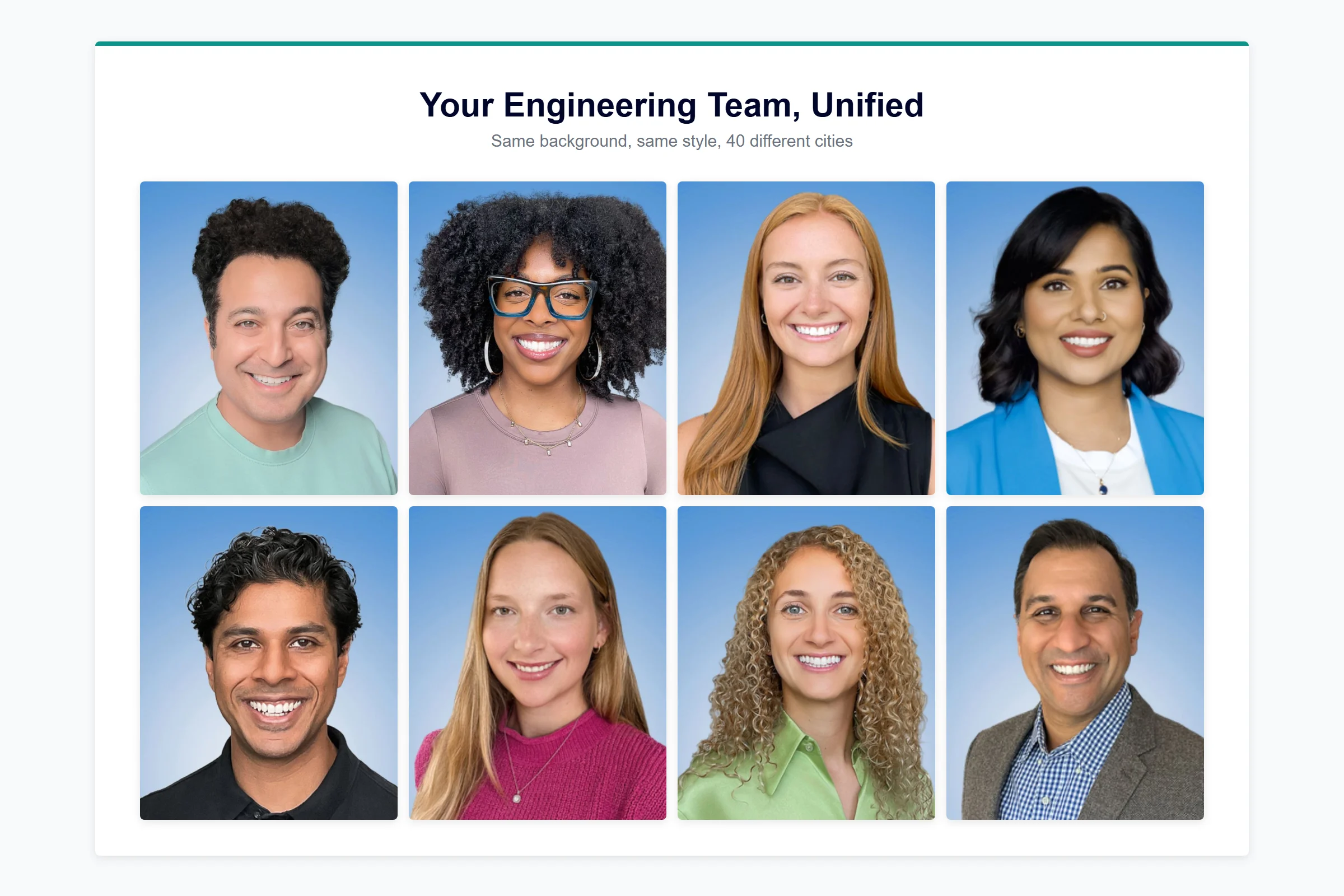
An employee headshot program is a structured plan for getting consistent, professional photos across your entire team — covering vendor selection, budget approval, rollout communication, employee prep, and ongoing management for new hires. The best programs treat headshots as an onboarding standard, not a one-time scramble, and the companies that get this right see measurable returns in brand trust, recruiting, and sales credibility.
Last updated: February 2026
This guide covers every step of building and running a team headshot program — from pitching leadership to measuring ROI twelve months later. At Capturely, we’ve helped 500+ companies manage employee headshots for teams of 15 to 5,000+, including Google, Netflix, Amazon, McKinsey, Capital One, and UnitedHealth Group. We know where programs stall, where employees push back, and what separates a headshot initiative that dies in someone’s inbox from one that actually gets done.
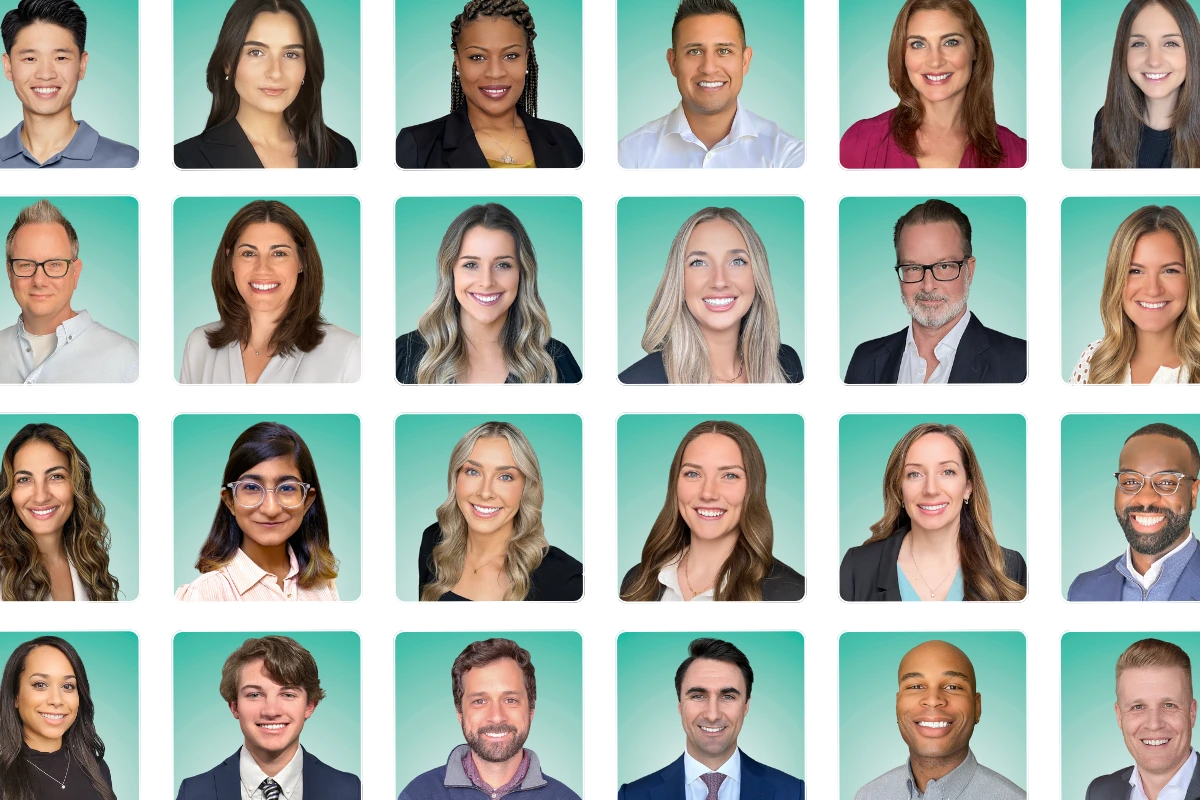
Why Employee Headshot Programs Matter More Than You Think
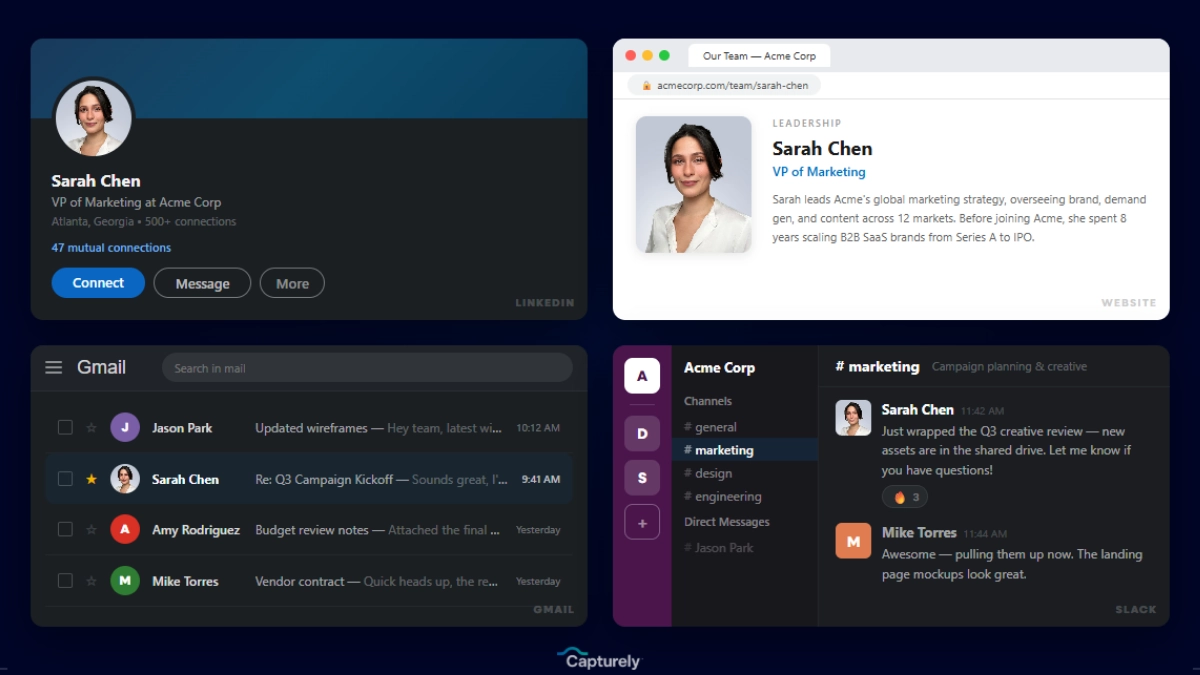
Headshots feel like a “nice to have” until you look at the data. Princeton researchers Janine Willis and Alexander Todorov found that people form trustworthiness judgments from a face in 100 milliseconds — one-tenth of a second — before reading a single word of your bio, your credentials, or your company’s value proposition (Willis & Todorov, Psychological Science, 2006). That snap judgment sticks.
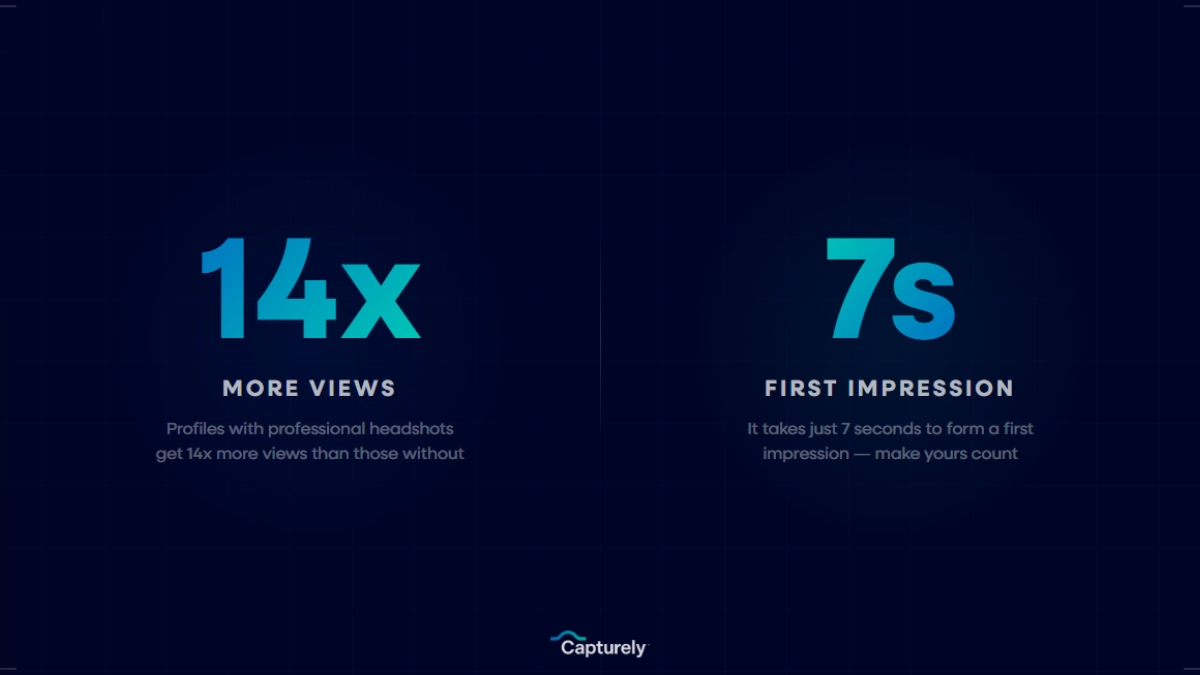
A study of 243 participants by HeadShots Inc found that swapping a casual photo for a professional headshot produced a 76% increase in perceived competence and a 62% increase in perceived influence (HeadShots Inc, 2023). On LinkedIn specifically, profiles with professional photos get 14x more views, 9x more connection requests, and 36x more messages (LinkedIn Talent Solutions). Consistent brand presentation — which includes how your team looks online — increases revenue by up to 23% (Lucidpress/Marq, 2019).
These aren’t vanity metrics. They’re the reason your sales team’s LinkedIn profiles influence deal velocity, your website’s “About Us” page shapes prospect trust (52% of visitors check it first, per KoMarketing), and your provider directory affects whether patients book or bounce (92% of healthcare seekers read a clinician’s bio before booking, per rater8, 2025).
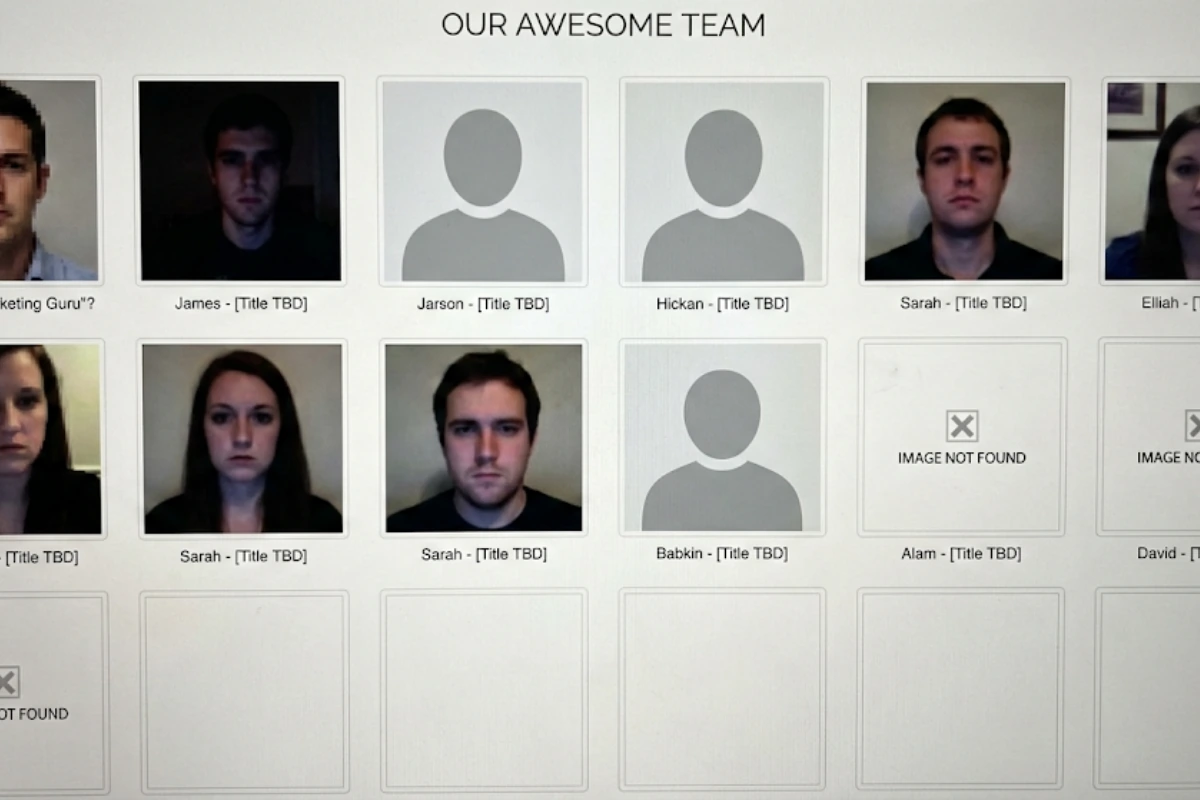
And yet, most companies don’t have a headshot program. They have a mess. We hear it constantly in discovery calls:
- “It’s blurry. It’s like 15 years old and you look kind of scary.”
- “I get a dollar for every wedding photo that was like 15 years old with the wife or the husband cut out.”
- “We don’t have a uniform set of headshots.”
- “The headshots were from the 90s… nobody liked their photos… we spent a tremendous amount of time and money and it was a waste.”
A headshot program fixes this. Not one frantic photo day — a program. Here’s how to build one that actually works.
How to Build the Business Case for Employee Headshots
Your CFO doesn’t care about headshots. They care about revenue, cost efficiency, and risk reduction. Frame the request around what they already prioritize, not what you wish they’d prioritize.

The Three Arguments That Work
1. Brand credibility drives revenue. Your team’s photos appear on your website, LinkedIn, email signatures, proposals, Slack, provider directories, and conference materials. When those photos are inconsistent, outdated, or missing, it signals disorganization. Companies with strong employer brands see a 50% decrease in cost per hire and hire 1-2x faster (LinkedIn Talent Solutions). The average professional has 7 places to use a headshot — and most companies only think about one or two of them.
2. The cost of doing nothing is higher than the cost of doing it right. Think about the hidden expenses of the status quo: HR or marketing staff spending hours chasing employees for photos, coordinating local photographers across offices, managing reshoots, and still ending up with mismatched results. One consulting firm with 100 employees calculated that a traditional photo day cost $22,500 in employee time alone — before the photographer’s invoice.
3. It’s cheaper than you expect. The pricing gap between traditional and virtual headshot methods has collapsed. Here’s what the landscape actually looks like:
| Method | Cost Per Person | 100-Person Team | Hidden Costs |
|---|---|---|---|
| Traditional studio | $150–$450 | $15,000–$45,000 | Travel, scheduling, employee downtime, setup fees ($200-$500), retouching ($40-$100/image) |
| Freelance photographer | $100–$425 | $10,000–$42,500 | Inconsistent quality across photographers, no admin dashboard, limited remote options |
| Self-guided virtual | $25–$60 | $2,500–$6,000 | High rejection/reshoot rates, no live direction, 3-5 day turnaround |
| AI-generated | $20–$75 | $2,000–$7,500 | Not real photos, authenticity concerns, 38% call AI photos “soulless,” enterprise compliance risks |
| Live virtual (Capturely) | $45–$79 | $4,500–$7,900 | None — retouching, 24hr delivery, admin dashboard included |
For a detailed pricing breakdown across all methods, see our professional headshot cost guide.
See pricing for your team size in 30 seconds. Capturely’s instant quote engine lets you configure your headshot program — backgrounds, style, team size — and get volume pricing immediately. No sales call required. Get an instant quote →
How to Choose a Corporate Headshot Vendor
Vendor selection is where most headshot programs go wrong. The HR manager picks a local photographer because they’re nearby, not because they can serve a distributed team at scale. Or they pick the cheapest option and end up managing three rounds of reshoots.
Here’s what actually matters when evaluating vendors:
| Factor | In-Person Studio | Self-Guided Virtual | Live Virtual (Capturely) | AI-Generated |
|---|---|---|---|---|
| Real photos | Yes | Yes | Yes | No |
| Live photographer direction | Yes (in-person) | No | Yes (via phone) | No |
| Remote team friendly | No | Yes | Yes | Yes |
| Consistency at scale | Low (varies by photographer) | Medium | High | Variable |
| Admin dashboard | Rare | Some vendors | Yes | Some vendors |
| Turnaround | 1–3 weeks | 3–5 business days | 24 hours | 15–90 minutes |
| New hire handling | New appointment needed | Self-serve anytime | Schedule anytime (credits) | Self-serve anytime |
| Enterprise compliance | No concerns | No concerns | No concerns | Risk — many firms ban AI imagery |
Questions to Ask Every Vendor
- What’s the per-person rate at our team size? (Get actual quotes, not “starting at” pricing.)
- What’s the turnaround from session to delivered, retouched photos?
- How do you handle new hires who join three months after the initial rollout?
- Can you serve employees who work remotely or in different cities?
- What background options do you offer? Can we match our brand colors?
- Do employees get to choose from multiple shots?
- What does retouching include? Is it extra?
- What are the usage rights? Can we use the photos on our website, LinkedIn, and internal systems without additional licensing fees?
- How do you handle camera-shy employees who need more coaching?
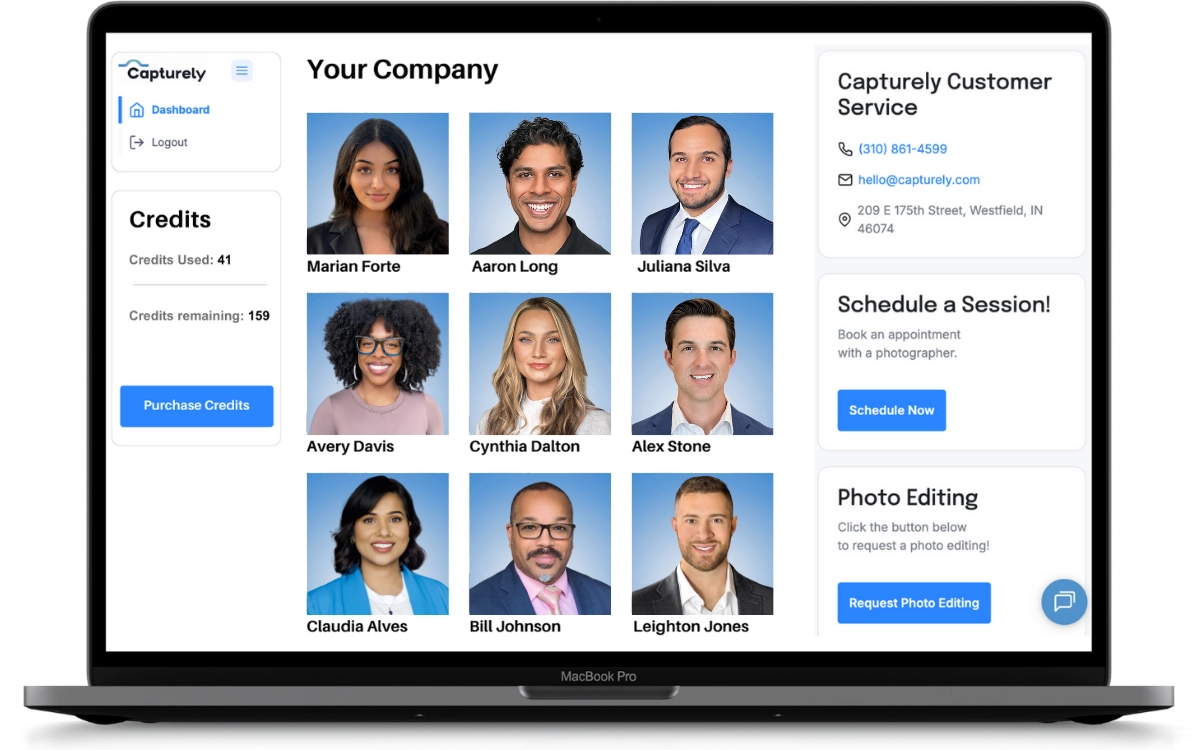
- Do you provide an admin dashboard for tracking completion and downloading photos?
Red flags: Vague pricing that changes during the process. No corporate portfolio — only wedding and family work. No system for maintaining consistency when photographing new hires months later. Slow communication before you’ve even signed a contract.
For a complete breakdown of every headshot vendor category, see our comparison of where to get professional headshots.
How to Roll Out a Team Headshot Program (Step by Step)
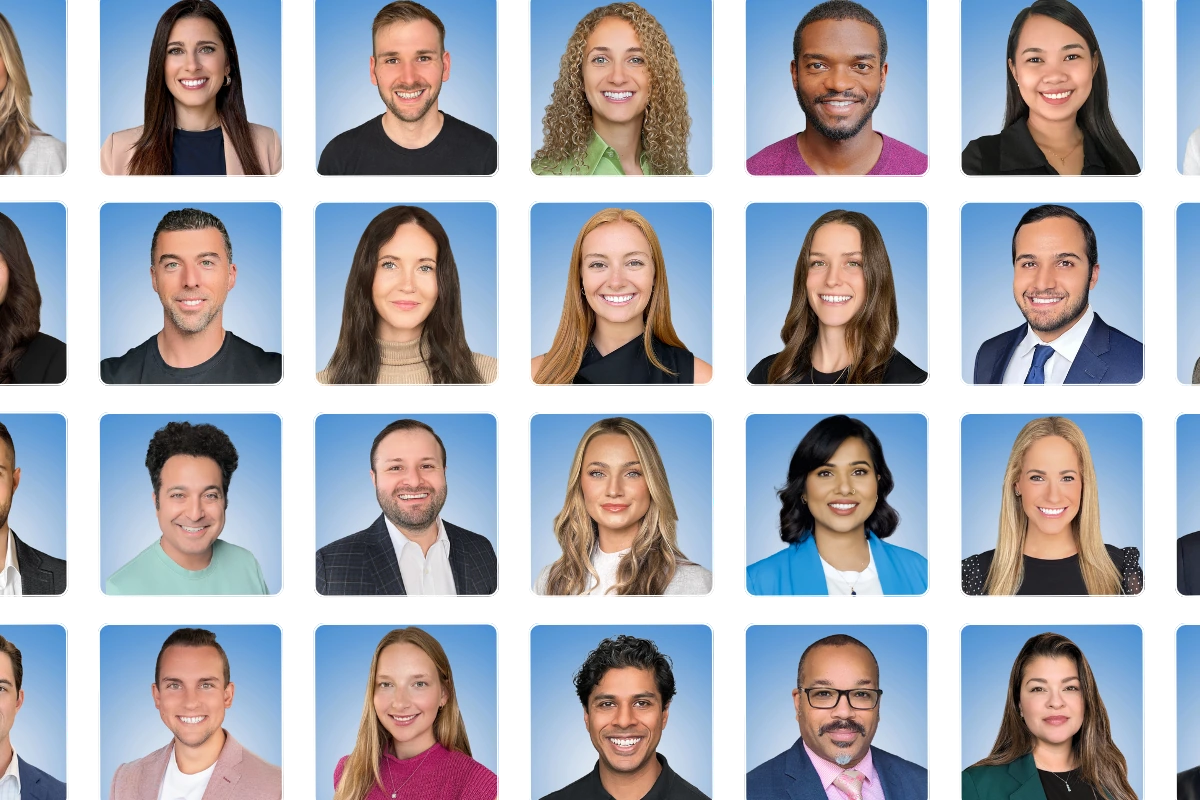
The rollout is where programs live or die. A poorly communicated headshot initiative gets 30% participation and embarrasses whoever championed it. A well-run rollout hits 85%+ and becomes a repeatable process. Here’s the sequence that works:
- Get leadership buy-in and assign ownership. Decide who owns this: Marketing (brand consistency), HR (employee experience), or shared. Get a named executive sponsor who’ll champion it in all-hands communications. Budget must be approved before you announce anything.
- Select and onboard your vendor. Share your brand guidelines — background preferences, cropping style, retouching level. If your vendor offers a custom background, invest the $200. It pays for itself in brand cohesion. At Capturely, onboarding includes background selection from 98+ options and style matching to your brand guidelines.
- Build your internal timeline. Allow 2-3 weeks from announcement to first sessions. This gives employees time to prepare wardrobe, schedule around meetings, and mentally adjust. For virtual sessions, there’s no venue to book — just send links.
- Send the announcement email. (Template below.) Hit all channels: email, Slack/Teams, department meetings. Assign department champions — enthusiastic employees who go first and share their results to build social proof.
- Open scheduling and send reminders. For virtual programs, employees pick their own 10-minute slot. Send reminders at 7 days, 3 days, and day-of. Keep the scheduling window open for at least 3-4 weeks to accommodate travel, PTO, and procrastinators.
- Distribute results and celebrate. When photos start coming back, share a few great examples (with permission) in your team channel. Visible results are the best recruiting tool for employees who haven’t scheduled yet. Update your website team page, LinkedIn profiles, and internal directories within a week of receiving the photos.
Internal Announcement Email Template (Copy and Customize)
This is the email most HR managers spend hours agonizing over. Stop agonizing. Here’s a template that works — we’ve seen versions of it used across hundreds of companies. Customize it for your organization.
Subject line: Free professional headshots for the team — sign up now
Body:
Hi team,
We’re rolling out professional headshots for everyone at [Company Name]. This is a new benefit — the company is covering the full cost, and you’ll get to keep your photos for your own LinkedIn, email signature, and anywhere else you need a professional image.
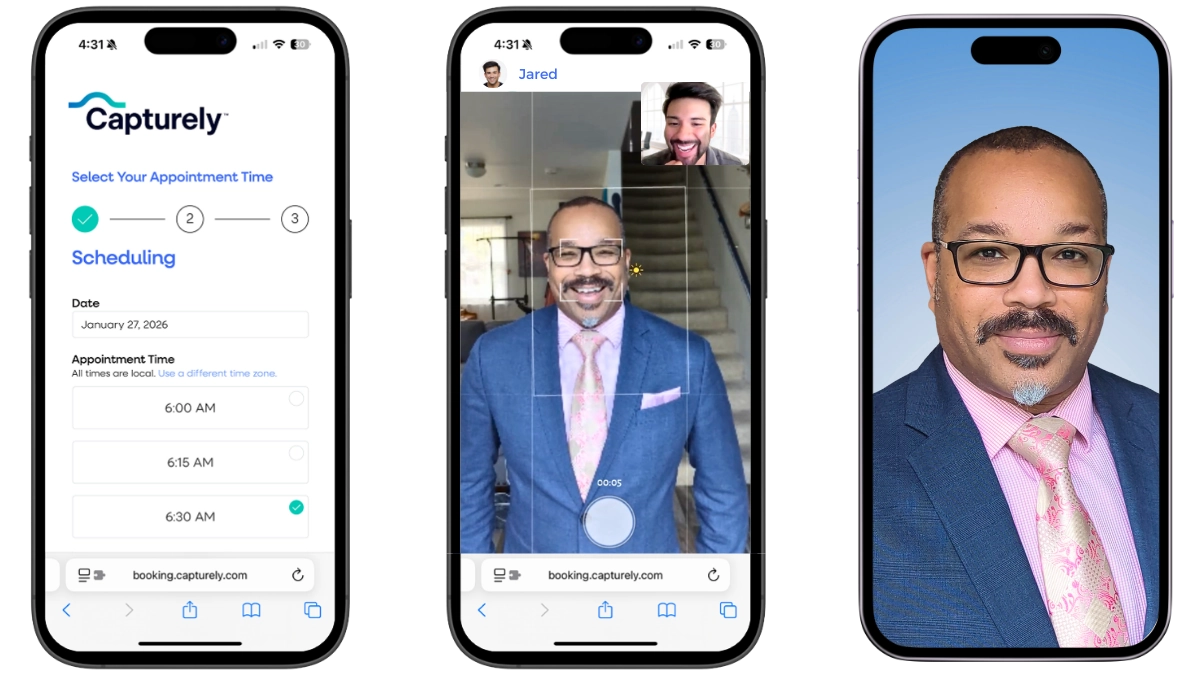
What to expect: A 10-minute virtual session from your phone. A professional photographer connects with you live, directs your pose and expression (like FaceTime), and captures your headshot using your phone’s rear camera. No app download. No travel. No awkward group photo day in the conference room.
What you’ll get: 3 professionally edited headshots delivered within 24 hours. You choose your favorite. Multiple background options are available.
What to wear: Solid colors in navy, charcoal, or jewel tones work best. Dress one level above your daily norm — if you usually wear business casual, add a blazer. Avoid busy patterns and bright white. Full wardrobe guide here.
How to sign up: [Link to scheduling tool]. Pick any 10-minute slot that works for you. The scheduling window is open through [date — 3-4 weeks out].
Questions? Reply to this email or reach out to [coordinator name].
[Executive sponsor name]
Why this email works: It leads with the personal benefit (“you’ll get to keep your photos”), sets clear expectations (10 minutes, phone, no app), removes anxiety (no group photo day), and includes wardrobe guidance so people don’t show up unprepared. Keep it under 150 words — anything longer gets skimmed.
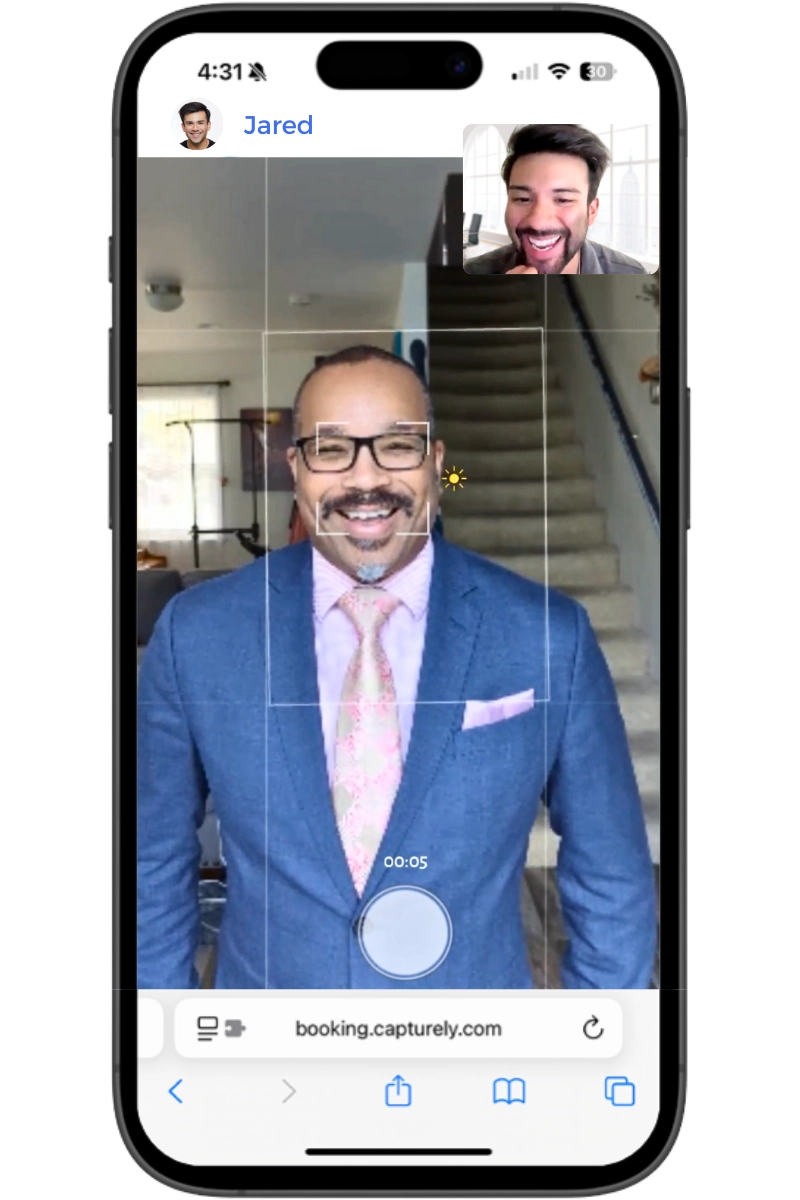
Want a done-for-you rollout? Capturely provides the scheduling links, employee prep materials, and admin dashboard to track completion across your team. 765+ reviews at 4.9 stars. Used by Google, Amazon, McKinsey, and 500+ other companies. See how it works →
How to Handle Camera-Shy and Reluctant Employees
Every headshot program has holdouts. In our experience, about 15-20% of employees will resist — and one particularly memorable HR manager described it this way: “Every time I ask her to come get her photo taken, the day before or the day of she comes up with this lame excuse.”
Camera resistance isn’t laziness. It’s usually one of these:
- Camera anxiety. Some people genuinely dread being photographed. According to Peter Hurley, widely considered the world’s top headshot photographer: “Headshots are 10 percent photography and 90 percent communication” (Pop Photo, 2015). The photographer’s coaching ability matters more than their technical skill for anxious subjects.
- Body image concerns. People worry about how they’ll look. Key reframe: a good headshot shows you on a good day, not a fabricated version of you.
- Privacy and safety. Some employees have legitimate reasons for keeping their image off public platforms — past domestic abuse, stalking concerns, or personal safety considerations.
- Religious beliefs. Some faiths discourage or prohibit photography. The 2023 Groff v. DeJoy Supreme Court ruling raised the bar for religious accommodation, requiring employers to demonstrate “substantial increased cost” — not merely minimal hardship — to deny an accommodation.
What Actually Works
- Frame it as a perk, not a mandate. “Investing in employee portraits signals a deeper message: ‘You belong here. You matter. You’re part of the story we’re telling’” (Greater Rochester Chamber of Commerce, 2025).
- Lead with personal benefit. “You keep these photos for LinkedIn, your personal website, email sig — anywhere you need a professional image. Free.” Self-interest is a more reliable motivator than company policy.
- Use department champions. When employees see their peers sharing great headshots in Slack, FOMO does the heavy lifting.
- Let employees choose their photos. Giving people control over which image gets used removes the fear of being stuck with a photo they hate.
- Offer a redo. “Not happy? We’ll redo it.” This one sentence drops resistance dramatically. Capturely’s happiness guarantee means reshoots are always available — though the 98% satisfaction rate means they’re rarely needed.
- Make it private. Virtual sessions are inherently private — no lineup in the conference room, no coworkers watching. The employee is alone with the photographer. This matters more than most organizers realize.
- Always provide an opt-out for public-facing use. Employees should be able to participate in the headshot program while opting out of having their photo on the company website. This accommodates safety, religious, and privacy concerns without excluding anyone from the benefit.
For more on this topic, see our guide on getting your team to actually take their headshots.
How to Build Employee Headshots Into Your Onboarding Process
A headshot program that only runs once is a project. A headshot program that runs continuously is a system. The difference is onboarding integration.
The average company has 18% employee turnover (CFO.com, 2024). For a 500-person company, that’s 90 new hires per year who need headshots that match everyone else’s. Without a system, you end up right back where you started — mismatched photos, missing faces, “we’ll get to it next quarter.”
The Onboarding Headshot Checklist
- Add headshots to your Week 1 onboarding checklist — alongside IT setup, benefits enrollment, and compliance training. Organizations with strong onboarding improve retention by 82% (Brandon Hall Group). A professional headshot on Day 3 signals that the company invests in its people.
- Use a credits model for ongoing access. Buy session credits in advance and draw from them as new hires join. Credits that are valid for 12 months mean you’re never scrambling to approve a one-off purchase order for a single headshot.
- Enforce the same style guide. New hires photographed six months after the initial rollout should look like they were part of the original batch — same background, same cropping, same retouching level. Your vendor should maintain these settings without you having to re-explain every time.
- Automate the trigger. Your HRIS (Workday, BambooHR, Rippling) can trigger a headshot scheduling email on the new hire’s start date. Build it once, run it forever.
This is where Capturely’s 267% Enterprise Annual NRR comes from. Companies start with a batch for their existing team, then expand usage as they build headshots into onboarding. Jeff Maldonado at AmeriLife put it this way: “We now have standards of formatting, consistent delivery, and everyone’s been on the nose of where we needed to be.”
For a deeper look at how virtual headshots work for distributed and remote teams, see our guide to virtual headshots for remote teams.
How to Measure Employee Headshot Program Success
If you pitched this to leadership as an investment (and you should have), you need to report results. Here are the metrics that matter:
| KPI | What to Measure | Good Benchmark |
|---|---|---|
| Participation rate | % of employees who completed their session | 85%+ within first 4 weeks |
| Time-to-headshot (new hires) | Days from start date to delivered headshot | Under 14 days |
| Website completeness | % of team page entries with current, professional photos | 95%+ |
| LinkedIn adoption | % of employees using their professional headshot on LinkedIn | 70%+ |
| Employee satisfaction | Post-session survey score | 4.5/5 or higher |
| Brand consistency | % of employee photos matching the style guide | 100% (if using one vendor) |
Employee-shared content — including posts with professional headshots — achieves 561% greater reach than the same content shared by brand channels (DSMN8 Employee Advocacy Benchmark Report, 2025). If your employees use their professional headshots when sharing company content on LinkedIn, you’re multiplying your brand’s reach by a factor most marketing budgets can’t buy.
Track these quarterly. Report to leadership annually. The first report writes the business case for the second year’s budget.
Ready to build your headshot program? Capturely handles the vendor side — 10-minute virtual sessions, live photographer direction, 24-hour delivery, admin dashboard for tracking. Teams save up to 45%. $79/session individual, as low as $45/person for teams. Get your instant quote →
Frequently Asked Questions
How much do employee headshots cost?
Employee headshot costs range from $20-$75 per person for AI-generated images, $25-$60 for self-guided virtual services, $45-$79 for live virtual photographer sessions (like Capturely), and $150-$450+ for traditional in-person studios. For a 100-person team, the total investment ranges from $2,000 to $45,000+ depending on method. Virtual options with live direction offer the best balance of quality and cost for distributed teams.
Who pays for employee headshots — the company or the employee?
The company pays in nearly all cases. Employee headshots serve a business purpose — they appear on the company website, directories, and branded materials. Framing headshots as a company-paid perk (“you keep the photos for LinkedIn too”) increases participation because employees see personal value, not just a corporate requirement. Budget typically sits under Marketing, HR, or a shared operations line item.
How often should employee headshots be updated?
Every two to three years for most employees, or sooner after significant appearance changes, promotions, or company rebrands. Client-facing roles and executives may warrant annual updates. Among LinkedIn users who have a profile photo, half haven’t updated theirs in over three years — which means their professional image is actively degrading their credibility without them realizing it.
Can an employer require employees to take headshots?
Generally yes, if the headshot serves a legitimate business purpose (website, directory, ID badge). However, employers must accommodate sincerely held religious beliefs under Title VII of the Civil Rights Act. The 2023 Groff v. DeJoy Supreme Court ruling strengthened religious accommodation requirements. Employees with safety concerns (domestic abuse survivors) should also be accommodated. Best practice: make public-facing photo use optional while offering the session benefit to everyone.
How do you get headshots for remote employees?
Virtual headshot services connect remote employees with a professional photographer through their smartphone. The employee opens a secure link, the photographer connects live via the phone’s rear camera (36-48 megapixels), and directs the session in real time — coaching posture, expression, and lighting. No app download, no travel, no equipment. Sessions take 10 minutes. Photos are retouched and delivered within 24 hours. This is how companies like Google and Amazon handle headshots for distributed teams.
How long does a corporate headshot session take?
Traditional in-person sessions take 15-30 minutes per person, plus travel and wait time. Virtual sessions with a live photographer take about 10 minutes. AI headshot generators require only the time to upload selfies (5-10 minutes) plus processing time (15-90 minutes). For a team of 100, an in-person photo day typically requires a full day with a photographer running 12-18 people per hour. Virtual programs let employees schedule independently over 3-4 weeks.
What should employees wear for headshots?
Solid colors in navy, charcoal, or jewel tones photograph best. Employees should dress one level above their daily norm — business casual becomes blazer-ready. Avoid busy patterns, logos, bright white (washes out under lighting), and noisy jewelry. Iron everything. Layer pieces for variety without full outfit changes. Share a simple wardrobe guide with employees at least one week before their session. For industry-specific advice, see our complete wardrobe guide.
What is the best headshot vendor for large companies?
For distributed teams of 50+, the best vendors offer live photographer direction, consistent quality regardless of employee location, an admin dashboard for tracking, a credits model for ongoing new hires, and enterprise-grade security. Capturely serves companies from 15 to 5,000+ employees and has a 267% Enterprise Annual NRR — meaning companies that start with a pilot typically triple their usage within a year as they see results. For a ranked comparison, see our corporate headshots guide.