LinkedIn profile pictures need a minimum of 400×400 pixels and a maximum of 7,680×4,320 pixels, uploaded as a JPG or PNG under 8MB (LinkedIn Help, 2026). Cover photos, company banners, post images, and video thumbnails each have their own spec, and getting any of them wrong is the fastest way to end up with a blurry, badly cropped, or rejected upload.
Last updated: July 2026
Why Does LinkedIn Photo Size Actually Matter?
The same photo shows up as a roughly 56-pixel circle in a comment thread, a few hundred pixels wide on your profile, and full-width on a company page banner. One file has to hold up across all of it. Upload something too small and LinkedIn stretches it, which is what actually causes the pixelation people blame on “LinkedIn’s compression.” Upload the wrong aspect ratio and LinkedIn’s auto-crop decides what gets cut, not you.
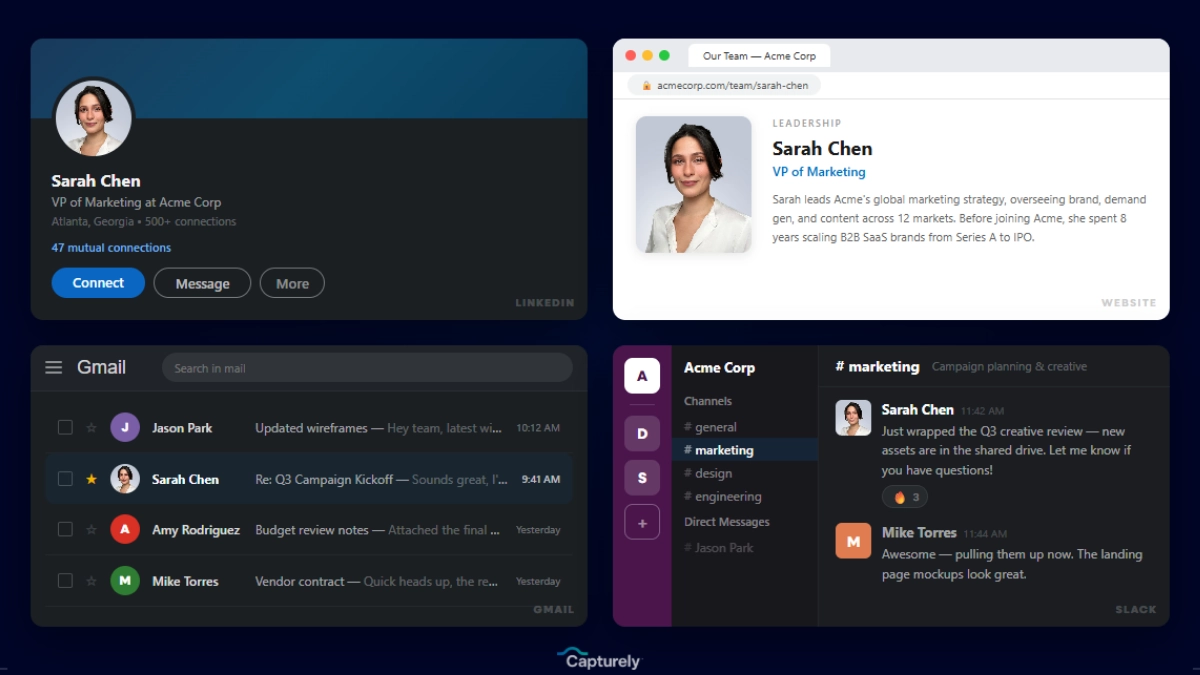
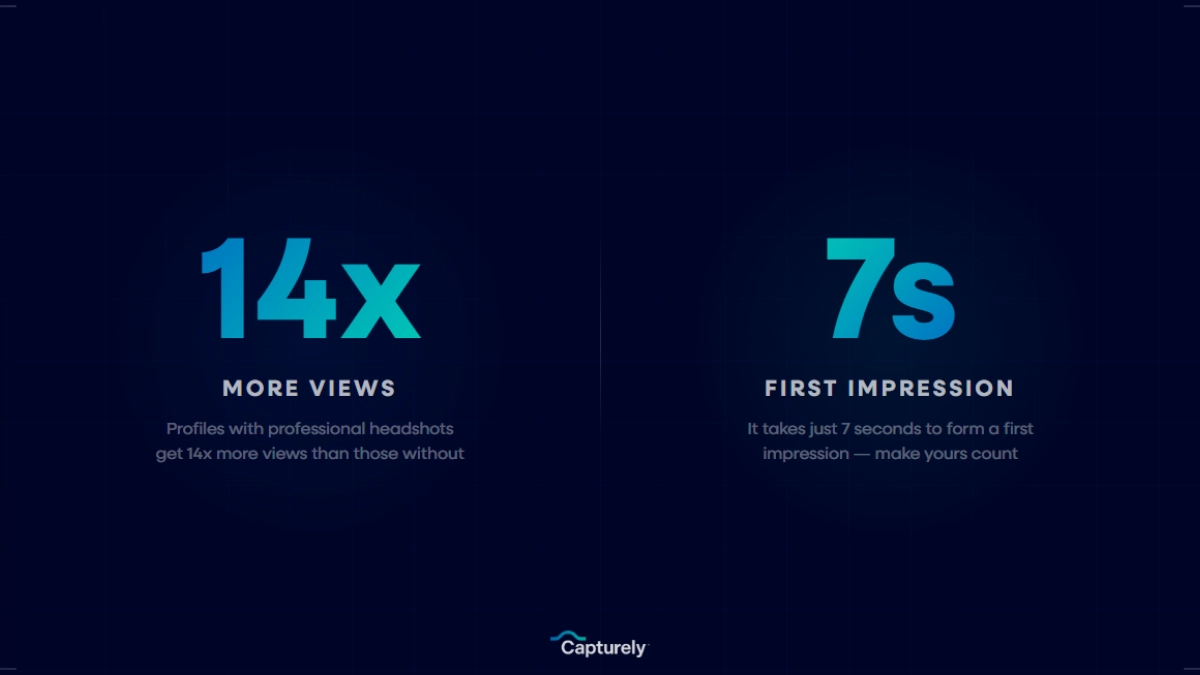
That matters more than it sounds like it should. A profile photo makes a LinkedIn profile 14 times more likely to get viewed and drives 36 times more messages (LinkedIn, 2024). None of that upside shows up if the photo looks soft, cropped wrong, or filled in with LinkedIn’s default gray box because the file had a transparent background.
What Size Should a LinkedIn Profile Picture Be?
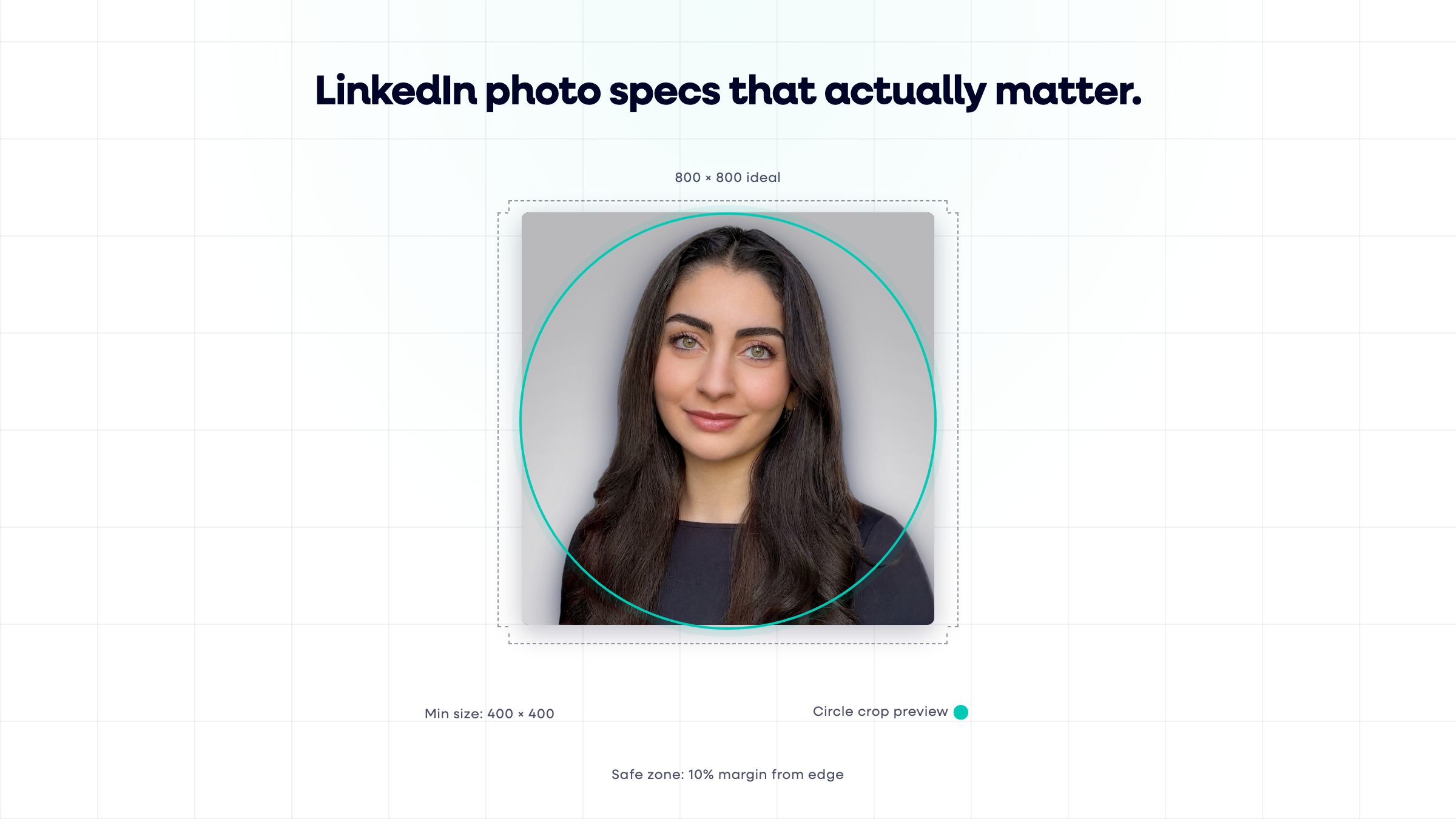
A LinkedIn profile picture should be at least 400×400 pixels, with 800×800 pixels recommended for a sharp result on high-resolution screens. Upload a square (1:1) JPG or PNG under 8MB. LinkedIn accepts up to 7,680×4,320 pixels, but anything beyond roughly 800×800 just adds file size without adding visible sharpness (LinkedIn Help, 2026).
How Much Margin Should You Leave Around Your Face?
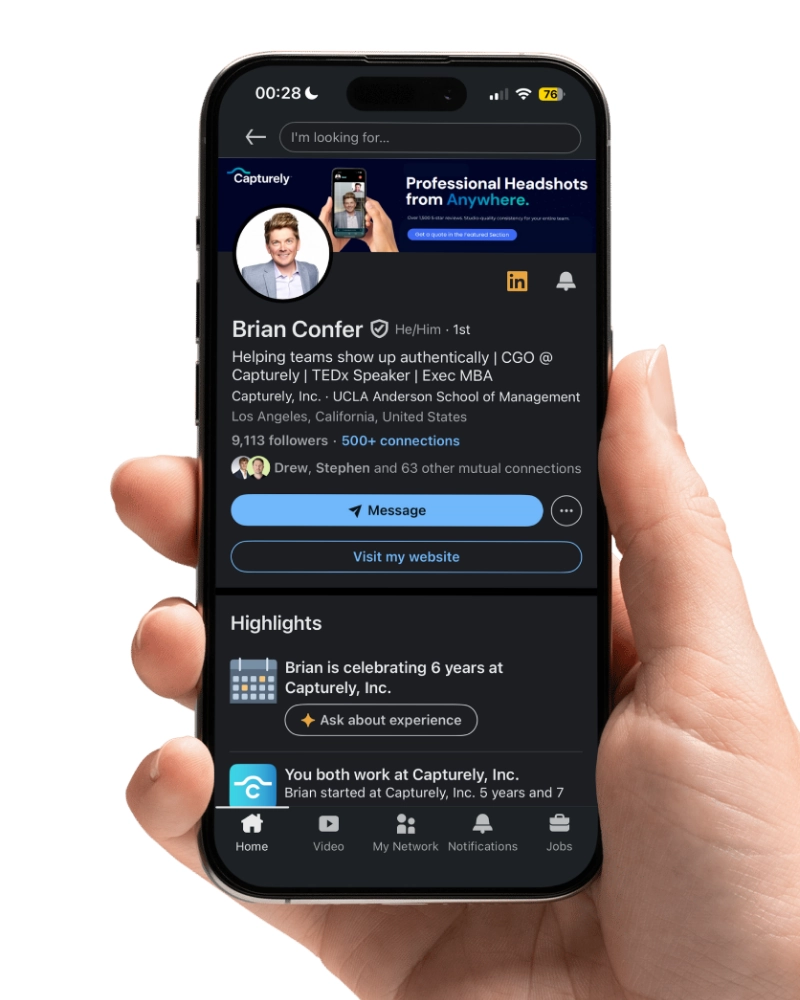
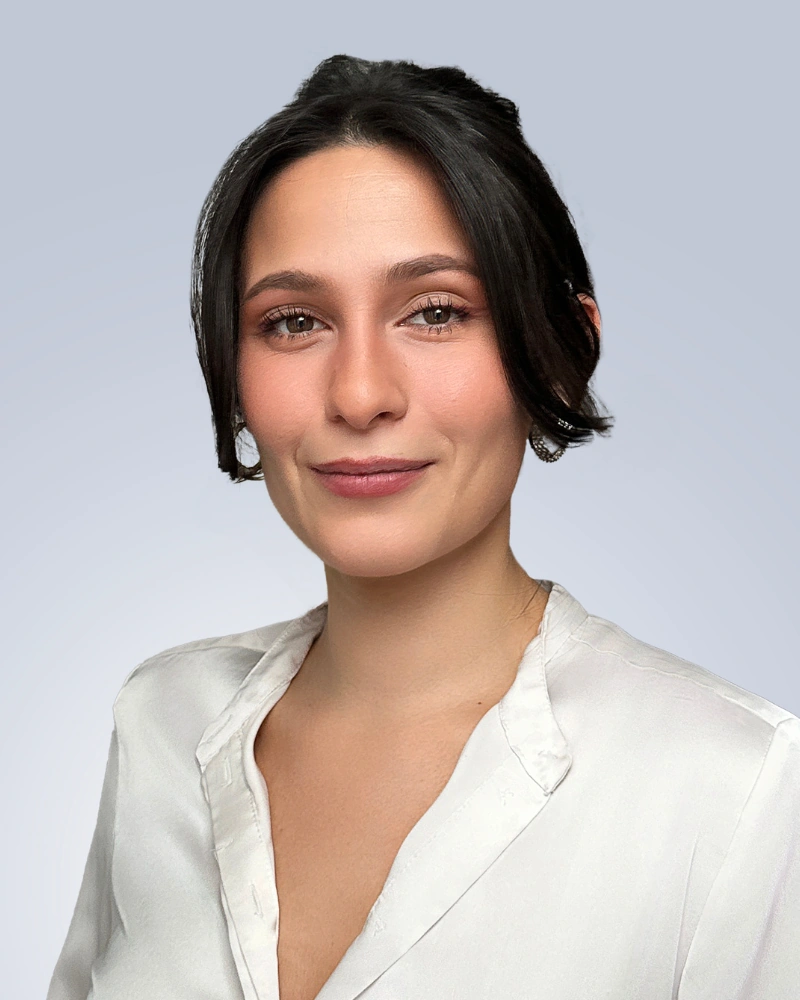
LinkedIn crops every profile picture into a circle, and it centers that circle on your upload rather than letting you choose the crop point precisely. Leave roughly 10% margin around your head and shoulders on every side. A photo shot too tight, with the top of the head or shoulders already touching the frame edge, gets clipped the moment LinkedIn applies the circle mask. In tiny placements like comment threads and search results, that photo shrinks to roughly 56 pixels wide (LinkedIn, 2024), so a face that already fills 60%+ of the frame at full size is what keeps you recognizable at that scale.
What Size Should Your LinkedIn Cover Photo Be?
LinkedIn’s personal profile cover photo should be 1,584×396 pixels, a 4:1 aspect ratio, uploaded as a JPG or PNG under 8MB (LinkedIn Help, 2026). Keep any text, logo, or headshot inside the center 1,260×300 pixel safe zone. LinkedIn’s desktop and mobile layouts crop the edges of a cover photo differently, so anything near the outer edge risks disappearing entirely on one device or the other.
What Are the LinkedIn Company Page Logo and Cover Specs?
A LinkedIn company page logo should be 400×400 pixels (268×268 minimum), and the company cover image should be 4,200×700 pixels. Both accept PNG or JPEG files up to 3MB (LinkedIn Help, 2026). LinkedIn displays the logo on both light and dark backgrounds, so avoid a logo file that only reads clearly on white, and the cover image renders at roughly 1,128×191 pixels on the page even though the upload is much larger.

Companies running a coordinated headshot program tend to get this right by default, every employee’s photo shares the same background and crop, so the team looks consistent everywhere it appears, not just on the company page. Companies handling photos one employee at a time are the ones who end up with a mismatched logo, a stretched banner, and ten different headshot styles on the same “Our Team” section.
What Size Should LinkedIn Post Images Be?
A single LinkedIn feed image works best at 1,200×627 pixels (1.91:1 landscape), though square (1,200×1,200) and vertical (1,200×1,500) images both display natively without cropping (Sendible, 2026). Vertical images take up more room in the feed on mobile, which is where most LinkedIn traffic happens, so a portrait crop generally outperforms a landscape one for engagement.
What’s the Right Size for LinkedIn Video and Video Thumbnails?
Native LinkedIn video performs best at 1,920×1,080 pixels (16:9 landscape), and a custom thumbnail should match that same 1,920×1,080 dimension so it doesn’t get letterboxed or stretched (Sendible, 2026). Square (1:1) and vertical (4:5 or 9:16) video both work on LinkedIn as well and tend to hold more of the screen on mobile, but 16:9 remains the safest default for anything repurposed from other platforms.
What Are LinkedIn Document Post and Carousel Specs?
LinkedIn document posts (PDF carousels) render at 1,080 pixels wide and accept files up to 100MB and 300 pages. For the individual slides, build at 1,080×1,080 pixels for a square carousel or 1,080×1,350 for a portrait one, then export the whole deck as a single PDF (Postiv AI, 2026). A strong cover slide matters here more than almost any other spec on this page, since it’s the only slide guaranteed to show up in the feed before someone taps to swipe through.
What Size Should a LinkedIn Event Banner Be?
A LinkedIn Event banner needs a 16:9 aspect ratio with a minimum width of 480 pixels, and LinkedIn recommends 1,280×720 pixels for a sharp result (LinkedIn Help, 2026). Event banners get uploaded from your device only, cloud-storage links aren’t supported, and alt text should be added for accessibility once the image is live.
LinkedIn Image Size Cheat Sheet
Here’s every LinkedIn image spec in one place, so you’re not hunting across eight different help pages the next time you need one.
| Image Type | Recommended Size | Aspect Ratio | Max File Size | Format |
|---|---|---|---|---|
| Profile picture | 800×800 px (400×400 min) | 1:1 | 8MB | JPG, PNG |
| Personal cover photo | 1,584×396 px | 4:1 | 8MB | JPG, PNG |
| Company page logo | 400×400 px (268×268 min) | 1:1 | 3MB | PNG, JPEG |
| Company page cover | 4,200×700 px | 6:1 | 3MB | PNG, JPEG |
| Feed post image | 1,200×627 px | 1.91:1 | 5MB | JPG, PNG |
| Native video / thumbnail | 1,920×1,080 px | 16:9 | 5GB (video) | MP4 |
| Document post (carousel) | 1,080×1,080 or 1,080×1,350 px | 1:1 or 4:5 | 100MB | |
| Event banner | 1,280×720 px (480 px min width) | 16:9 | 8MB | JPG, PNG |
Getting the pixels right is step one. Capturely delivers every headshot pre-sized and export-ready for LinkedIn, so no one on your team is guessing at crop ratios or fighting a blurry upload. See how it works →
What Are the Most Common LinkedIn Photo Size Mistakes?
Three mistakes cause almost every sizing complaint on LinkedIn. Each one is easy to fix once you know what’s actually happening.
- Uploading too small. A 200×200 pixel photo gets stretched to fill the profile picture’s display size, which is what pixelates on retina and high-DPI screens. There’s no sharpening LinkedIn can apply after the fact, the file simply doesn’t have enough pixels to begin with.
- Uploading the wrong aspect ratio. A wide landscape photo forced into a square profile slot, or a square photo forced into a 4:1 cover banner, gets center-cropped automatically. LinkedIn keeps the middle and cuts the sides (or top and bottom), which is why faces and logos near the edge of a source image often disappear entirely after upload.
- Uploading a PNG with a transparent background. LinkedIn doesn’t preserve transparency. It fills the empty area with a flat gray box, which looks like a rendering bug but is actually expected behavior. Flatten any transparent PNG onto a solid background color before uploading.
Once You Have the Dimensions Right, Does the Photo Itself Matter More?
Yes. A correctly sized photo of someone squinting into their phone camera in bad light still looks like a correctly sized bad photo. Getting the pixels right removes one variable, not all of them, the lighting, pose, background, and expression underneath those pixels are what actually determine whether the photo works.
According to Nick Lombardino at CultureCon, describing what stood out about a Capturely session, “the resolution, the technology, the quick turnaround times, the convenience, that’s incredible,” though he adds that the live photographer guiding the session is what actually makes the difference in the final result, not just the export settings.
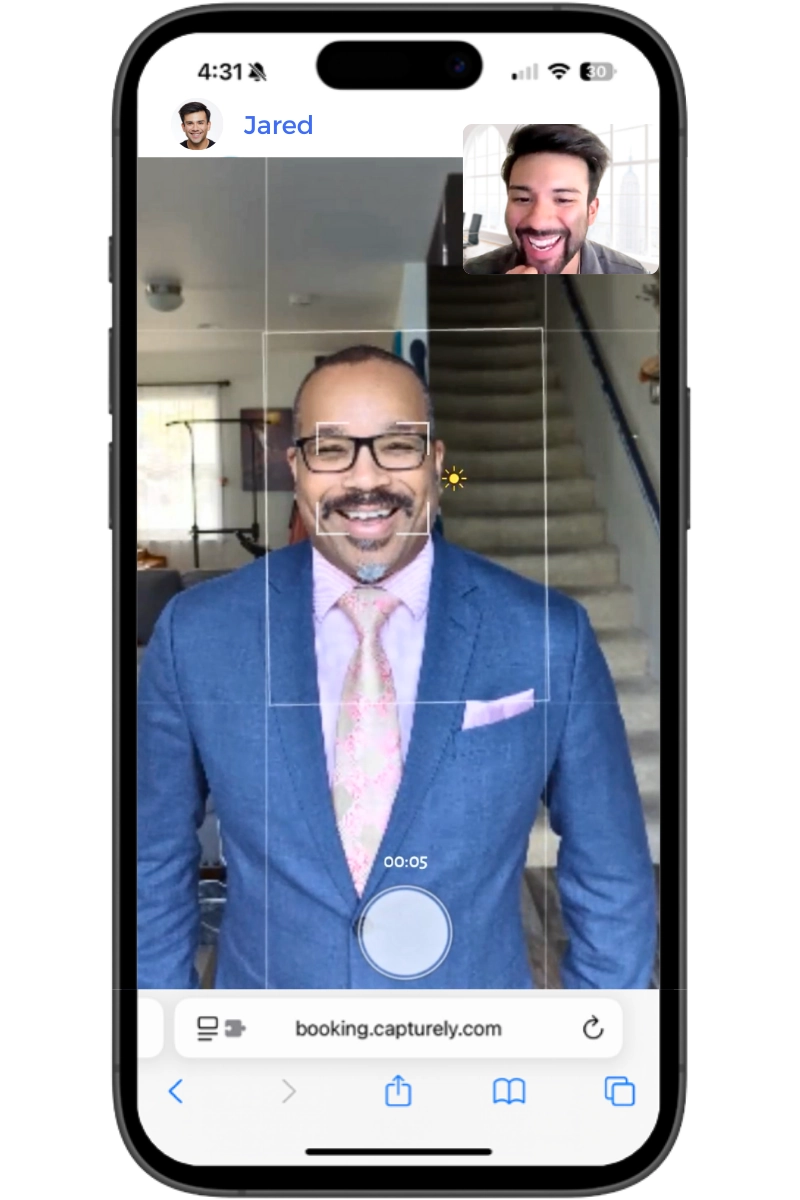
Capturely’s live photographers direct each session to the correct crop and framing in real time, then export every image pre-sized for LinkedIn, so there’s no separate resizing step after delivery. For what makes a photo itself perform well once the specs are handled, see our guides on the LinkedIn profile picture, professional photo for LinkedIn, and 9 traits of a high-performing LinkedIn photo.
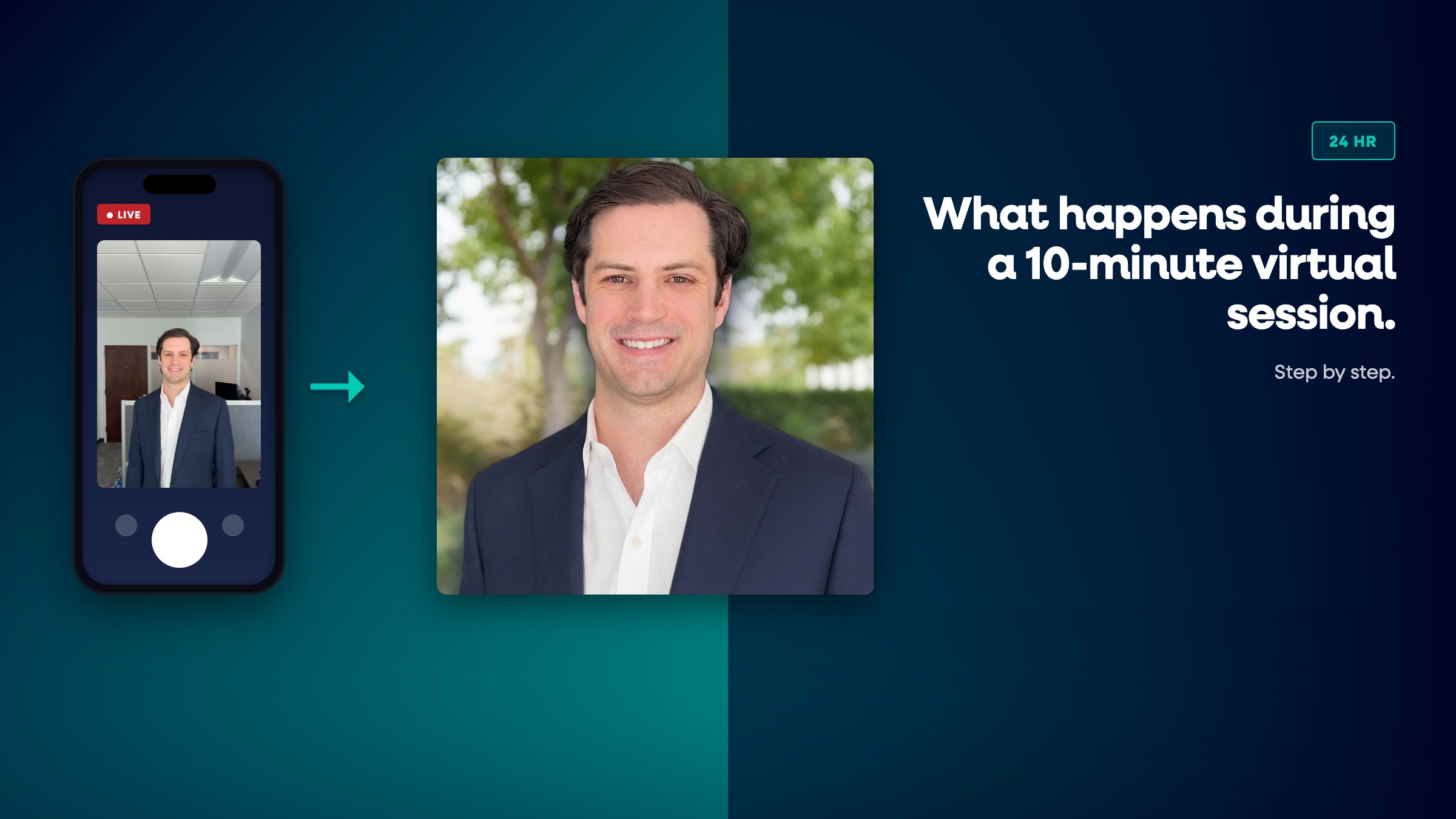
Want every employee’s LinkedIn photo sized and styled the same way? Capturely runs one live-directed virtual session per person, delivers 3 edited images in 24 hours, and teams save up to 45% versus booking individually. Get a team quote →
Frequently Asked Questions
What is the ideal LinkedIn profile picture size?
The ideal LinkedIn profile picture size is 800×800 pixels, well above the 400×400 pixel minimum. Upload a square JPG or PNG under 8MB. LinkedIn crops it into a circle for display, so leave about 10% margin around your head and shoulders.
Why is my LinkedIn photo blurry after uploading?
A blurry LinkedIn photo almost always means the source file was too small and got stretched to fit the display size. Re-upload a version that’s at least 800×800 pixels for a profile picture or 1,584×396 for a cover photo.
What size should a LinkedIn banner or cover photo be?
A personal LinkedIn cover photo should be 1,584×396 pixels (4:1 ratio). A company page cover image should be 4,200×700 pixels. Keep both under 8MB and 3MB respectively, and keep important content centered.
Does LinkedIn crop profile pictures into a circle?
Yes. LinkedIn displays every profile picture as a circle, cropped from the center of your uploaded square image. Leaving margin around the edges of the photo prevents the circle crop from cutting off part of your face or shoulders.
What happens if I upload a PNG with a transparent background to LinkedIn?
LinkedIn does not preserve transparency. It fills any transparent area with a solid gray box instead. Flatten transparent PNGs onto a solid background color before uploading to avoid this.
What size should a LinkedIn company logo be?
A LinkedIn company page logo should be 400×400 pixels, with 268×268 as the minimum LinkedIn accepts. Use a PNG or JPEG under 3MB, and design it to read clearly on both light and dark backgrounds since LinkedIn displays it on both.
What’s the best LinkedIn video thumbnail size?
The best LinkedIn video thumbnail size is 1,920×1,080 pixels (16:9), matching LinkedIn’s recommended native video dimensions. A mismatched thumbnail ratio gets letterboxed or stretched when it displays in the feed.
For the specs covered here plus general web use, our guide on the best headshot pixel size for a website and what size a resume headshot should be cover the two other places these dimension questions come up most. And if you’re still deciding what the photo itself should look like before you worry about pixels, start with what makes the best LinkedIn headshot overall.