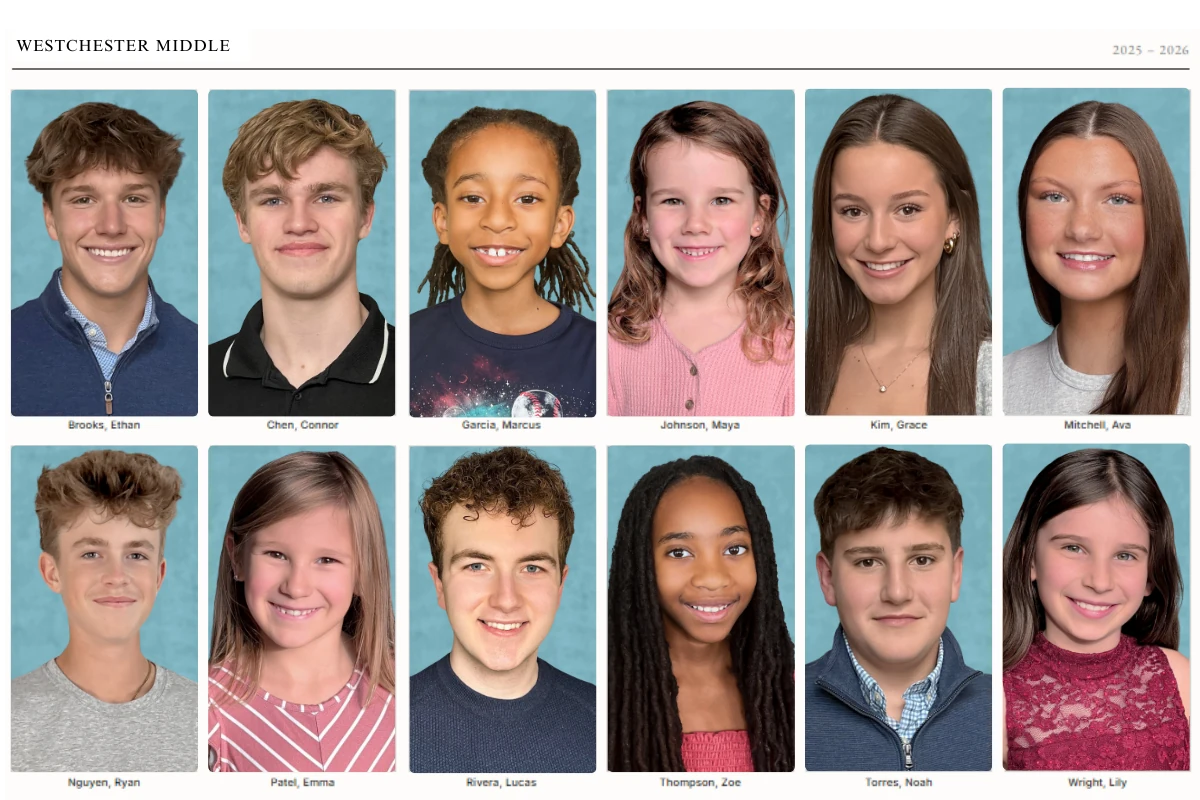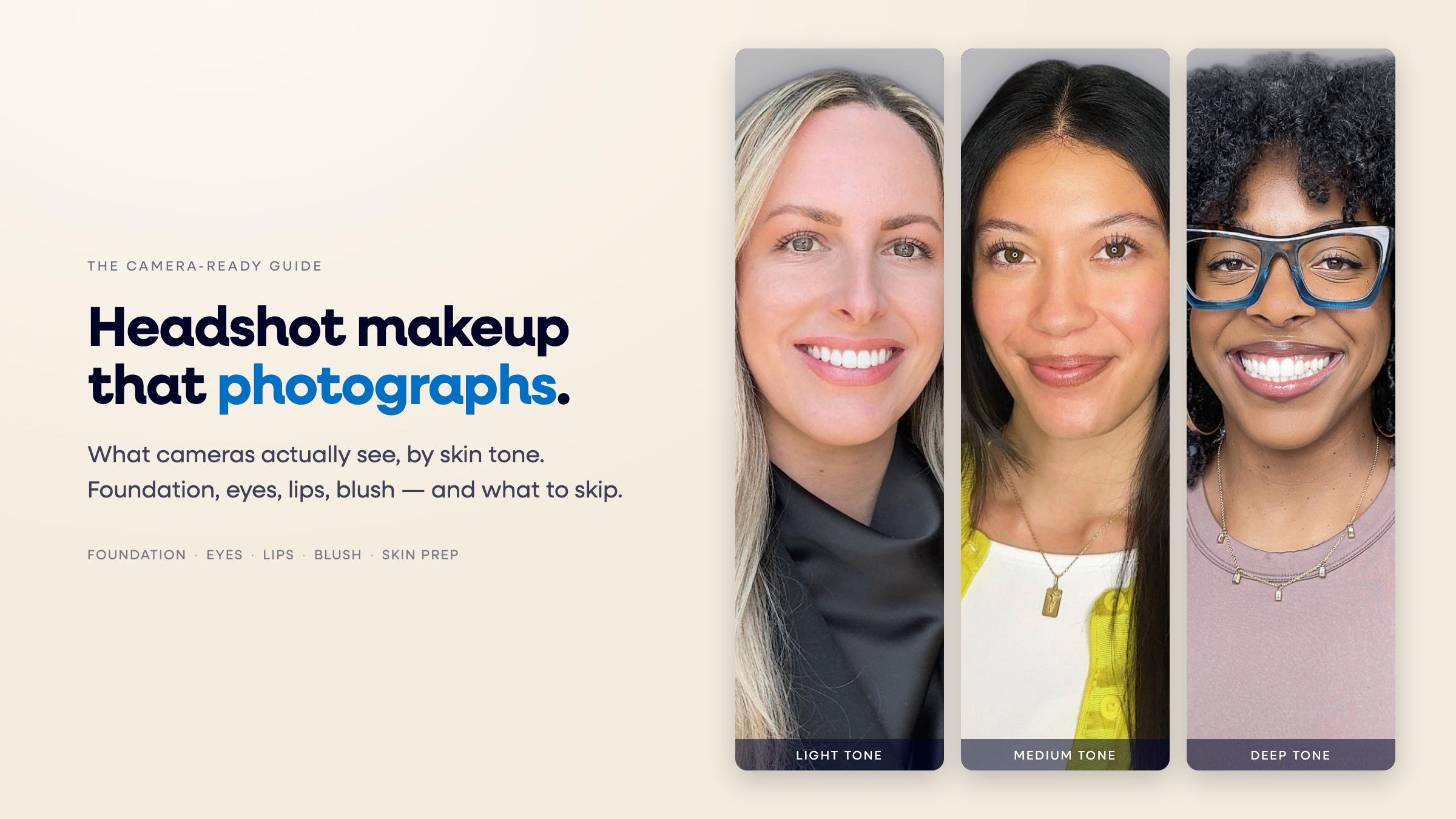
The best LinkedIn photo shows direct eye contact, a genuine smile, a face that fills about 60% of the frame, and a background that contrasts with your wardrobe, all captured within the last 24 months. We pulled up 500 high-performing LinkedIn profiles across HR, finance, tech, and healthcare to find the pattern, and nine traits showed up again and again.
Last updated: July 2026
Why Does Your LinkedIn Photo Matter This Much?
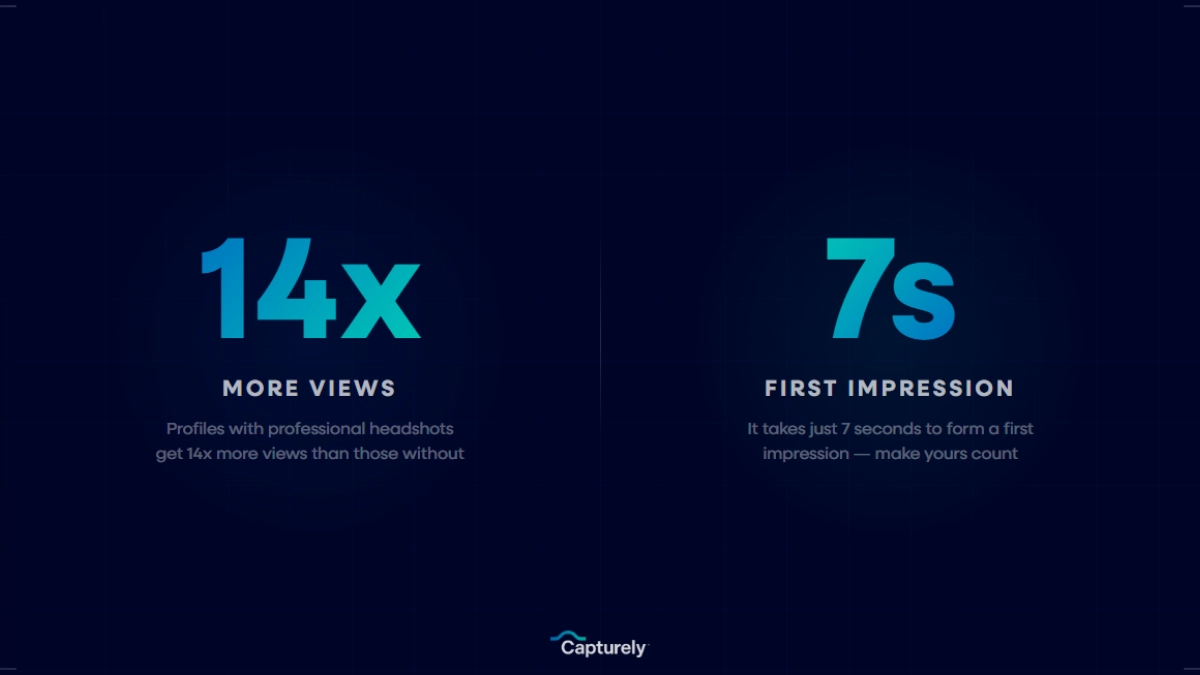
A picture makes a LinkedIn profile 14 times more likely to be viewed (LinkedIn, 2024). Add a professional one and the gap widens further, profiles with a strong photo also draw significantly more messages from recruiters and connections (LinkedIn, 2018). Your photo is the first thing anyone sees before they read a word of your headline.
So we went looking for what separates a photo that gets clicked from one that gets scrolled past. Rather than repeat the generic advice (“look approachable,” “smile nicely”), we reviewed 500 profiles belonging to people with large, engaged followings across four industries and lined up the photos side by side. The high performers weren’t lucky. They shared nine specific, repeatable traits.
None of these profiles were random. Every one belonged to someone with a meaningful following in HR, finance, tech, or healthcare, the kind of person whose photo gets seen thousands of times over the life of a post or a search result. That volume is exactly why small photo decisions compound into a real difference in how a profile performs.
The 9 Traits High-Performing LinkedIn Photos Share
Each trait below includes the visual rule to follow and what it looks like when someone gets it wrong.
1. Direct Eye Contact With the Camera

Every high-performing profile in our review looked straight into the lens. Not down at a phone screen mid-selfie, not off to the side at someone standing next to the photographer. Direct eye contact reads as confidence and signals that the subject was actually paying attention to the photo being taken, not multitasking through it.
The bad version is easy to spot: eyes cropped mid-blink, gaze drifting toward a screen, or a downward selfie angle that makes the subject look like they’re avoiding the room. If you can see more of the whites above the iris than below it, the angle is off.
2. A Genuine Smile, Not a Forced One

PhotoFeeler’s analysis of 60,000+ photo ratings found that smiling with visible teeth produced the single largest positive shift of any variable they tested, a +1.35 boost to likability on their rating scale (PhotoFeeler, 2023). Genuine smiles also create the small creases around the eyes that photographers call a Duchenne smile. Forced ones don’t.
According to Roger Dooley, a behavioral marketing author and Forbes contributor who covers the psychology of first impressions, smiling in a professional photo creates what Journal of Consumer Research author Shunyuan Zhang calls a “halo effect” that improves perceptions of both warmth and competence (Forbes, 2025). A stiff, closed-mouth smile doesn’t produce the same effect. Neither does a smile held so long the muscles start to strain, which is the most common failure mode in DIY photos taken alone in front of a phone.
3. Shoulders Angled About 30 Degrees From the Camera

Squaring your shoulders straight at the camera reads as confrontational. A slight turn, roughly 30 degrees off center, with the face turned back toward the lens creates a more natural, dynamic pose. It’s the same principle photographers have used for portrait sessions for decades, and it shows up consistently in the highest-performing photos we reviewed.
The tell for a photo that skipped this step: a flat, straight-on stance that looks more like a mugshot than a professional portrait, often paired with arms held stiffly at the sides. It’s a small adjustment, but it’s the difference between a photo that looks staged and one that looks like a natural moment a photographer happened to capture.
4. Background Contrast That Lifts the Subject
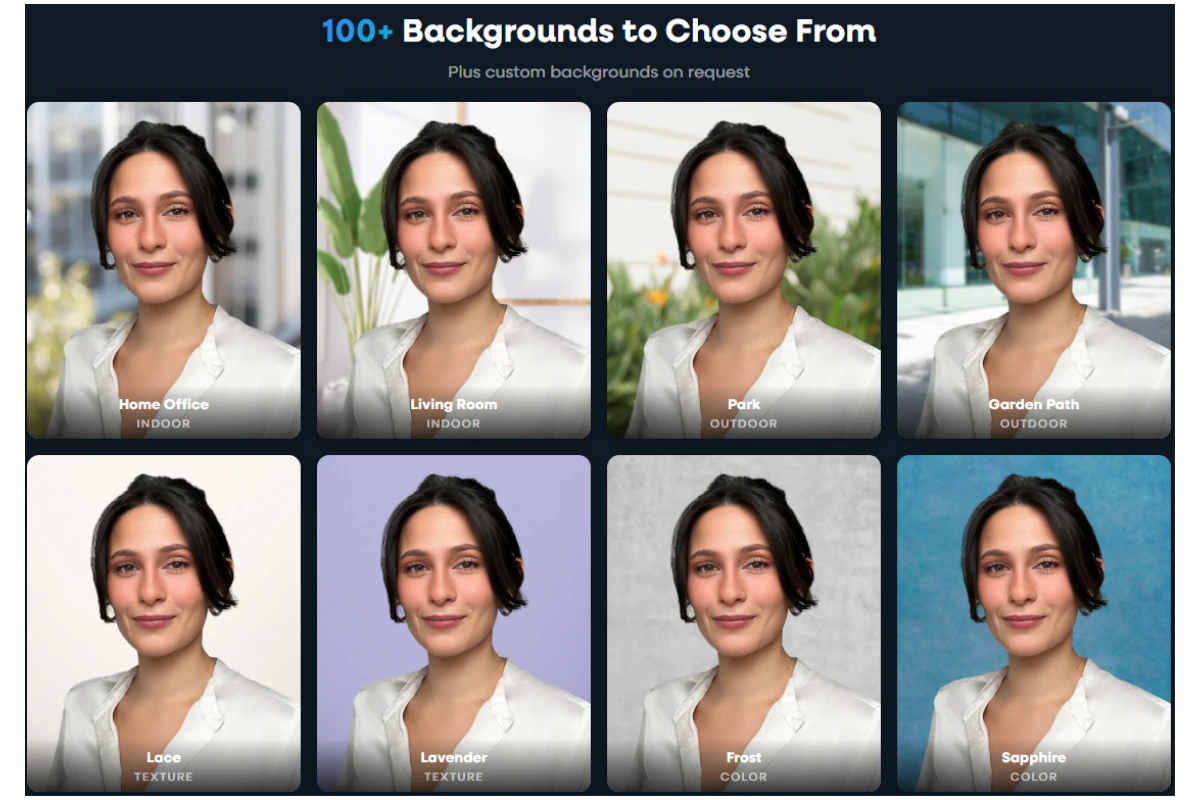
A background that’s too close in tone to your skin or your clothing flattens the whole image. The photos that stood out used a background with enough separation, tonally and in brightness, to make the subject pop forward instead of blending in. Solid neutrals (gray, navy, soft blue) and clean office or studio settings did this consistently. Busy backgrounds, like a cluttered kitchen or a crowded coffee shop, worked against every subject we saw, regardless of contrast, by adding visual noise the eye has to sort through before it even reaches the face.
Capturely offers 98+ background options for exactly this reason, including custom branded backgrounds for organizations that want every employee’s photo to carry the same contrast and color story.
5. A Face That Fills About 60% of the Frame

LinkedIn displays your photo as a small circle, roughly 56 pixels in search results and comments. A face that’s too small in the source image becomes an unrecognizable blur at that size. LinkedIn’s own guidance recommends the face fill at least 60% of the frame (LinkedIn, 2024), and every high-performing photo we reviewed matched or exceeded that ratio.
Full-body shots, waist-up crops, and environmental portraits where the subject is a small figure in a larger scene all fail this test. They might work on a personal website. On LinkedIn, they disappear.
6. A Photo That Matches How the Person Actually Looks Today
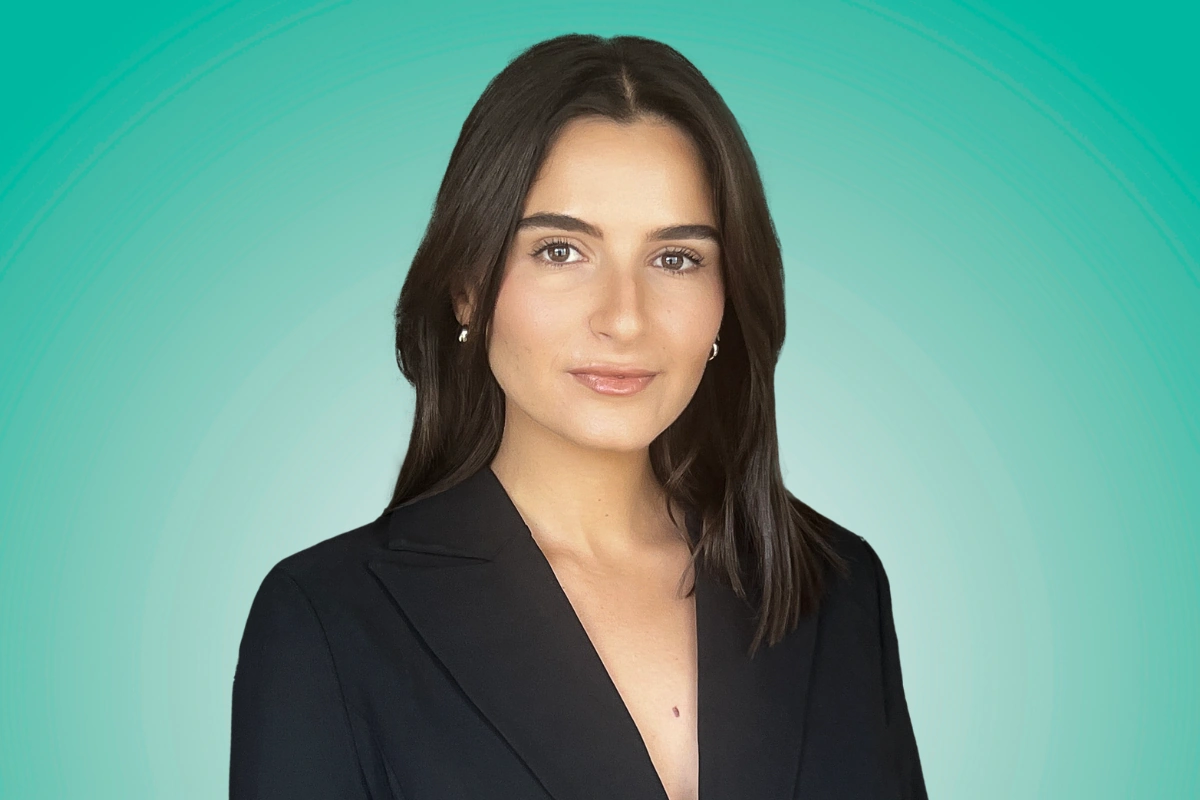
This one sounds obvious until you notice how often it’s violated. A photo from a different decade, a different hairstyle, or 20 pounds ago creates a small but real trust gap the moment someone meets that person on a video call. High-performing profiles use a photo that looks like the person would look if they walked into the room right now, current haircut, current glasses, current facial hair or lack of it.
7. Wardrobe One Level Above the Daily Norm
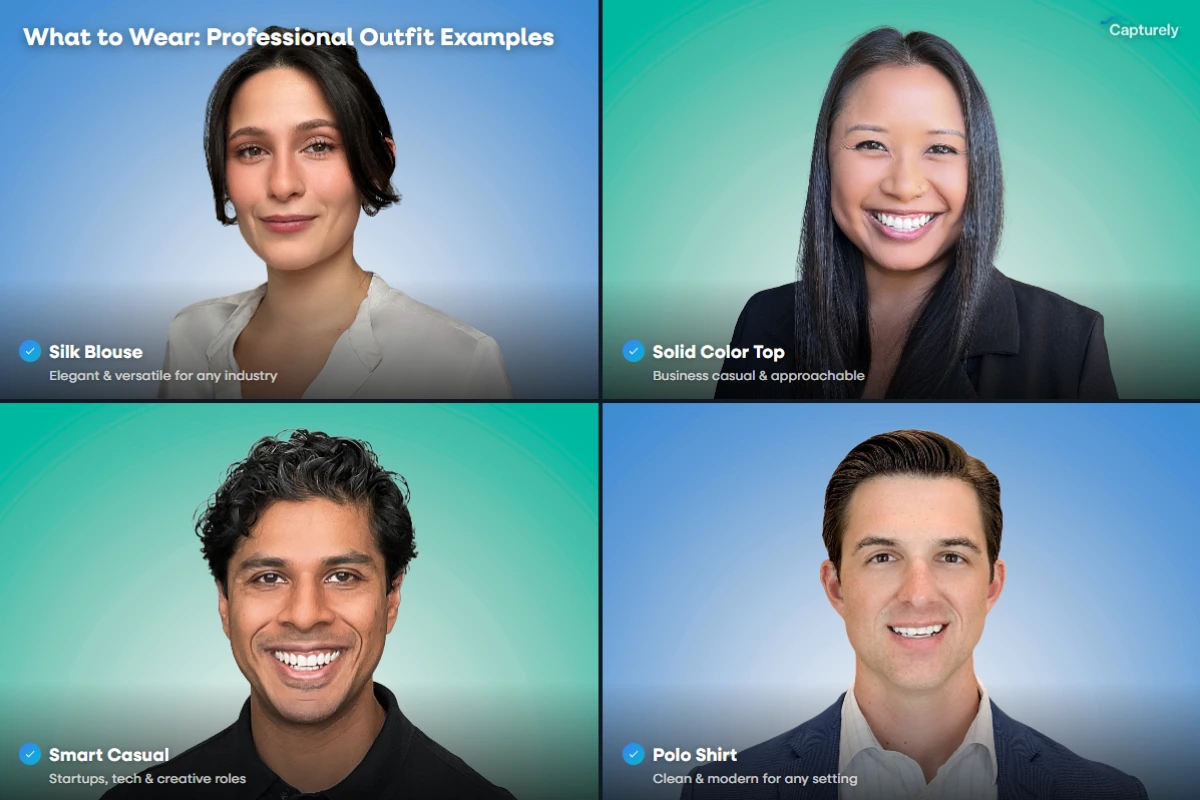
Nobody in the high-performing set was wearing a hoodie, and almost nobody was wearing a full suit and tie either, unless their role genuinely called for it. The sweet spot was one notch dressier than what that person would wear to a normal day at the office: a blazer over a t-shirt for a startup founder, a button-down for someone in professional services, a blouse or structured top rather than a plain crewneck. PhotoFeeler’s data backs this up directly, formal dress added a +0.94 boost to perceived competence, the second-largest shift they measured (PhotoFeeler, 2023).
8. Treatment That’s Consistent With the Company Team Page

This one showed up almost exclusively among people whose employer had run a coordinated headshot program. Same background, same lighting, same crop, same retouching style as their LinkedIn photo, their company bio page, and their email signature. It signals that the person (and the company behind them) takes visual consistency seriously, and it’s the single hardest trait to pull off without some kind of coordinated session, since it requires more than one photo to line up.
Companies that run a single headshot program across the whole team solve this automatically. Everyone books through the same system, gets the same background options, and comes out the other end with a photo that looks like it belongs on the same team page, whether that person works in the Indianapolis office or logs in from three time zones away.
9. Updated Within the Last 24 Months
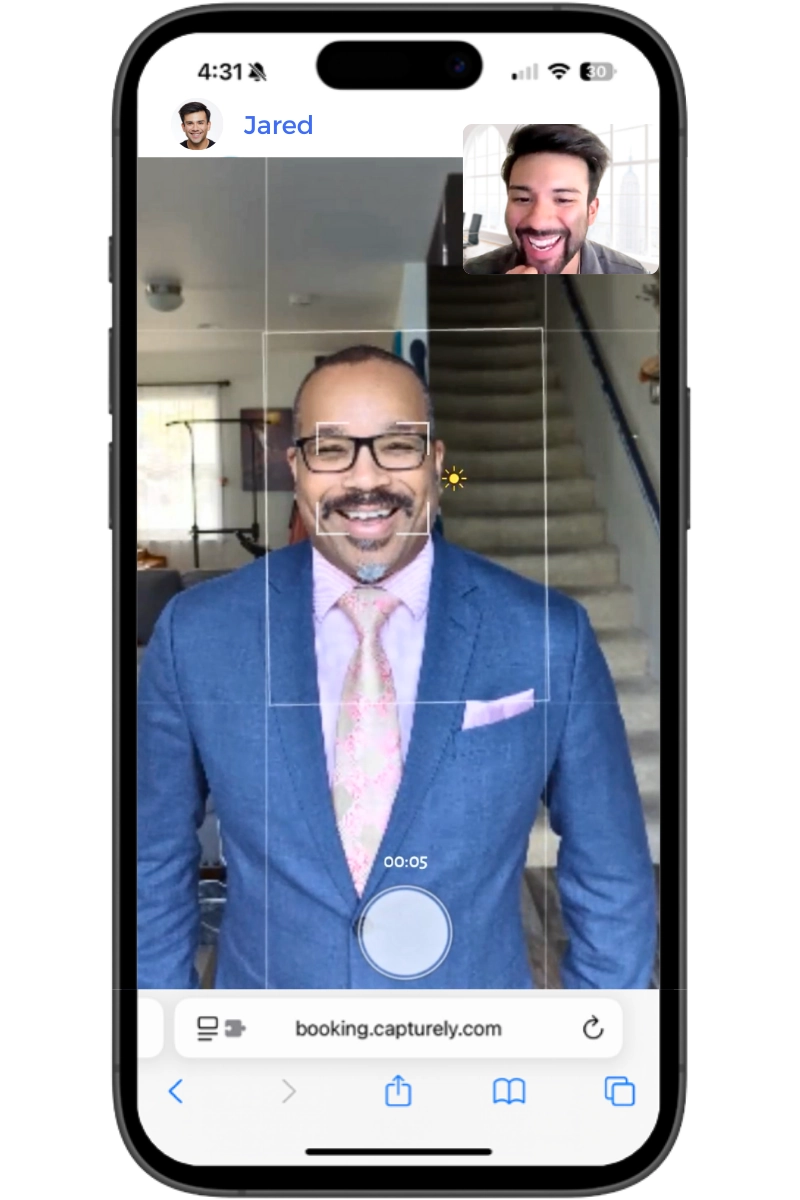
Photo freshness turned out to be rarer than expected. One study of 1,040 LinkedIn users found that just over half keep the same profile photo for three years or longer, and only 7% update it within a year of taking it (Passport-Photo.Online, 2025). The high-performing profiles we reviewed skewed heavily toward the other end of that curve, current, recent, and clearly re-shot rather than dug up from an old event.
Refreshing a photo shouldn’t require a studio trip. Capturely’s live photographers direct a 10-minute virtual session from your phone, then deliver 3 fully edited images within 24 hours. Teams save up to 45% versus booking sessions individually. See pricing and book a session →
How Do AI-Generated LinkedIn Photos Compare to Real Ones?
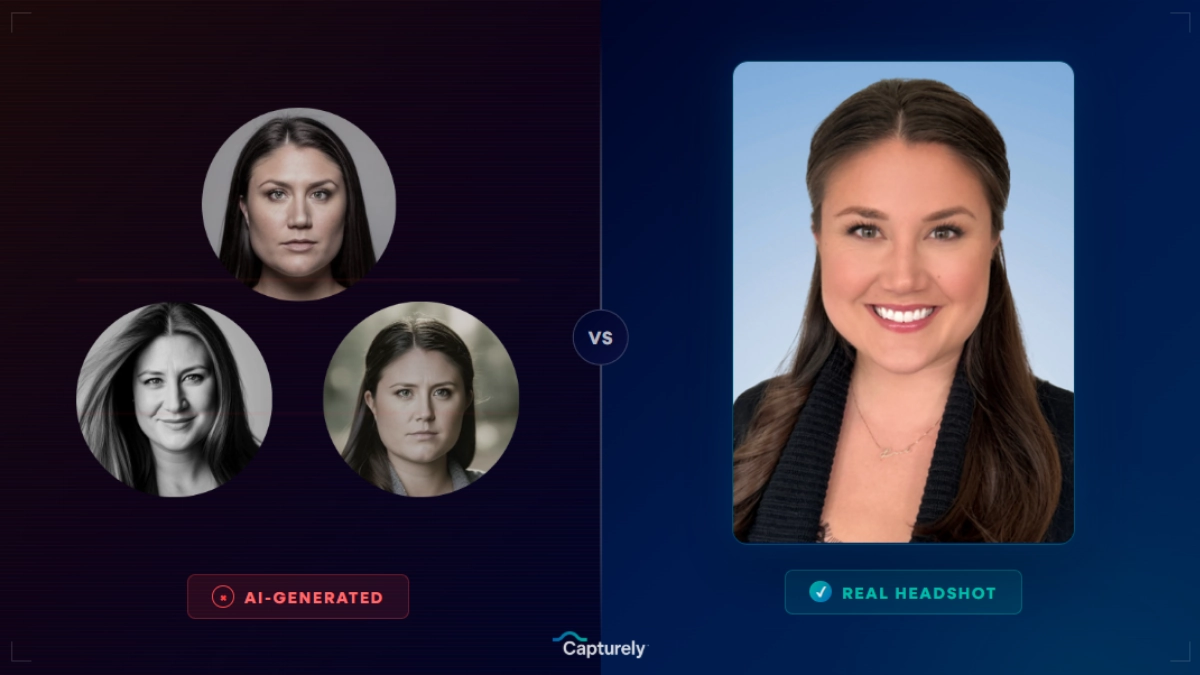
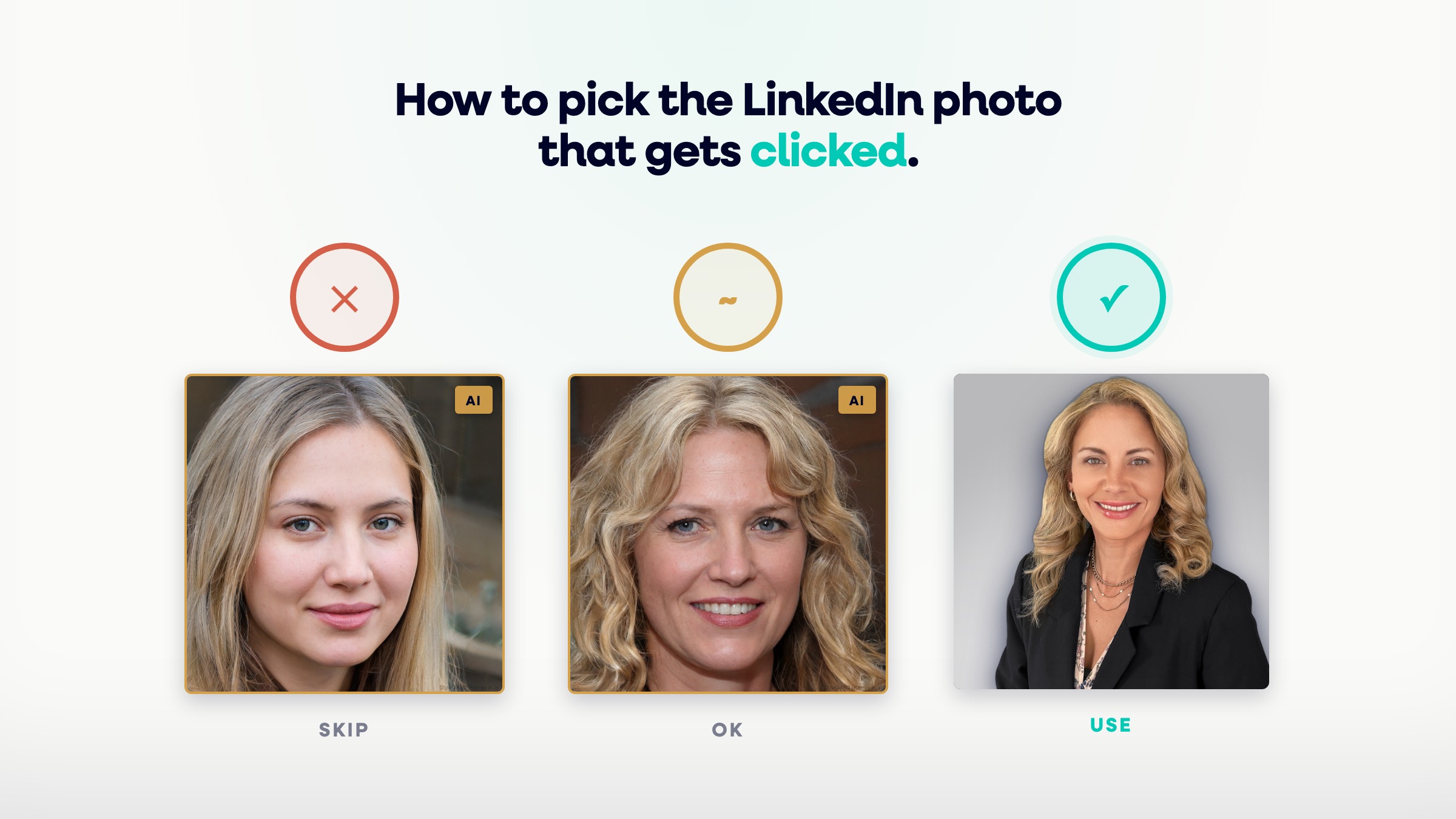
AI headshot generators can produce a passable photo in minutes, but none of the nine traits above are guaranteed, and several are actively at risk. The table below shows where the two approaches typically land.
| Trait | AI-Generated Photo | Real Photo (Live-Directed) |
|---|---|---|
| Eye contact | Often slightly off or averaged from training data | Directed live by a photographer, checked in real time |
| Genuine smile | Can look uncannily smooth or asymmetric | Coached through conversation, not a “say cheese” pose |
| Matches current appearance | Generated from old uploaded photos, drifts from reality | Captured today, on today’s face |
| Background contrast | Generated backgrounds can clash or look artificial | 98+ real background options, chosen for contrast |
| Consistency with team page | Each employee’s AI tool run produces a different style | Same photographer, same session standards, company-wide |
This is part of why some companies are pulling back from AI headshots for anything client-facing or public-facing, they can look impressive in isolation but inconsistent at team scale, and a few high-profile enterprise policies now restrict AI-generated headshots outright. A real photo, directed by a real photographer, doesn’t carry that risk.
The gap tends to show up fastest on a company’s LinkedIn page rather than any single profile. One employee’s AI-generated photo might look fine on its own. Line up ten of them next to each other and the differences in lighting, background rendering, and facial proportion become obvious in a way that undermines the exact brand consistency most companies are trying to project.
Frequently Asked Questions
What kind of picture is best for LinkedIn?
The best LinkedIn picture is a head-and-shoulders photo with direct eye contact, a genuine smile, a face filling about 60% of the frame, and a background that contrasts with your wardrobe. It should look like you today, not a photo from several years ago.
How often should you update your LinkedIn photo?
Update your LinkedIn photo every 12 to 24 months, or immediately after any major appearance change like a new haircut or glasses. Most people wait far longer than that: over half of LinkedIn users keep the same photo for three years or more (Passport-Photo.Online, 2025).
What should you avoid wearing in a LinkedIn photo?
Avoid hoodies, graphic t-shirts, and anything you’d wear on a lazy weekend. Aim for one notch dressier than your daily office outfit, a blazer, a button-down, or a structured top, rather than full formalwear unless your role specifically calls for it.
Should you smile with teeth in a LinkedIn photo?
Yes. Smiling with visible teeth produced the largest single boost to likability in PhotoFeeler’s analysis of 60,000+ photo ratings (PhotoFeeler, 2023). The key is a genuine, relaxed smile rather than one held too long or forced for the camera.
Is an AI-generated headshot good enough for LinkedIn?
An AI-generated headshot can look polished in isolation, but it can’t guarantee live-directed eye contact, a natural smile, or a photo that matches your current appearance. It also can’t produce consistent results across an entire team the way one photographer and session standard can.
What’s the ideal LinkedIn photo size?
LinkedIn’s minimum upload is 400×400 pixels, but 800×800 pixels or larger in a square (1:1) crop gives the sharpest result after LinkedIn’s compression. For a deeper breakdown of exact specs, see our LinkedIn photo size guide.
Should your LinkedIn photo match your company’s team page?
Yes, when possible. Consistent background, lighting, and retouching style across LinkedIn, your company bio, and your email signature signals visual coordination, and it was one of the clearest traits shared by the high-performing profiles we reviewed. This usually requires a single coordinated photo session rather than everyone shooting their own.
Want every employee’s LinkedIn photo to share these traits automatically? Capturely has directed over 100,000 headshots for distributed teams at companies like Google, Netflix, and McKinsey, each one live-coached, professionally retouched, and delivered in 24 hours. Get a team quote →
For the full picture on LinkedIn photo strategy, start with our LinkedIn profile picture guide, then check how to get a professional photo for LinkedIn and what makes the best LinkedIn headshot overall. If you want the psychology behind why any of this works, our piece on the science of first impressions covers the research in depth, and our LinkedIn photo tips guide covers the technical specs and upload settings.