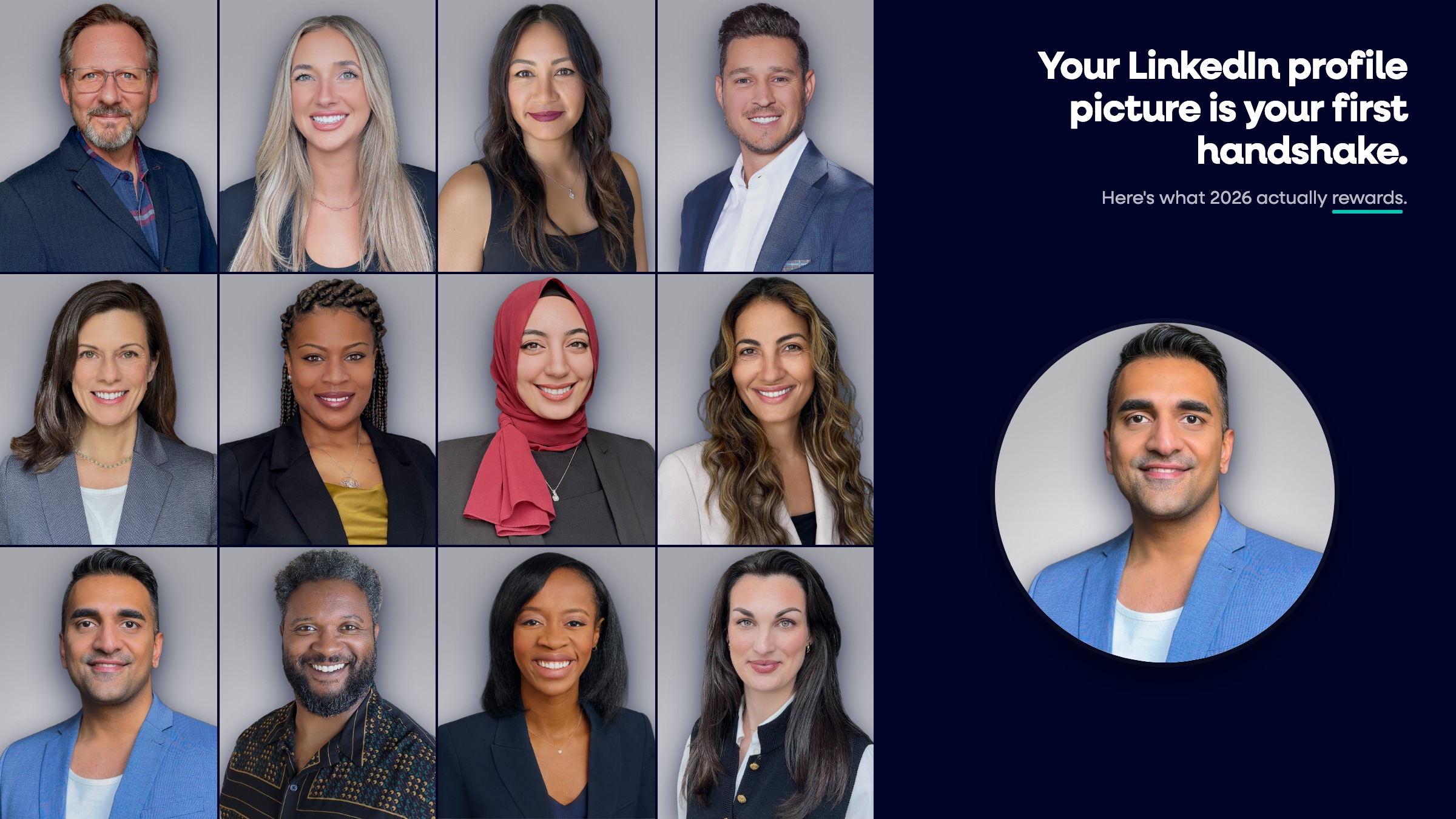
A professional photo for LinkedIn is a high-resolution, head-and-shoulders shot where your face fills roughly 60% of the frame, the lighting is even, the background is clean, and your expression looks like the person colleagues meet on a video call. The best one is not the most flattering. It is the most recognizable. Capturely has delivered more than 100,000 of them.
Last updated: May 2026
The hard part is not taking the photo. It is picking the right one from the options you have, because the photo that wins compliments from friends is rarely the photo that earns a click from a recruiter. This guide gives you a decision framework for choosing a LinkedIn profile picture that actually gets opened, plus the research behind what works. If you want the encyclopedic version of what makes a great shot, start with our LinkedIn headshot guide. This post is about the choice.
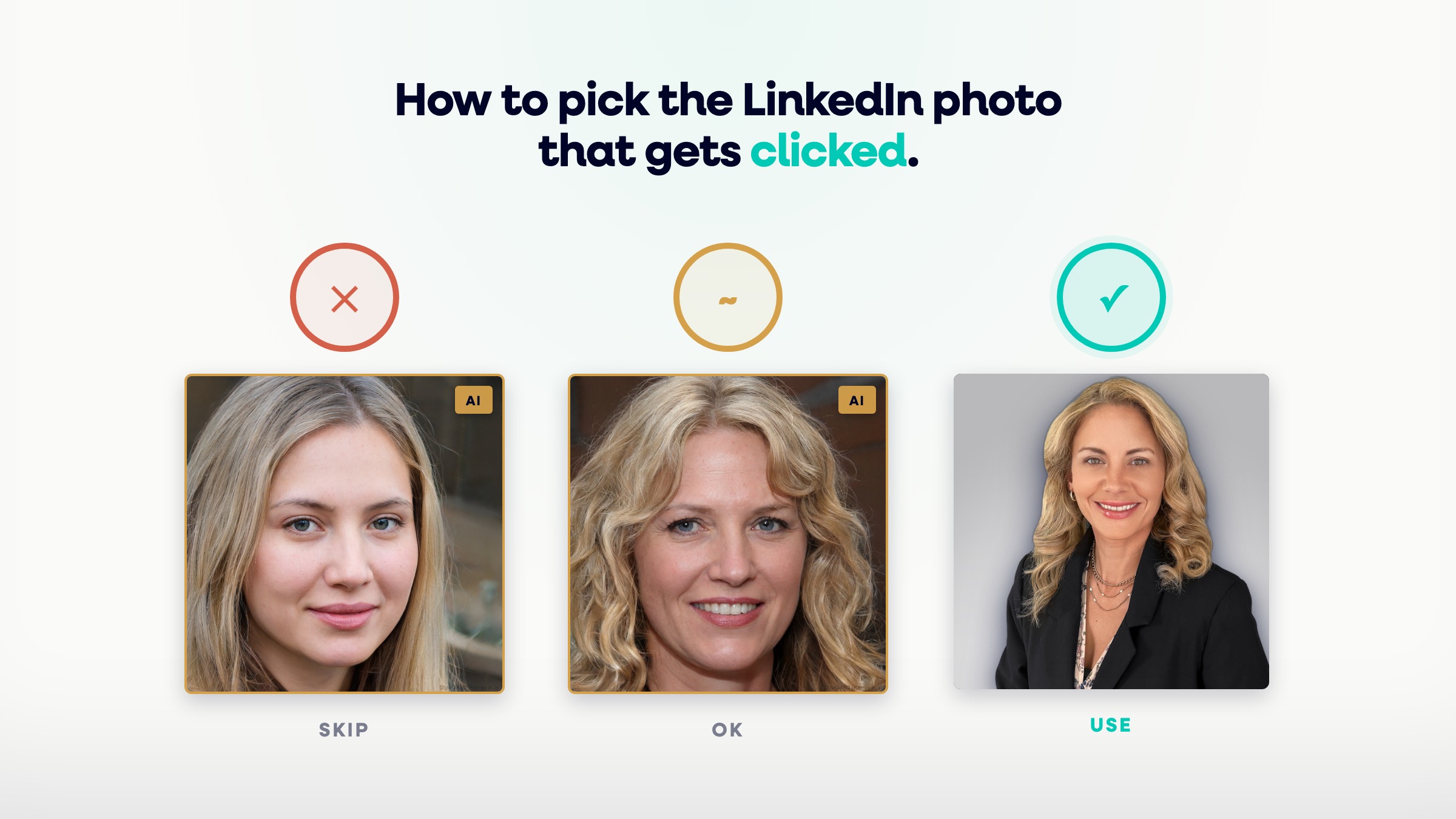
Does your LinkedIn photo actually matter?
Yes, and the effect is larger than most people assume. LinkedIn profiles with a photo get 21x more views and 9x more connection requests (LinkedIn, 2020). In a 2024 survey of 1,087 US recruiters, 74.4% said they were more inclined to interview a candidate whose profile included a headshot (Ringover, 2024). The photo is not decoration. It is the first data point a hiring manager processes about you.
And they process it fast. People form trait judgments about a face, things like trustworthiness and competence, after just 100 milliseconds of exposure, and more time mostly increases their confidence in that judgment rather than changing it (Willis & Todorov, 2006). You do not get a second pass. The viewer decides, then spends the rest of the visit looking for reasons they were right.
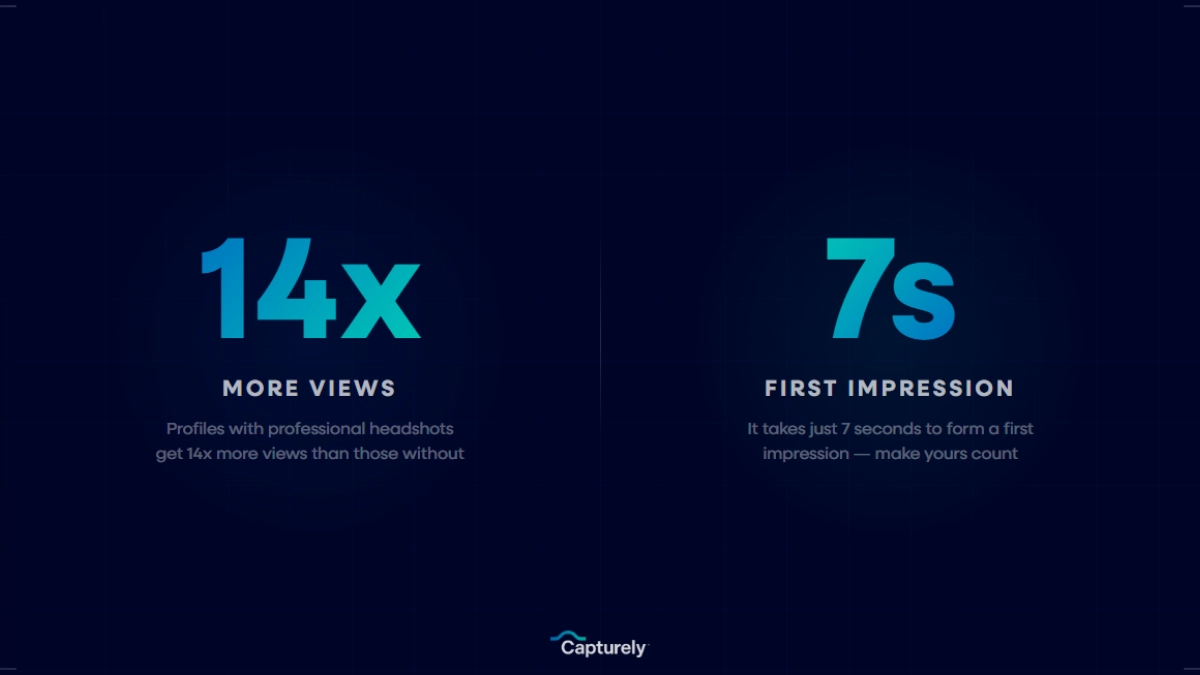
According to Blair Decembrele, a Career Expert at LinkedIn, not including a profile photo is one of the most common mistakes job seekers make, noting that profiles with photos can earn 21 times more views and nine times more connection requests. The takeaway is not just to have a photo. It is to choose one that earns the attention the slot is capable of generating.
What do recruiters look at first in a LinkedIn photo?
Recruiters scan a profile photo for three things, in this order: face visibility, expression, and professional context. Face visibility means your eyes and mouth are clearly lit and unobstructed. Expression means you look approachable and confident at the same time. Professional context means the background, clothing, and framing match the role you want. Miss any one of the three and the photo reads as a question mark.

Most weak LinkedIn photos fail on the first criterion. The face is too small, too shadowed, or cropped out of a group shot, so the viewer has to work to see who you are. Work is exactly what they will not do. For a deeper breakdown of the small details that separate a strong photo from a forgettable one, our LinkedIn photo tips cover lighting, angle, and crop in detail.
How do you run the click test on your photos?
The click test is a simple way to choose between candidate photos: pick the one a colleague who has only ever seen you on Zoom would recognize instantly, with zero hesitation. If a photo makes you look like a slightly different, better-rested, ten-years-younger version of yourself, it fails the test. Recognizability beats flattery, because the photo’s job is to connect the online you to the real you.
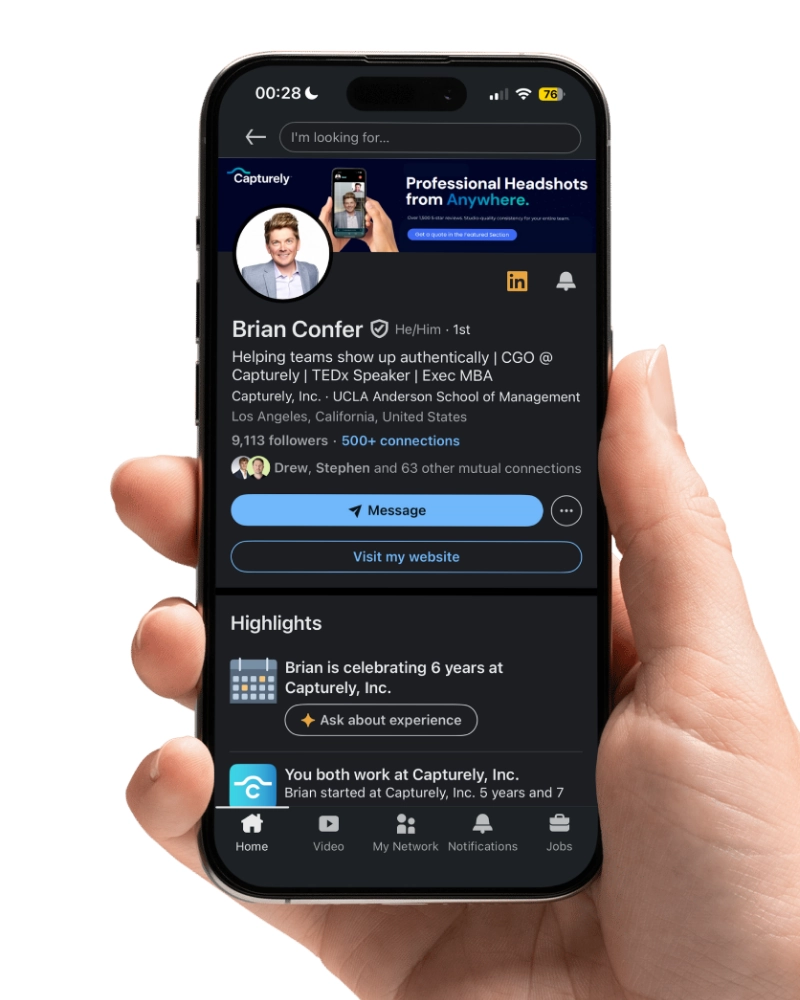
Run each candidate photo through these checks before you upload:
- Would a coworker who only knows your Zoom face recognize you in under a second?
- Are your eyes clearly visible and looking at or near the camera?
- Does your expression read as warm and competent, not stiff or goofy?
- Is the background clean enough that nothing competes with your face?
- Would you be comfortable if this image appeared next to your name in a board deck?
If a photo earns a yes on all five, it is a contender. If it stalls on any one, set it aside. This is the same standard we apply when we deliver client galleries, and it is why we send multiple edited options rather than a single “best” pick.
Need photos worth choosing between? Capturely directs a live session over your phone and delivers multiple edited, LinkedIn-ready options in 24 hours, no studio visit required. See how it works →
Should you smile in your LinkedIn photo?
Usually, yes, but the type of smile matters more than whether you smile. In an analysis of over 60,000 ratings, a genuine smile showing teeth produced the single largest jump in likability, about +1.35 points on PhotoFeeler’s rating scale (PhotoFeeler, 2014). A slight squint of the eyes, sometimes called the squinch, lifted perceived competence and influence at the same time. A flat, lips-together stare did the opposite.

The nuance: a big open-mouthed laugh raises likability but can read as less authoritative, which matters in law, senior finance, and other trust-heavy fields. A warm closed-or-slightly-open smile with engaged eyes is the safe default for almost everyone. As professional headshot photographer Matt Marcheski puts it, “A professional headshot shows that you care. A prospective employer will translate that as better work ethic, better accountability.” The smile is how you signal that you care without saying a word.
Does background color matter for a LinkedIn photo?
Less than people think. PhotoFeeler’s analysis found that background color itself had no statistically significant effect on how competent, likable, or influential a person was rated (PhotoFeeler, 2014). What matters is contrast and cleanliness: your face needs to separate clearly from whatever sits behind it, and the background must not contain anything that competes for attention. A busy kitchen loses every time, regardless of its color.
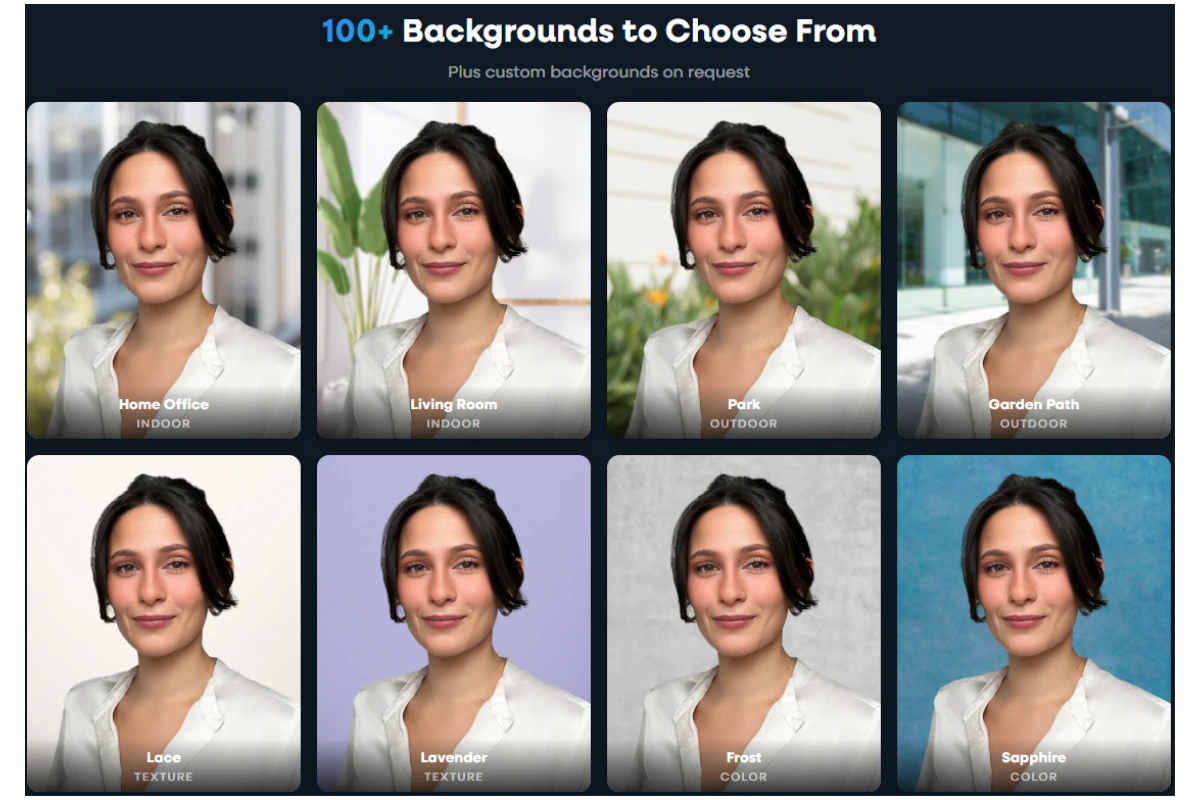
That said, some choices are easier to get right than others. Here is how the common options stack up for a professional LinkedIn photo:
| Background | Best for | Watch out for |
|---|---|---|
| Neutral gray | Almost any industry, safest default | Can look flat without good lighting |
| Soft blue | Finance, healthcare, corporate roles | Going too saturated reads as a passport photo |
| White or light | Tech, creative, clean modern brands | Blowing out detail if overexposed |
| Office or environmental | Founders, sales, personal brand | Clutter and low contrast behind the head |
| Outdoor or textured | Creative fields, real estate | Distracting elements pulling focus from the face |
If you want one safe answer: a clean neutral background with even lighting works for every industry. Capturely offers more than 98 backgrounds, so the same session can produce a corporate-blue version for the company directory and a softer neutral for LinkedIn.
What should you wear for a professional LinkedIn photo?
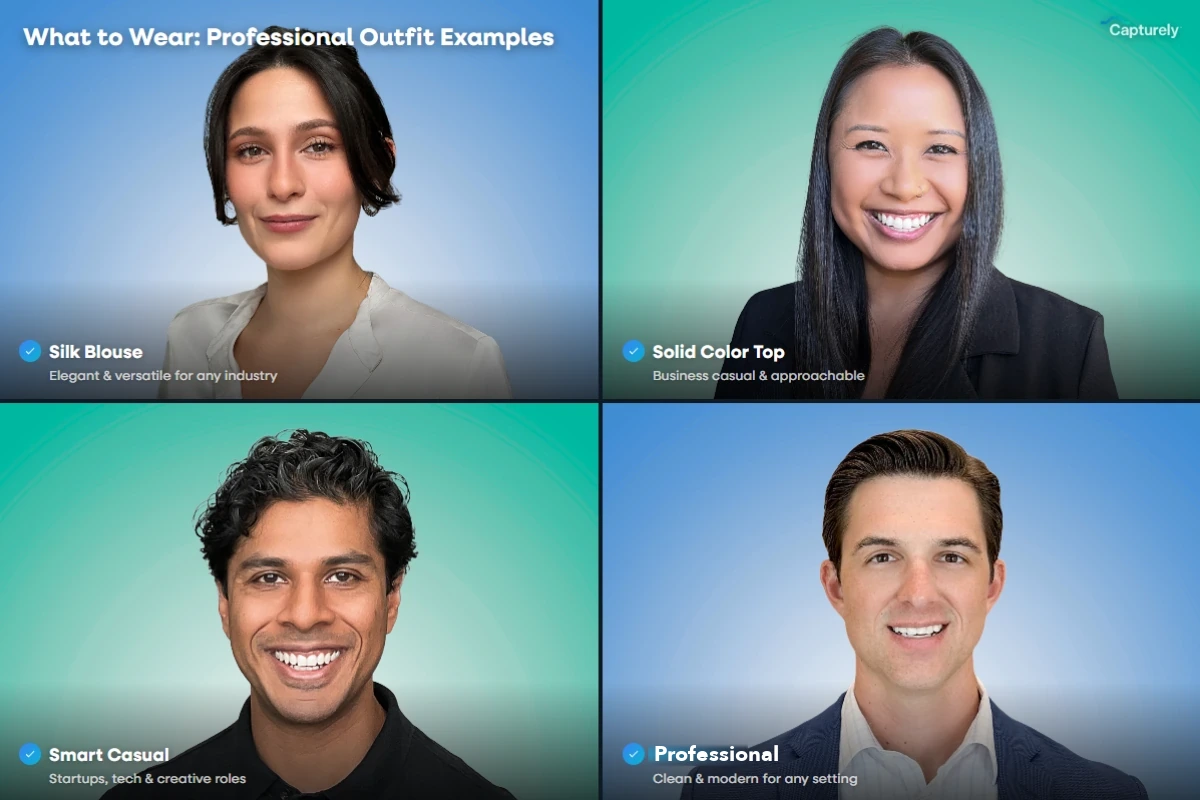
Dress one notch above what you wear on a normal workday, in solid colors that hold up against your background. In the PhotoFeeler data, formal dress produced one of the biggest gains in perceived competence, about +0.94 points (PhotoFeeler, 2014). But formal is relative to your field. A suit reads as competent in finance and as try-hard at an early-stage startup. Match the room you are trying to enter. Our guide to what to wear for professional headshots goes deeper on colors and patterns.
Studio or candid: which works for your industry?
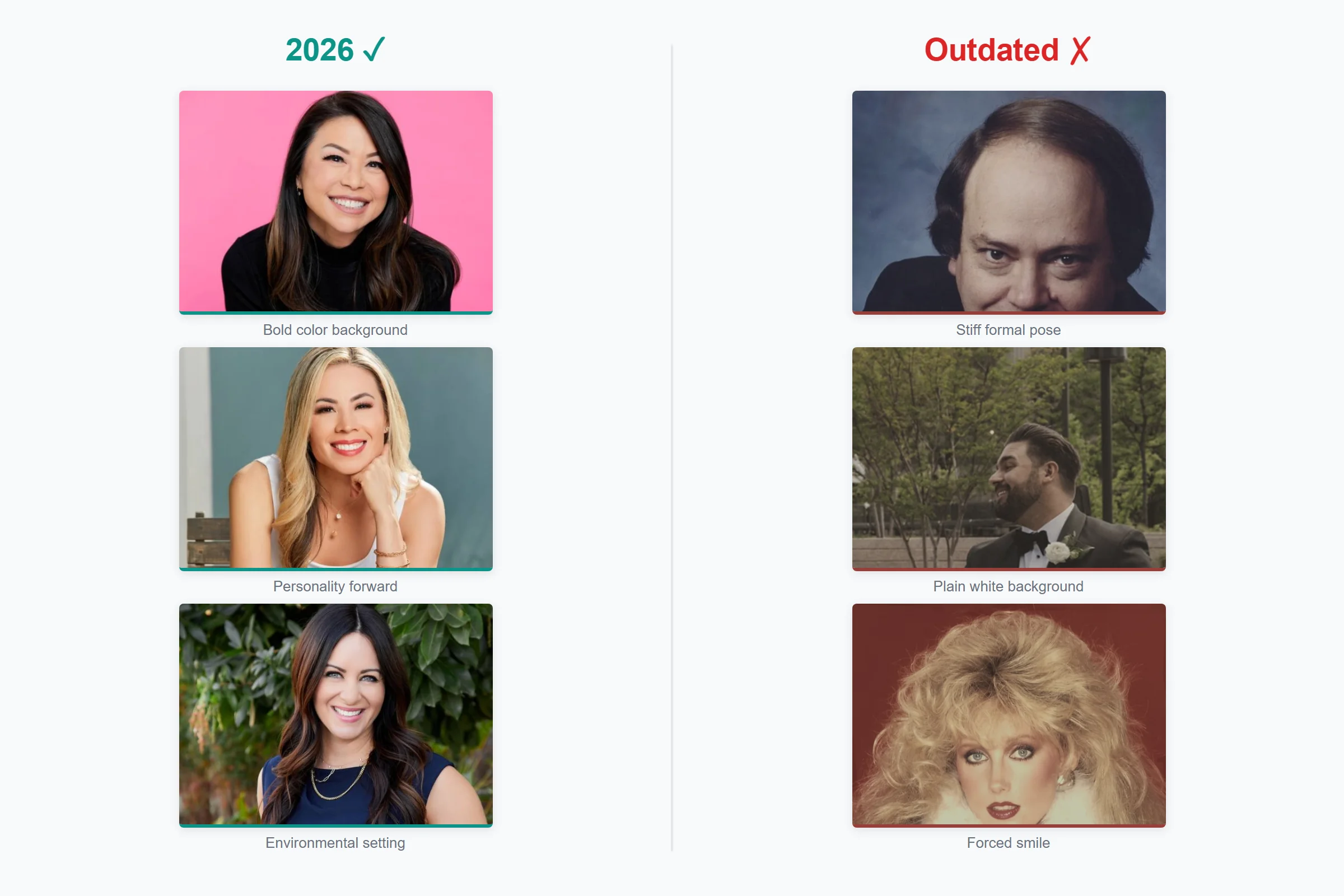
It depends on the signal your industry rewards. A clean studio-style headshot signals reliability and polish, which is what conservative, trust-heavy fields want. A candid, environmental shot signals approachability and personality, which creative and founder-led brands reward. Neither is universally better. Choose based on the expectation of the person clicking your profile.

| Field | Recommended look |
|---|---|
| Finance, law, insurance | Clean studio style, formal attire, neutral background |
| Healthcare | Studio style, approachable expression, soft background |
| Tech and SaaS | Studio or relaxed studio, business casual, lighter background |
| Creative and marketing | Environmental or candid, more personality, color welcome |
| Founders and sales | Confident environmental shot that matches your personal brand |
What should you avoid in a LinkedIn photo?
Most bad LinkedIn photos repeat the same handful of mistakes. Avoid these:
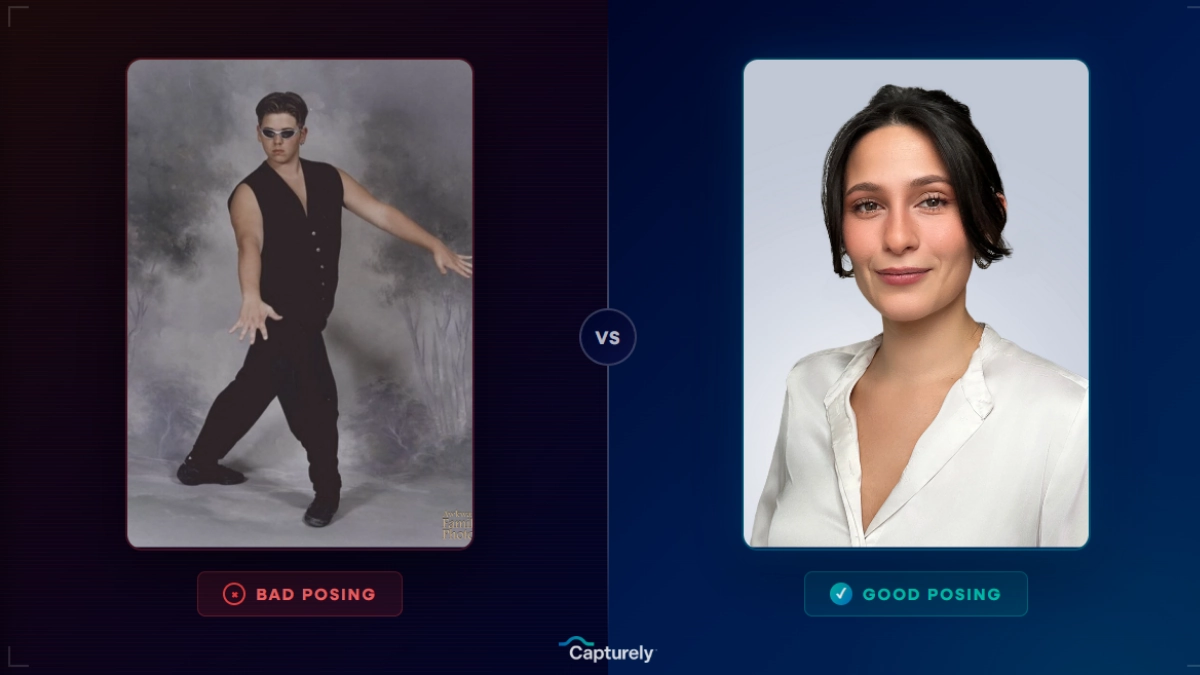
- Sunglasses or anything hiding the eyes. In the PhotoFeeler data, sunglasses dropped likability by about 0.36 points (PhotoFeeler, 2014). The eyes are how people read trust.
- Group photos and crops. A cropped wedding or vacation shot leaves a stray shoulder, an arm, or a hairline that was meant for someone else. It looks exactly like what it is.
- Low resolution. A blurry or pixelated image signals that you did not bother. Upload at least 400 by 400 pixels, ideally larger.
- Dark or low-contrast images. Underexposed photos dropped likability by about 0.38 points in the same data. If your face is in shadow, the photo is working against you.
- Glasses glare. Reflections across the lenses hide your eyes. This is fixable. See our guide to headshots with glasses for glare-free framing.
Can you use an AI-generated photo on LinkedIn?
You can, but it carries a growing risk that outweighs the convenience. In the Ringover survey, 66% of recruiters said they would be put off if they learned a headshot was AI-generated, and 88% said AI use should be disclosed, even though they correctly identified AI images only 39.5% of the time (Ringover, 2024). Buyers feel the same way: 90% of consumers want to know when an image was created by AI, and 98% say authentic images are pivotal to trust (Getty Images, 2024). The math is bad. The reward is a slightly faster photo. The risk is being caught faking your own face.
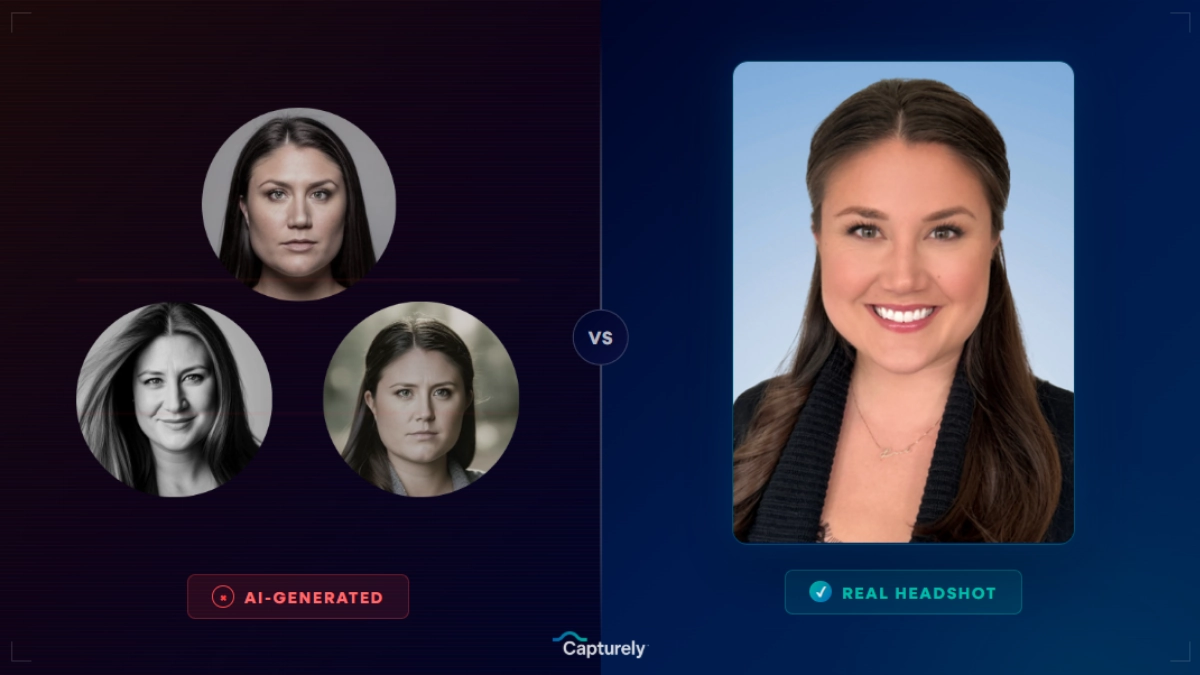
Capturely uses AI under the hood to edit and retouch, but the photo is real. A live photographer directs you over your phone, so the person in the final image is unmistakably you. That is the version that survives the click test, because it has to match the face on the next Zoom call. AI fakes do not. For a full cost comparison of your options, see our guide to professional headshot cost.
Real photos, no AI slop. Capturely pairs a live photographer with AI-assisted editing so your LinkedIn photo looks like you on your best day, not a generated stranger. Get your headshot →
How do you test which photo performs best?
Stop guessing and let strangers vote. PhotoFeeler lets you upload candidate photos and collect anonymous ratings on competence, likability, and influence, the same three dimensions in the research above. Here is the process:
- Narrow your options to two or three photos that already pass the click test.
- Upload them to a rating tool such as PhotoFeeler and select the business category.
- Collect at least 20 to 30 ratings per photo so the averages stabilize.
- Pick the photo with the best balance of competence and likability, not just the highest single score.
- Upload the winner, then re-test once a year or whenever your appearance changes.
If you want a checklist of the exact traits that separate the top photos from the rest, our roundup of the 9 traits the best LinkedIn photos share turns this into a scorecard you can run in two minutes.
One client put the stakes plainly. As John Hamby of Resilience Lab told us after updating his team’s photos, “I got to make our clinicians look better. First impression is everything in this field.” That is true in every field that lives on LinkedIn.
Refresh your whole team at once. Companies use Capturely to standardize headshots across distributed teams, with each person shooting from home and saving up to 45% versus traditional studios. Talk to our team →
Frequently Asked Questions
What size should a professional LinkedIn photo be?
LinkedIn recommends a profile photo of at least 400 by 400 pixels, saved as a square JPG or PNG under 8MB. Larger is better, since the platform displays your photo at different sizes across desktop and mobile. Upload a high-resolution file and let LinkedIn scale it down rather than uploading something small that gets stretched and blurred.
Should my LinkedIn photo be black and white?
Usually no. Color photos read as more current and approachable, and the research shows no reliable benefit to black and white. It can work for established executives or creatives making a deliberate style statement, but for most people, especially early-career professionals, converting a color photo to black and white to look more serious tends to backfire. Stick with natural color.
Is a smiling photo always better on LinkedIn?
Not always, but a genuine smile is the safe default. A warm smile with engaged eyes raises likability the most, while a big laughing smile can lower perceived authority in trust-heavy fields like law and finance. Aim for an approachable, confident expression that matches your industry rather than forcing a grin or a stern stare.
Does the background color matter for a LinkedIn photo?
Background color has no statistically significant effect on how you are rated, according to PhotoFeeler’s analysis of over 60,000 ratings (PhotoFeeler, 2014). Contrast and cleanliness matter far more. Choose a background that separates your face clearly from what is behind you and contains no clutter. A neutral gray or soft blue is the easiest to get right.
How recent does my LinkedIn photo need to be?
Update it every one to three years, or sooner if your appearance changes noticeably through a new hairstyle, weight change, or glasses. The photo’s job is to be recognizable, so it should look like the person who shows up to the meeting today, not the person you were five years ago. An outdated photo creates an awkward gap the moment you meet someone in person.
Can recruiters tell if my LinkedIn photo is AI-generated?
Often not reliably. In a 2024 survey, recruiters correctly identified AI-generated headshots only 39.5% of the time, but 66% said they would be put off if they found out a photo was AI-generated and 88% believed AI use should be disclosed (Ringover, 2024). The detection rate is low, but the trust penalty when you are caught is high. A real photo avoids the gamble entirely.
How much does a professional LinkedIn photo cost?
Prices range widely, from free AI generators to traditional studio sessions of $150 to $300 or more. Capturely delivers a live-directed virtual session with 3 fully edited images for $79 per individual, and teams save up to 45%, as low as $45 per person. For a full breakdown of what each option includes, see our guide to professional headshot cost.