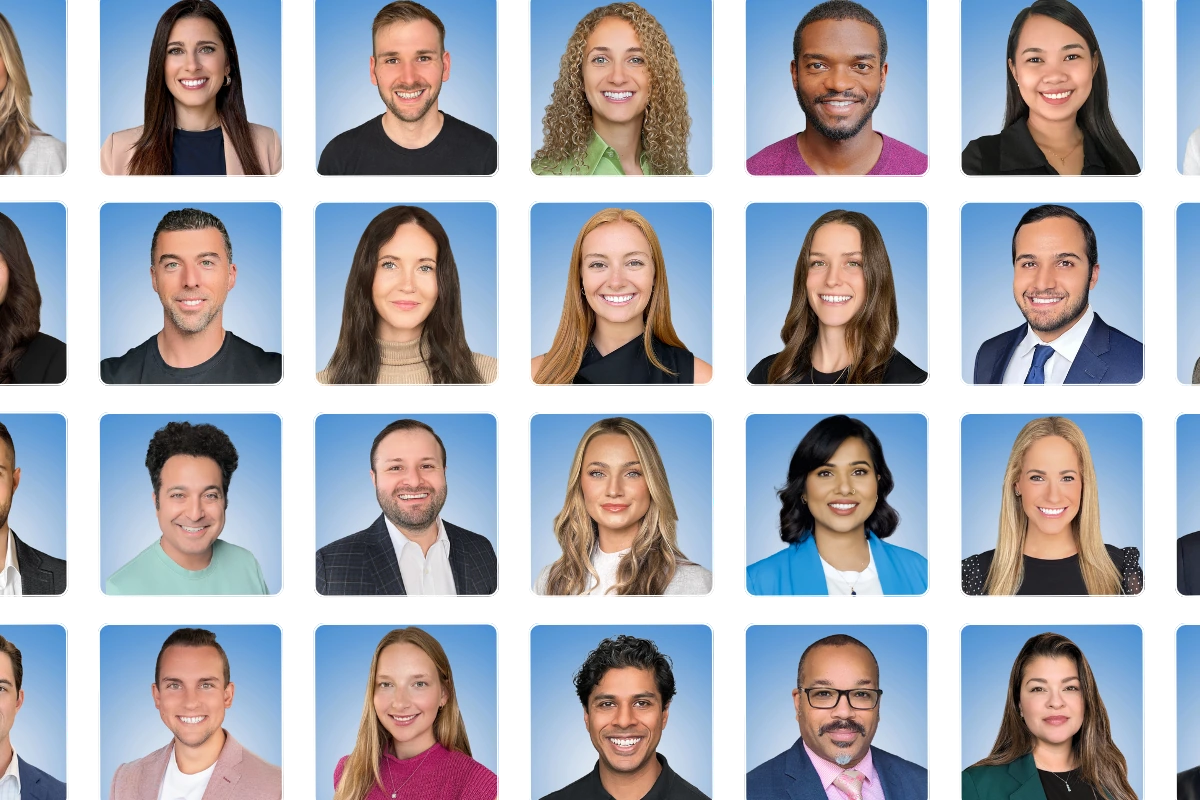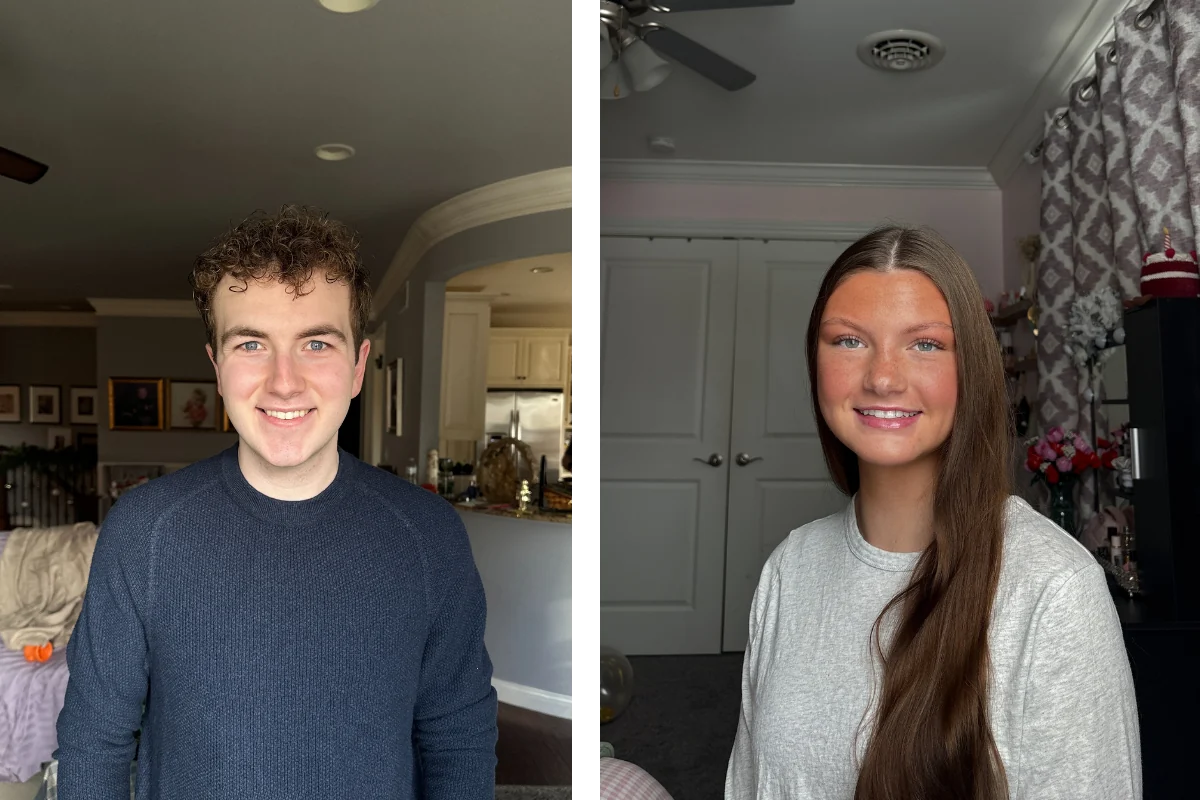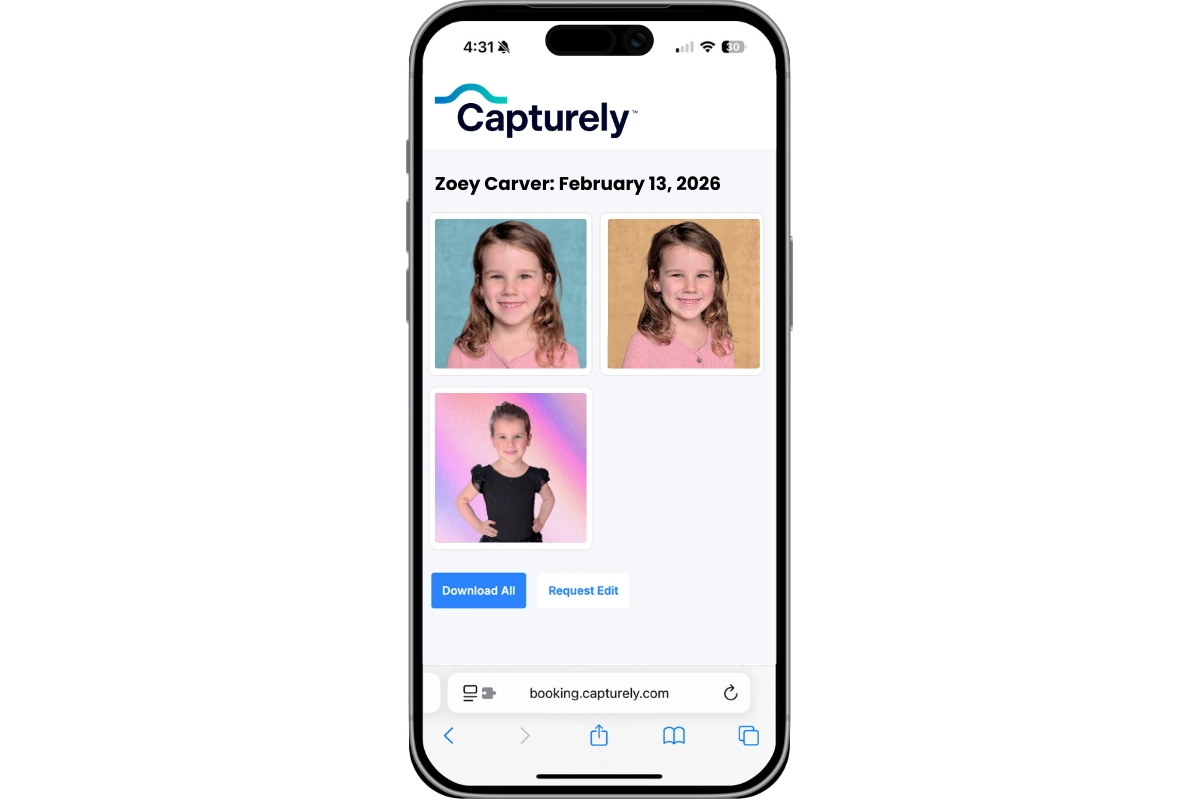
Professional headshots belong in seven places across your organization: LinkedIn profiles, company website team pages, email signatures, Slack and Teams profiles, Zoom and Google Meet avatars, internal HR directories, and client proposals or pitchbooks. Most companies invest in headshots for LinkedIn and their website — then stop. The other five touchpoints go unfilled, leaving thousands of professional interactions backed by a gray silhouette, an outdated selfie, or nothing at all.

Last updated: March 2026
The average professional now has at least seven digital touchpoints where a headshot appears — or should appear. That number has grown steadily since 2020 as offices went remote and the places your face shows up shifted from the hallway to the screen. Yet most organizations still treat headshots as a one-and-done project: get headshots for the website, check the box, move on.
At Capturely, we’ve delivered over 100,000 headshots to organizations like Google, Netflix, McKinsey, and UnitedHealth Group. The pattern we see repeatedly: companies start with one use case, then realize those same headshots should be everywhere. Alan Tucker at Coldwell Banker put it simply: “We’re able to get the images and start using them in multiple ways other than just business cards and other media stuff.”
Here are the seven places your team’s headshots should live — and the data behind why five of them probably don’t have one right now. For a broader overview of professional headshot types and styles, start with our complete professional headshots guide.
The 7 Professional Headshot Touchpoints at a Glance
| Touchpoint | Who Sees It | Impact | Most Companies Using It? |
|---|---|---|---|
| 1. LinkedIn | Prospects, recruiters, partners | 21x more profile views (LinkedIn, 2017) | Yes |
| 2. Company Website | Prospects, clients, investors | 75% judge credibility on design (Stanford, 2002) | Some |
| 3. Email Signatures | Every email recipient, daily | 22% higher response rates (Crossware365, 2023) | Rarely |
| 4. Slack / Teams | Internal colleagues, daily | Builds trust in remote/hybrid orgs | Rarely |
| 5. Zoom / Google Meet | Clients before every call | 100ms to judge trustworthiness (Princeton, 2006) | Rarely |
| 6. Internal Directories | HR, new hires, cross-team | Speeds collaboration, reduces silos | Rarely |
| 7. Proposals / Pitchbooks | Decision-makers, buyers | 72% higher close rate (Proposify, 2021) | Almost never |

Even companies that invest in professional headshots rarely deploy them beyond the first two touchpoints. The rest? Left blank. Here’s why each one matters — and what it costs you to skip them.
Place 1: LinkedIn Profiles — The One Everyone Knows
LinkedIn profiles with a professional photo get 21x more views, 9x more connection requests, and 36x more messages (LinkedIn, 2017). A profile without a headshot is functionally invisible.

What most companies miss: LinkedIn isn’t just a recruiting tool. Your employees’ profiles are the single largest distribution channel for your brand. Employee-shared content gets 800% more engagement than brand-channel posts. When a prospect considers your company, they check your team on LinkedIn. If half your team has a professional headshot and the other half has a selfie from 2019, that inconsistency tells a story — and it’s not a flattering one.
The fix isn’t telling every employee to “update your LinkedIn photo.” It’s providing a company-wide headshot program that gives everyone a professional, on-brand photo they actually want to use. For a deep dive on LinkedIn headshot optimization — dimensions, specs, mistakes to avoid — see our complete LinkedIn headshot guide.
Place 2: Company Website Team Pages — Where Trust Gets Built or Broken
The About Us page is the second most visited page on B2B websites, right after the homepage. And 52% of B2B visitors say “About Us” information is the first thing they look for when evaluating a company (KoMarketing, 2015).

Your team page is where headshot quality sends an instant signal. According to researchers Janine Willis and Alexander Todorov at Princeton University, people form trustworthiness judgments from faces in just 100 milliseconds — a tenth of a second (Psychological Science, 2006). Before a prospect reads a single bio, they’ve already assessed whether your team looks competent based on those photos.
The problem most companies have: their team page is a patchwork. One person has a studio headshot from 2018. Another uploaded a cropped vacation photo. Two people have no photo at all. The visual inconsistency makes a 50-person company look disorganized. According to Lucidpress’s State of Brand Consistency report (2019), consistent branding increases revenue by up to 33% — yet 81% of companies still deal with off-brand content across their platforms.

Sarah DiVito at Allucent described the shift after standardizing: “It’s been a really helpful way to close some gaps in getting consistent images for our website and other collateral that we use.” One background, one lighting style, one level of retouching — applied to every person.
Ready to fix your team page? Get an instant quote for consistent, professional headshots across your entire team. Same background, same style, same quality — regardless of where your people are located. Get your instant quote →
Place 3: Email Signatures — This Is Where Most Companies Stop
Everything above — LinkedIn and the company website — is where most organizations invest in headshots. Everything below is where the real value gets left on the table.
Email signatures with a professional headshot generate 22% higher response rates and 15% more website click-throughs compared to text-only signatures (Crossware365, 2023). A separate study by Exclaimer (2023) found that 76% of professionals say branded email signatures increase trust in the sender.

Think about the math. A 50-person company sending 40 emails each generates 2,000 impressions daily — over 500,000 per year. Every one of those emails is a micro-touchpoint where your brand either looks polished or invisible.
MarketingExperiments ran an A/B test and found that replacing a stock image with a real person’s photo increased signup rates by 35% (MarketingExperiments, 2013). People respond to real faces. A headshot in an email signature transforms a cold, text-only message into something that feels human — especially in industries where relationships drive revenue.
The operational reality: email signature tools like Exclaimer, WiseStamp, and CodeTwo all support headshot integration. They just need a headshot to integrate. If half your team doesn’t have one, the rollout stalls before it starts.
Place 4: Slack, Microsoft Teams, and Internal Chat Profiles
Remote and hybrid work turned internal messaging platforms into the new office hallway. Your team probably spends more time looking at Slack or Teams than any other application. And in organizations with 500+ employees, most people have never met face-to-face.

A professional headshot in a Slack or Teams profile does something subtle but real: it turns a name into a person. When you’re scrolling through a channel with 200 messages, the ones with real faces register differently than the ones with initials or cartoon avatars. Research on face perception confirms this — human brains process faces as a distinct visual category, activating specialized neural regions even in peripheral vision (Kanwisher et al., Journal of Neuroscience, 1997).
Noelle Douglass at Saputo described exactly this use case: “We do biweekly organizational announcements where we’re featuring headshots of folks and changes. That would make our life so much easier if we had headshots of a lot of these people.” Internal announcements, org changes, new hire introductions — they all need a face. Without centralized headshots, each announcement becomes a scramble to source a passable photo.
The barrier is almost always supply, not demand. Teams want professional photos in their chat profiles. They just don’t have them. Providing a headshot as part of onboarding — the way Capturely clients like WellSpan Health and Capital One do — makes it standard rather than optional.
Place 5: Video Call Profiles — Zoom, Google Meet, and Webex
Before a video call starts, participants see profile photos in the waiting room, the calendar invite, and the tile view. That moment is the modern reception-area first impression. And the Princeton research applies directly: trustworthiness judgments form in 100 milliseconds based on facial appearance alone (Willis & Todorov, 2006).

This becomes especially important when cameras are off. In large meetings and webinars, many participants keep their cameras turned off — meaning their profile photo is the only visual representation of who they are. A professional headshot communicates presence even when you’re on mute.
The platforms make deployment easy. Google Workspace syncs your Google profile photo across Gmail, Google Meet, Google Chat, and Google Calendar. Microsoft 365 syncs across Teams, Outlook, and SharePoint. One photo update propagates everywhere. Organizations with IT-managed policies can push headshot updates centrally through Active Directory or Google Admin Console — turning deployment into a one-time administrative task.
One 10-minute session. Every platform covered. Capturely delivers three professionally retouched images per person within 24 hours. Same headshot works across LinkedIn, your website, email, Slack, Zoom, and everywhere else. $79/session for individuals, teams save up to 45%. See team pricing →
Place 6: Internal Directories, HRIS Platforms, and Org Charts
Large organizations run on people systems: Workday, BambooHR, ADP, SAP SuccessFactors, Oracle HCM. These platforms power org charts, employee directories, and internal search. And most of them display a headshot field that is, in practice, almost always empty.

This matters more than it seems. New employees use org charts and directories to figure out who does what, who to contact, and who sits where in the hierarchy. A directory full of faces is navigable. A directory full of gray circles and initials is a spreadsheet with extra steps.
Lisa Cavallaro at WellSpan Health described how centralized headshots changed their workflow: “I just met with our digital experience team and everything is really flowing nicely and it’s reduced the resourcing internally just because it hits all the templates and it can just go, go, go.” When headshots are available in one system, every team that needs a photo — marketing, HR, comms, the intranet team — pulls from the same source instead of chasing individuals for files.
The enterprise play: integrate headshot delivery with onboarding. New hire gets a session link during their first week, completes a 10-minute session, and their professional photo is delivered within 24 hours — ready for the HRIS, the org chart, the team page, and every other system that needs it. For the full onboarding playbook, see our HR manager’s guide to team headshot programs.
Place 7: Proposals, Pitchbooks, and Sales Materials
This is the touchpoint that directly ties professional photo usage to revenue — and it’s the one almost nobody thinks about.
Proposify analyzed over one million business proposals and found that proposals containing images close 72% more often and 20% faster than those without (Proposify, 2021). When those images include team headshots — putting a face to the people who will actually do the work — the trust signal is stronger still.

Consulting firms, agencies, law firms, and professional services organizations include “meet the team” slides in every pitch deck. Accounting firms include partner headshots in engagement letters. Healthcare organizations feature provider headshots in patient communications. Each of these moments is where the buyer evaluates: do I trust these people?
Jeff Maldonado, VP of Marketing at AmeriLife, described the challenge before standardizing headshots: “Our agents are everywhere — they’re national. We had no mechanism to ensure their headshots met our brand standards. Capturely solves that. We now have standards of formatting, consistent delivery, and everyone’s been on the nose of where we needed to be.”
The ROI math is straightforward. If proposals with team headshots close 72% more often, and your average deal is worth $50,000, every proposal sent without headshots is leaving money on the table. For a detailed framework on quantifying this, see The ROI of Professional Team Headshots.
What Missing Headshots Actually Cost Your Business
Each missing headshot isn’t just an empty circle. It’s a compounding tax on trust, efficiency, and brand perception across every interaction.

Here’s how the costs stack up:
- Lost visibility. Without a LinkedIn photo, your employees get 21x fewer profile views (LinkedIn, 2017). Multiply that across 100 employees and you’re invisible in thousands of searches per month.
- Eroded trust. 94% of first impressions are design-related (Sillence et al., Northumbria University, 2004). Every touchpoint without a professional photo — your website, your proposals, your emails — triggers a subconscious credibility discount.
- Brand inconsistency. 90% of consumers expect brand consistency across all channels (Salesforce, 2023). When your LinkedIn looks polished but your Slack avatar is a cartoon dog, you’re sending mixed signals. Consistent branding increases revenue by up to 33% (Lucidpress, 2019).
- Wasted admin time. Without centralized headshots, every project that needs a face — a press release, a conference badge, an internal announcement — becomes a scramble. That’s hours of coordination that add up fast.
- Lower close rates. Proposals without images close 72% less often (Proposify, 2021). If your sales team sends pitchbooks with “team member” placeholders instead of real faces, you’re handicapping every deal.
The common thread: headshots aren’t a vanity project. They’re operational infrastructure for every customer-facing and employee-facing touchpoint in your organization. Once you frame it that way, the investment case shifts from “nice to have” to “how did we function without this?” For a deeper look at business headshot ROI and building the case internally, see our business headshots guide.
One session. Seven touchpoints. Capturely’s virtual headshot sessions deliver three professionally retouched images per person — ready for LinkedIn, your website, email, Slack, Zoom, HR systems, and proposals. Real photographers. 10 minutes. 24-hour delivery. Over 1,500 five-star reviews at 4.9 stars. Get your instant quote →
Frequently Asked Questions
Where should I use my professional headshot?
Use your professional headshot across all seven key touchpoints: LinkedIn, your company website team page, email signature, Slack or Microsoft Teams profile, Zoom or Google Meet avatar, internal directories and HRIS systems, and client proposals or pitchbooks. Most professionals only use headshots in one or two places. Deploying the same photo everywhere creates a consistent, recognizable presence that builds trust across every interaction.
How many headshots do I need from one session?
Three images typically cover all seven touchpoints. One primary headshot — head-and-shoulders with a clean background — works for LinkedIn, email signatures, and chat profiles. A slightly wider crop suits website team pages and proposals. A variation in expression or angle provides flexibility for internal directories and video call profiles. Capturely sessions deliver three fully retouched images, each cropped for different use cases.
Do professional headshots actually impact business results?
Yes, measurably. LinkedIn profiles with professional photos get 21x more views (LinkedIn, 2017). Email signatures with headshots generate 22% higher response rates (Crossware365, 2023). Business proposals with team images close 72% more often (Proposify, 2021). Consistent branding increases revenue up to 33% (Lucidpress, 2019). The impact compounds because each touchpoint reinforces the same professional impression.
Should I use the same headshot everywhere or different ones per platform?
Use the same primary headshot across all platforms. Consistency is the point — when someone sees your face on LinkedIn, then on your company website, then in an email, the repetition builds recognition and trust. Different photos across platforms create cognitive dissonance and make you harder to place. Minor cropping variations of the same image are fine for platforms with different aspect ratios, like LinkedIn’s circle crop versus a rectangular proposal layout.
How often should professional headshots be updated?
Every one to two years, or whenever your appearance changes meaningfully — new hairstyle, different glasses, significant weight change. The key is updating everywhere at the same time. An outdated headshot on one platform while others show a current photo creates the same inconsistency you’re trying to fix. Credit-based services like Capturely let organizations schedule annual refreshes with session credits valid for 12 months.
What’s the easiest way to deploy headshots across all seven places?
Start with a centralized headshot program that delivers images in standardized formats and dimensions. Deploy systematically: update LinkedIn profiles through a company initiative, push website photos via your CMS, distribute email signature templates through Exclaimer or CodeTwo, sync to Slack and Teams via profile settings or IT admin controls, and update HRIS platforms during onboarding. Capturely’s admin dashboard delivers all images in download-ready formats for every platform.
Are professional headshots worth the cost for small teams?
A 10-person team sending 40 emails each per day creates 400 daily impressions through email signatures alone — over 100,000 per year. Add LinkedIn views, website visitors, video call participants, and proposal recipients, and each person generates thousands of impressions monthly. At $45-$79 per session, the cost-per-impression drops to fractions of a cent. For context, Google Ads in professional headshot keywords cost $13-$33 per click.