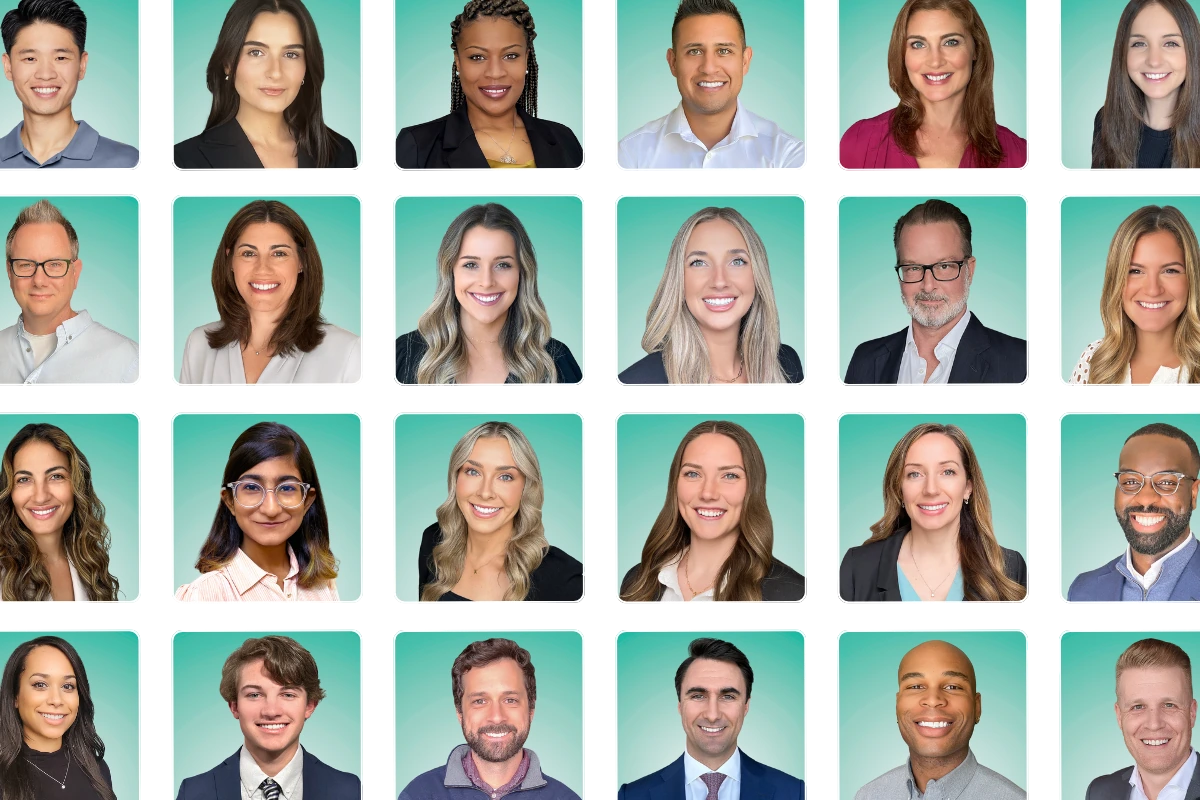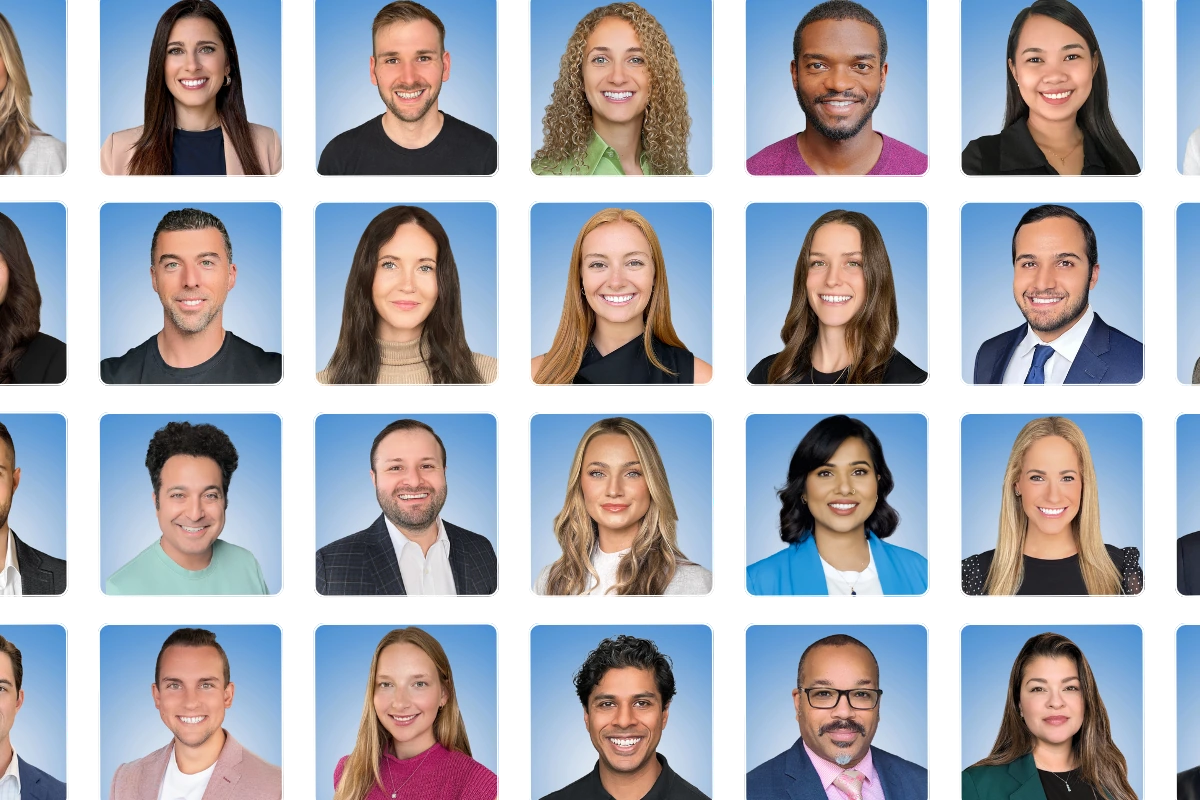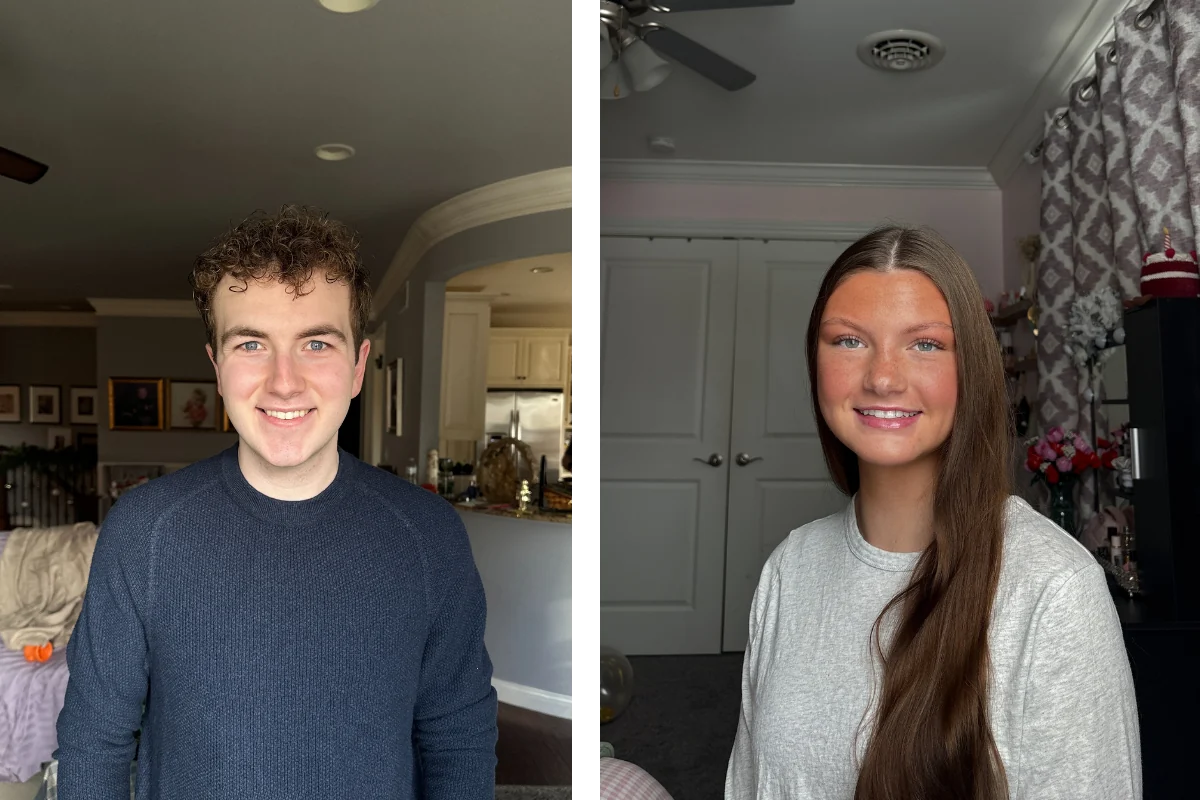
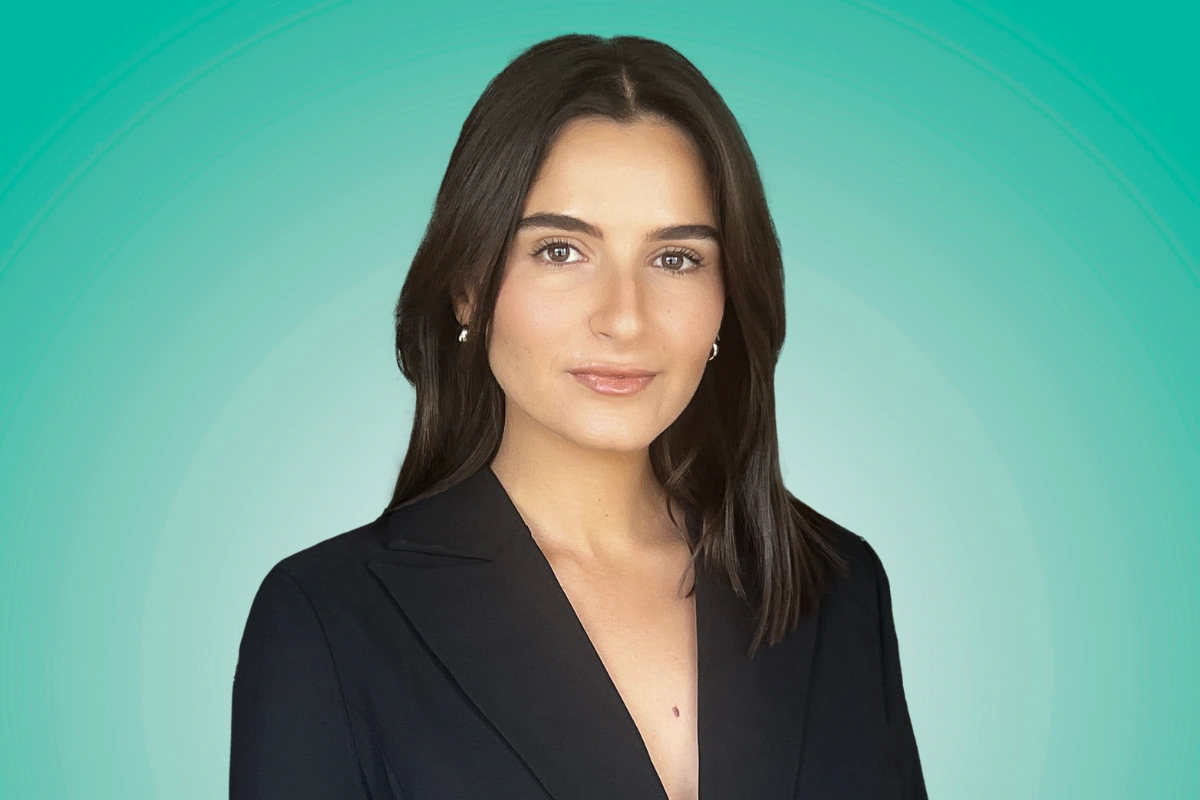
A professional headshot at home requires natural window light, your phone’s rear camera, and a clean wall. Face the window, prop your phone at eye level about four feet away, use portrait mode, and take at least 20 shots with the self-timer. That gets you a decent DIY result. For studio-quality headshots without leaving home, a virtual photographer session — where a live pro directs your posing, lighting, and expression through your phone in 10 minutes — closes the gap between a DIY attempt and a $300 studio visit. Capturely pioneered this model and has delivered over 100,000 headshots this way for distributed teams at Google, Amazon, and McKinsey.
Last updated: March 2026

Can You Actually Get a Professional Headshot at Home?
Yes. Your phone’s rear camera shoots at 36–48 megapixels. That’s more resolution than the Nikon D3 that photographed half the Fortune 500 executive portraits a decade ago.
The variable isn’t the camera. It’s everything else — lighting, background, direction, and whether you can objectively evaluate your own face in a photograph. Research from Photofeeler suggests most people can’t. We consistently pick photos of ourselves that score lower on competence and likability than the ones other people prefer (Photofeeler, 2023).
About 54% of workers capable of remote work now operate on a hybrid schedule, with another 27% fully remote (Gallup, 2025). Many need updated headshots and have zero interest in booking a studio appointment. “Professional headshot at home” is one of the fastest-growing queries in the headshot space because the need is real and the desire to stay home is strong.
Here’s what most guides skip: there are two very different ways to get a professional headshot at home. One involves doing it yourself. The other involves a live photographer directing you through your phone — same location, dramatically different result. This guide covers both.
Which Room in Your House Works Best for Headshots?
The best room for a professional headshot at home has one large window and one clean wall. Not all rooms qualify. Here’s a room-by-room breakdown based on what actually matters for photography: light source, background options, and space.
Living room or home office (usually the best pick). These rooms tend to have the largest windows, which gives you the most natural light. Look for a window facing east or north — east delivers great morning light, north provides soft, consistent light all day without harsh direct sun. Position yourself facing the window with a solid-color wall behind you.
Spare bedroom (often underrated). Less clutter, cleaner walls, and nobody walking through the frame. If the wall color is neutral — white, gray, beige — you have a ready-made headshot backdrop without buying anything.
Kitchen (decent with caveats). Many kitchens have large windows. The problem: overhead lighting. Recessed lighting or pendant fixtures above the island create what photographers call “raccoon eyes” — dark shadows in your eye sockets that age you ten years on camera. Use the kitchen only if you turn OFF every artificial light and rely solely on the window.

Rooms to avoid entirely:
- Bathrooms. Mirror reflections, harsh overhead lighting, and visible fixtures scream “I took this in my bathroom.” People do this. It never works.
- Rooms with visible beds. Even out of focus, a bed in the background of a professional headshot sends the wrong signal for a business context.
- Basements and garages. No natural light. Fluorescent lighting turns skin green or yellow. Just don’t.
The wall test: Stand where you plan to shoot. Look at the wall behind you. Is it clean, solid-colored, and free of light switches, picture hooks, outlet covers, and textured wallpaper? Can you stand 3–4 feet in front of it? If yes, you’ve found your spot. For more background ideas, see our complete guide to headshot backgrounds.
How to Set Up Home Lighting for a Headshot
Lighting accounts for roughly 60% of whether a headshot looks professional or amateur. Not the camera, not the pose, not the outfit — the light hitting your face.
According to Peter Hurley, headshot photographer and creator of the widely-taught “squinch” technique, “Headshots are 10 percent photography and 90 percent communication” (PopPhoto, 2015). But that 10 percent? It’s almost entirely lighting. After two decades directing executive headshots, he’s earned that opinion.
Here’s the technique that works in any home:
- Face a large window with indirect light (overcast days are ideal — the clouds act as a giant softbox)
- Position the light at 0–45 degrees from your face — straight ahead for even illumination, or slightly to one side for gentle dimension
- Turn OFF every artificial light in the room — ceiling lights, lamps, all of it. Mixed light sources (warm bulbs plus cool window light) create color casts your phone’s white balance can’t fix
- Stand 3–4 feet from the wall behind you so your shadow doesn’t appear in the frame
Best time of day: Late morning (10–11 AM) or early afternoon (1–2 PM) provides the most even natural light. Avoid late afternoon — the warm, directional light creates strong shadows on one side of your face. Never attempt a headshot after sunset unless you own professional lighting equipment (which you shouldn’t buy — more on that below).

Home Headshot Setup: 10 Steps That Actually Work
For a full deep dive into posing, expression, wardrobe, and editing, our complete headshot tutorial walks through everything. Here’s the condensed home-specific version:
- Pick your room — biggest window, cleanest wall, least clutter
- Kill the overhead lights — window light only, no exceptions
- Set up your phone — rear camera (never the selfie camera — front-facing lenses use a ~23mm focal length that distorts facial features by roughly 30% at close range), eye level, propped on stacked books or a cheap tripod, 4–5 feet away
- Turn on portrait mode — blurs the background slightly, keeps your face sharp
- Dress one level up from your daily norm — solid colors, no patterns, freshly ironed (full wardrobe guide here)
- Face the window — light on your face, never behind you
- Angle your body 30–45 degrees from the camera, then turn your head back toward the lens
- Chin forward and slightly down — defines your jawline, eliminates the soft under-chin area cameras love to find
- Think of something genuinely funny before each shot — real smiles engage the muscles around your eyes (Duchenne smile), fake ones don’t
- Take at least 20 shots — you need quantity to find the one frame where lighting, expression, and posture all aligned for a fraction of a second

Rather skip the 10 steps? Capturely connects you with a live photographer who handles lighting, posing, and expression from your phone — in 10 minutes, from home. 98% satisfaction rate across 100,000+ sessions. Get your instant quote →
Equipment You Don’t Need to Buy for Home Headshots
The internet will try to sell you gear you don’t need. Save your money.
Ring lights ($30–$100): Ring lights create an unnatural circular catchlight in your eyes that screams “influencer content,” not “professional headshot.” They also flatten facial features by eliminating the gentle shadows that give your face dimension. A window provides better light for free.
Backdrop stands and fabric ($50–$200): Unless your walls are neon, a clean solid wall works. Backdrop fabrics wrinkle, sag, and show creases that look worse than a plain painted wall. If your wall color is unusual, a large piece of white or gray poster board from a craft store ($5) beats a $100 muslin backdrop.
Expensive tripods ($40–$150): A $12 phone tripod does the job. Or stack books on a desk. Or lean your phone against a water bottle on a shelf at eye level. What holds the phone doesn’t matter — eye-level positioning does.
Photo editing subscriptions ($10–$50/month): Lightroom Mobile is free. Snapseed is free. Both handle exposure correction, color balancing, and light retouching. Paying for Photoshop to edit a headshot is like renting a moving truck to carry groceries.
Total cost of a DIY home headshot setup: $0–$15. Your phone, a window, and a clean wall.

The Honest Timeline: What DIY at Home Actually Takes
Here’s what most “headshot at home” articles skip: the realistic time investment.
What you expect: 5–10 minutes. Set up, snap a few, pick the best one.
What actually happens:
- 10–15 minutes finding the right spot, moving furniture, testing lighting angles
- 5–10 minutes getting the phone propped at the right height and distance
- 15–20 minutes shooting, checking results, adjusting posture, re-shooting
- 10–15 minutes scrolling through 40 nearly identical photos trying to pick the best one
- 10–20 minutes editing (exposure, cropping, retouching that one stray hair)
- 15–30 minutes re-shooting because you hated every photo in the first batch
Realistic total: 45–90 minutes for one usable headshot. For the 87% of people who don’t consider themselves photogenic (Photofeeler, 2023), add another round of re-shooting. Now you’re at two hours.
And here’s the hidden cost: a University of Toronto study found that external viewers consistently rate selfies as less attractive, less likable, and more narcissistic than photos taken by another person — even though the selfie-takers believed their self-taken photos looked better (Re et al., 2016). We’re bad judges of our own faces on camera. Photofeeler’s research confirms the pattern: people consistently choose photos of themselves that score lower on competence and likability with other viewers. So after 90 minutes of effort, you might choose the wrong photo anyway.
Compare that to 10 minutes with a professional photographer directing you — someone who can see the jaw tension you can’t feel, catch the shadow you didn’t notice, and tell you which of your 20 expressions actually reads as confident on camera.

The Option Most “At Home” Guides Skip: A Virtual Photographer
Here’s the part that changes the equation. You can get a professionally directed headshot at home. Not DIY. Not a studio. A real photographer, directing you live, through your phone, from wherever you happen to be.
A virtual headshot session works like this:
- You open a link on your phone — no app download needed
- A live professional photographer appears on screen (similar to a FaceTime call)
- They switch you to the rear camera (36–48 megapixels — the good one)
- For about 10 minutes, they direct everything: where to stand, how to angle toward the window, chin position, shoulder tension, when to breathe, what expression to hold
- They capture multiple frames in real time, coaching adjustments between each shot
- A professional retouching team edits the best images
- You receive 3 fully retouched headshots within 24 hours
Same home. Same phone. Same window light. But now there’s a trained professional seeing everything you can’t see about your own face.
“I literally don’t understand the technology, how they can be so clear, especially when some of these people’s phones are not that great, but I’m a believer. So whatever you’re doing, it’s great,” said Leah at HCA Healthcare after her team used Capturely’s virtual sessions from home.

The photographer handles every problem that makes DIY frustrating: the jaw tension you can’t feel, the shadow that crept across your eye when a cloud moved, the shoulder creep that happens every 30 seconds under stress. They’ve directed thousands of sessions and know that the best frame usually comes around minute seven, after you stop trying so hard.
“I think it works a lot better when you do. You don’t have the other person holding the camera, because they were telling us to move the camera this way, that way. I don’t know how you would do that if you were by yourself,” said Joan Mirabile at USAIG about her team’s experience.
Poppy Behrens at Modern Storage Media put the DIY alternative more bluntly: “Yeah, we’ve just loved the service. It’s made it so easy for us because people send us their photos and it was just like, oh my god, what were you thinking.”

DIY at Home vs Virtual Photographer at Home: Which One Fits?
Both happen at home. Both use your phone. The difference is direction — and direction is what separates a headshot people trust from one they scroll past. Profiles with professional headshots receive 14x more views and 36x more messages on LinkedIn (LinkedIn, 2023), so the quality gap matters more than most people realize.
| Factor | DIY at Home | Virtual Photographer at Home |
|---|---|---|
| Cost | $0 (your time) | $45–$79/person (teams save up to 45%) |
| Time | 45–90 minutes | 10 minutes |
| Direction | Self-directed (trial and error) | Live professional photographer |
| Photos delivered | Whatever you manage to capture | 3 fully retouched images |
| Delivery | Immediate (raw/unedited) | 24 hours (professionally retouched) |
| Equipment | Phone + window + clean wall | Phone + window (photographer guides everything else) |
| Quality ceiling | Decent with effort | Studio-grade |
| Background options | Whatever wall you have | 98+ digital backgrounds |
| Camera-shy friendly | You’re on your own | Photographer coaches you through it |
| Team consistency | Nearly impossible across 10+ people | Built-in (same backgrounds, style matching) |
Choose DIY if: You’re comfortable on camera, you have good natural light, and you just need a quick update for one platform. The tips in this guide genuinely work for that situation.
Choose a virtual photographer if: You want professional quality without the studio price, you hate being photographed, you need consistent headshots for a team, or you’d rather spend 10 minutes than 90. This is studio-quality photography from your kitchen — for less than a haircut costs in most cities.
For a broader comparison that includes in-person studios and AI generators, see our complete professional headshots guide. For teams, our virtual headshots for remote teams breakdown covers the full process.
Skip the trial and error. Capturely’s live photographers handle everything — lighting, posing, expression — in a 10-minute session from your home. 24-hour delivery. 98+ backgrounds. 765+ reviews at 4.9 stars. See pricing for your team →

Home Headshot Checklist
Save this or screenshot it. Run through every item before you start shooting.
Your space:
- Room with the largest window selected
- Clean, solid-color wall identified for background
- 3–4 feet of clearance between you and the wall
- All overhead and artificial lights turned OFF
- Clutter, wall art, and visible outlets cleared or covered
Your camera:
- Phone rear camera selected (not selfie camera)
- Phone propped at eye level (books, tripod, or shelf)
- Portrait mode turned ON
- Self-timer set (3–10 seconds)
- 4–5 feet between phone and where you’ll stand
You:
- Outfit: solid colors, freshly ironed, one level above daily norm
- Hair styled as normal (not the day of a fresh cut — give it 2–3 days to settle)
- Makeup (if applicable): slightly heavier than usual, matte finish, no shimmer
- Lint roller used on clothing
- Glasses cleaned (or removed if glare is an issue)
During the shoot:
- Facing the window directly
- Body angled 30–45 degrees, head turned back toward camera
- Chin slightly forward and down
- Shoulders consciously dropped and pulled back
- At least 20 photos taken per setup
- Multiple expressions attempted (memory trick, exhale technique)

Frequently Asked Questions
Can I take a professional headshot at home with just my phone?
Yes. Modern phone rear cameras capture 36–48 megapixels with computational photography that rivals dedicated cameras from five years ago. The keys are natural window light (not overhead fixtures), a clean background wall, rear camera at eye level 4–5 feet away, and enough shots to find the frame where everything aligned. DIY produces a decent headshot. A virtual photographer session through the same phone — with live direction on posing, lighting, and expression — produces studio-grade results in about 10 minutes.
What is the best lighting for a headshot at home?
Face a large window with indirect natural light. Overcast days are ideal because clouds act as a giant softbox, creating soft even illumination without harsh shadows. Turn off every artificial light in the room to avoid mixed-color-temperature casts. Late morning (10–11 AM) provides the most consistent light. Direct sunlight through the window creates harsh shadows and squinting — if the sun is hitting you directly, wait for a cloud or hang a white sheet over the window to diffuse it.
Do I need a backdrop or can I use my wall?
A solid-color wall in white, gray, light blue, or beige works perfectly for a professional headshot at home. Stand 3–4 feet in front of the wall so your shadow doesn’t appear in the frame and the background gets a natural slight blur. Check for visible light switches, hooks, outlet covers, or textured wallpaper. Skip the Amazon backdrop kits — fabric wrinkles and sags, looking worse than a clean wall. A $5 poster board from a craft store is a better fix if your walls are an unusual color.
How long does a DIY headshot at home actually take?
Realistically, 45–90 minutes — including finding the right spot, setting up the phone, shooting 30–60 frames, scrolling through them, re-shooting, and editing. Many people spend 2+ hours when the first batch doesn’t turn out well. A virtual headshot session with a live photographer takes about 10 minutes from start to finish. The time difference comes from having a trained professional make real-time adjustments instead of trial-and-error self-direction.
What should I wear for a professional headshot at home?
Solid colors in navy, charcoal, or jewel tones (deep blue, burgundy, emerald) photograph best. Avoid patterns and stripes — they create visual noise on camera. Skip bright white, which reflects too much light and pulls attention from your face. Dress one level above your normal workday outfit, and iron everything. Wrinkles look worse on camera than in person. For industry-specific wardrobe guidance, see our complete wardrobe guide for headshots.
Are phone headshots professional enough for LinkedIn?
A well-executed phone headshot is significantly better than no headshot or an outdated one. LinkedIn profiles with professional photos receive 14x more views and 36x more messages (LinkedIn, 2023). If your phone headshot has good lighting, a clean background, sharp focus on the eyes, and a genuine expression, it works for LinkedIn. Where DIY falls short: consistency across teams, handling camera anxiety, and the research-documented gap between how you see yourself and how others perceive your photos.
How much does a professional headshot at home cost?
DIY is free but costs 45–90 minutes of your time. Virtual headshots with a live photographer cost $45–$79 per person through Capturely, with volume discounts up to 45% for teams. In-person studios run $150–$450+ per session plus travel time. AI headshot generators cost $29–$59 but produce digitally fabricated images, not real photographs. For a full breakdown of every option, see our professional headshot cost guide.

The Bottom Line
“Professional headshot at home” used to mean one thing: grab your phone and figure it out yourself. Now it means something broader.
DIY works if you’ve got good light, a steady hand, and patience for the trial-and-error cycle. The tips in this guide are real — they’ll get you a better result than the cropped vacation photo or the decade-old wedding crop currently on your LinkedIn.
But the quality ceiling on self-directed photography is real too. You can’t see your own jaw tension. You can’t catch the shadow that just fell across your eye. You can’t tell yourself “tilt two degrees right” and know what that looks like from the camera’s angle.
Virtual photography solved that. Same home. Same phone. Same window. But now there’s a real photographer on the other end catching everything you’d miss — and the whole thing takes 10 minutes instead of 90.
Both paths start in your house. One takes an hour of guesswork. The other takes 10 minutes of professional direction. You already know which one you’d rather do.
Ready to get it done? Capturely’s live photographers direct your headshot from home in 10 minutes. $79/session individual, teams save up to 45%. 24-hour delivery. Happiness guarantee. Book your session →
For more, read our professional headshots guide, learn how to take professional headshots step by step, or explore virtual headshots for remote teams.