
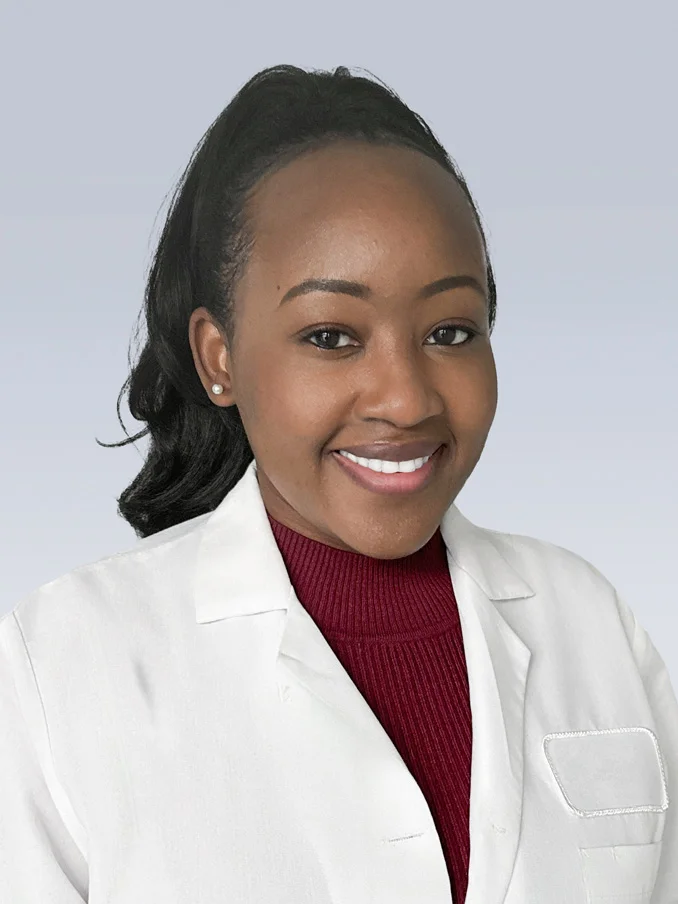
Get your headshot in just 10 minutes!
Taken virtually—any time, any place.
Penn Medicine has partnered with Capturely, a mobile photography service, to capture professional headshots for our health care providers for use on the Penn Medicine website and marketing materials. Headshots are taken through Capturely to ensure consistency with brand standards and web requirements.
What is a Virtual Headshot?
A professional headshot—captured remotely.
A Capturely photographer guides you through a quick 10-minute session using your smartphone and a secure Virtual Studio link. With expert direction and 24-hour delivery, you’ll receive a studio-quality headshot.
Learn how to schedule and prepare for your virtual photo session below.
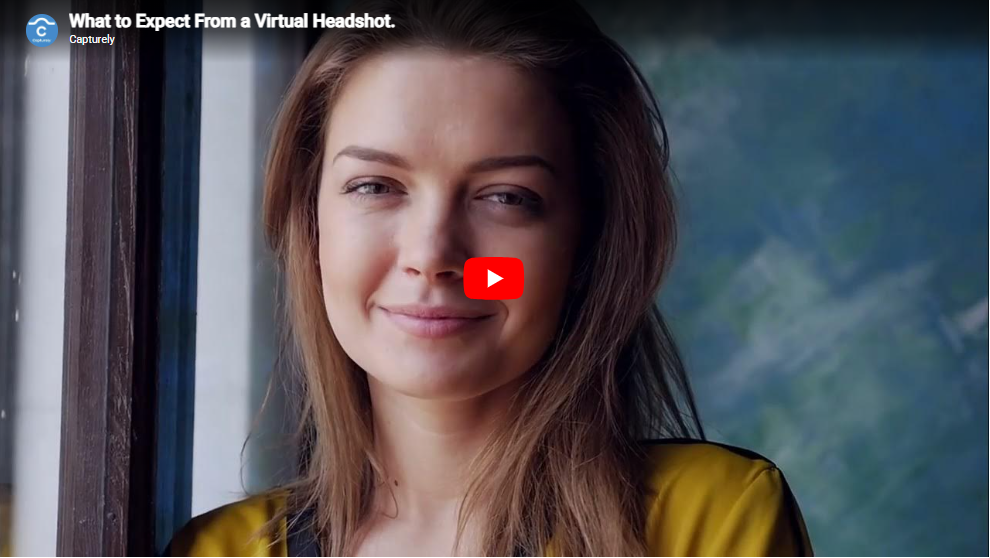
How it works
Our photographer. Your phone.
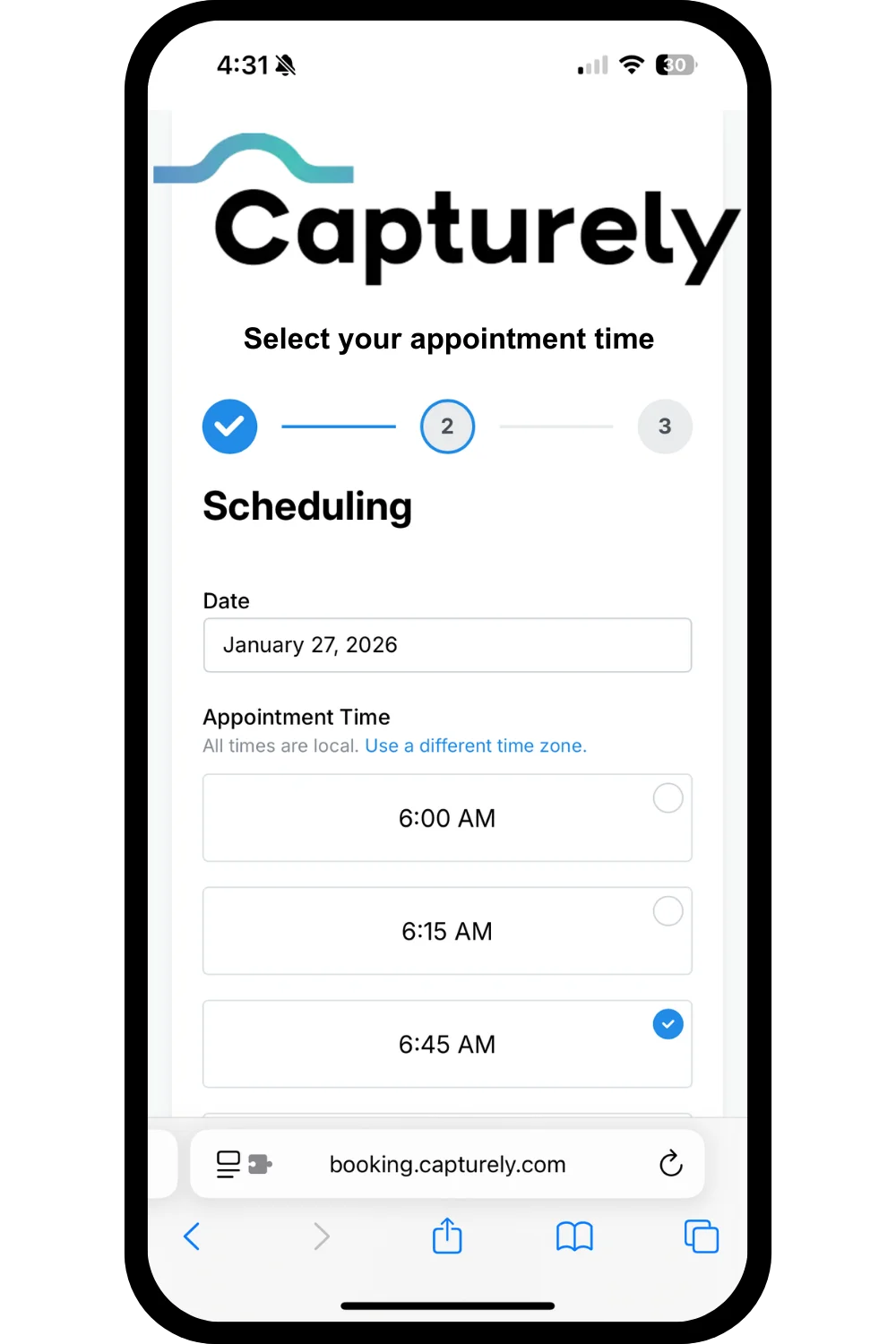
Schedule your photo session
Select a date and time that works best for your schedule. The virtual headshot session takes approximately 10 minutes to complete.
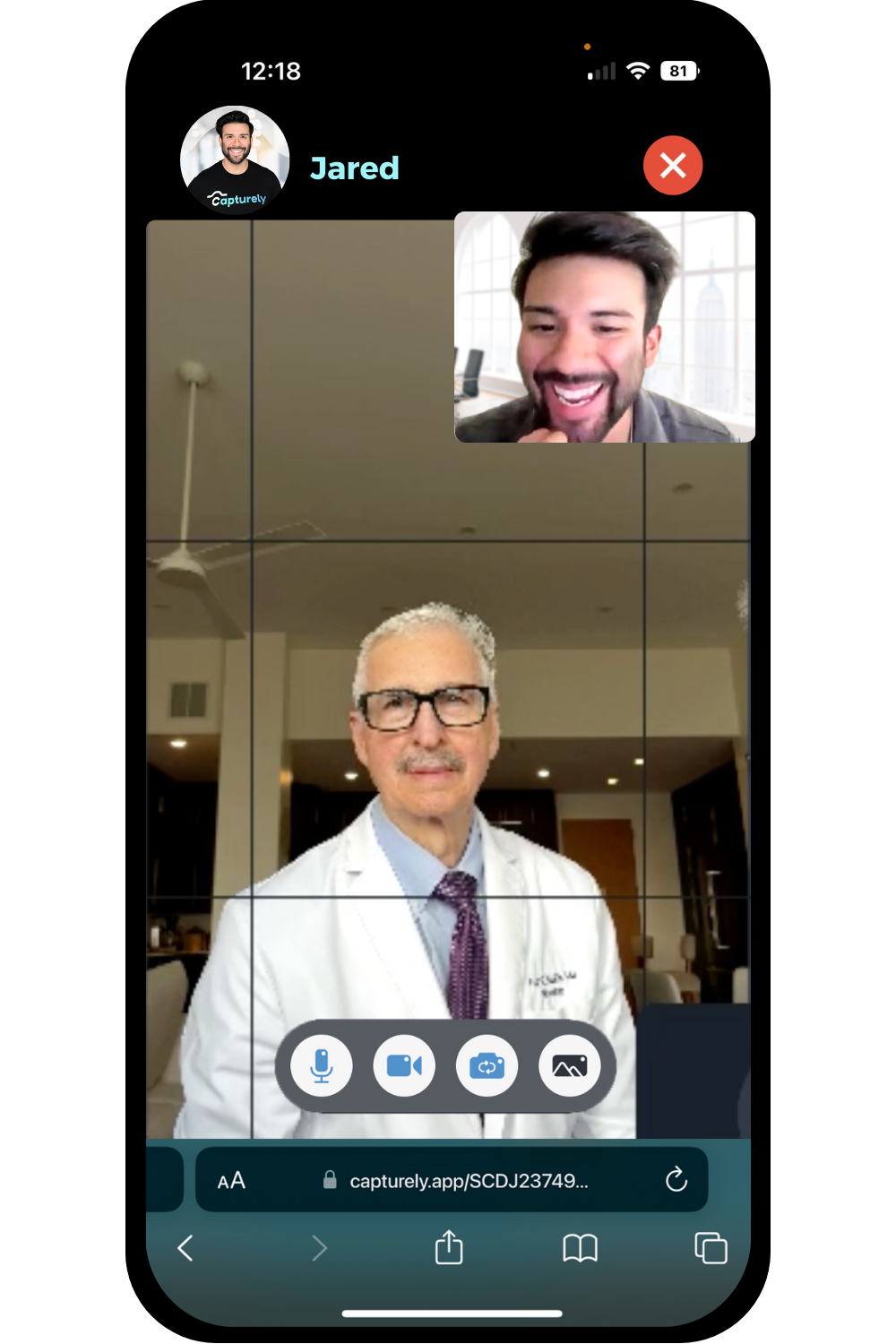
Capture your headshot
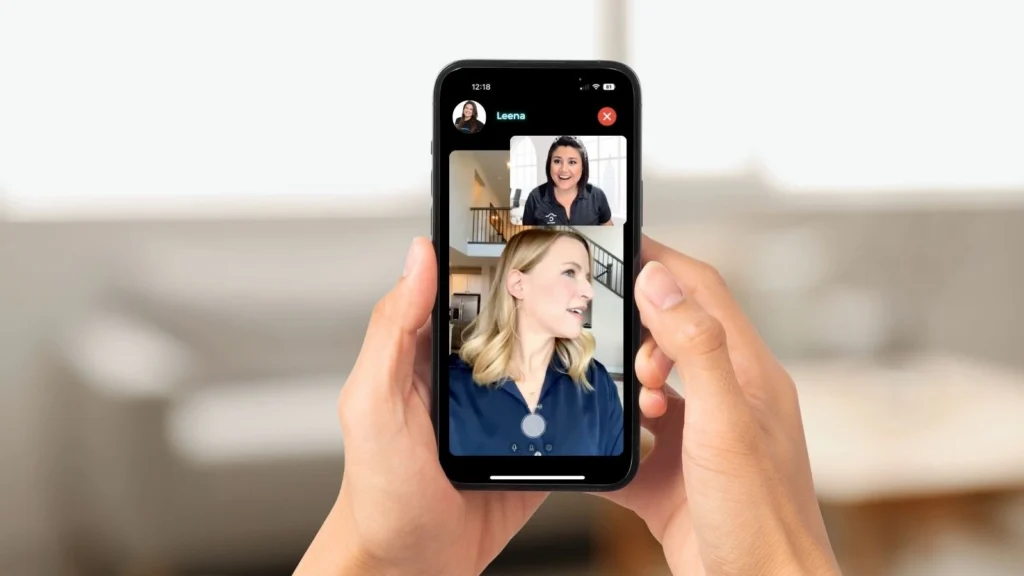
At your scheduled time, connect with a Capturely photographer using the Virtual Studio link in your confirmation email.
Receive your images
Your selected images are professionally retouched and delivered to your inbox within 24 hours.
What to wear
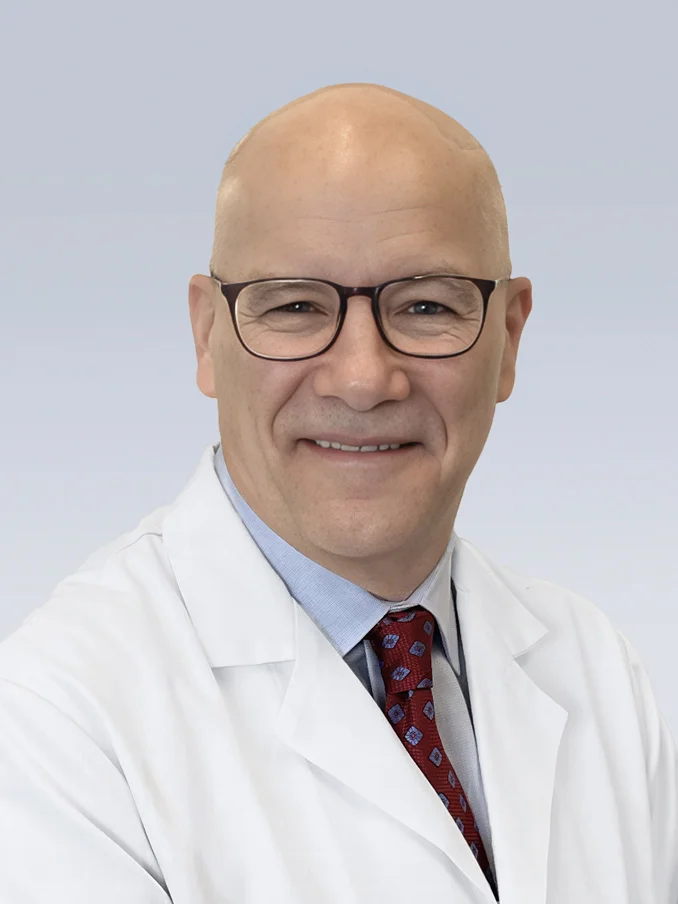
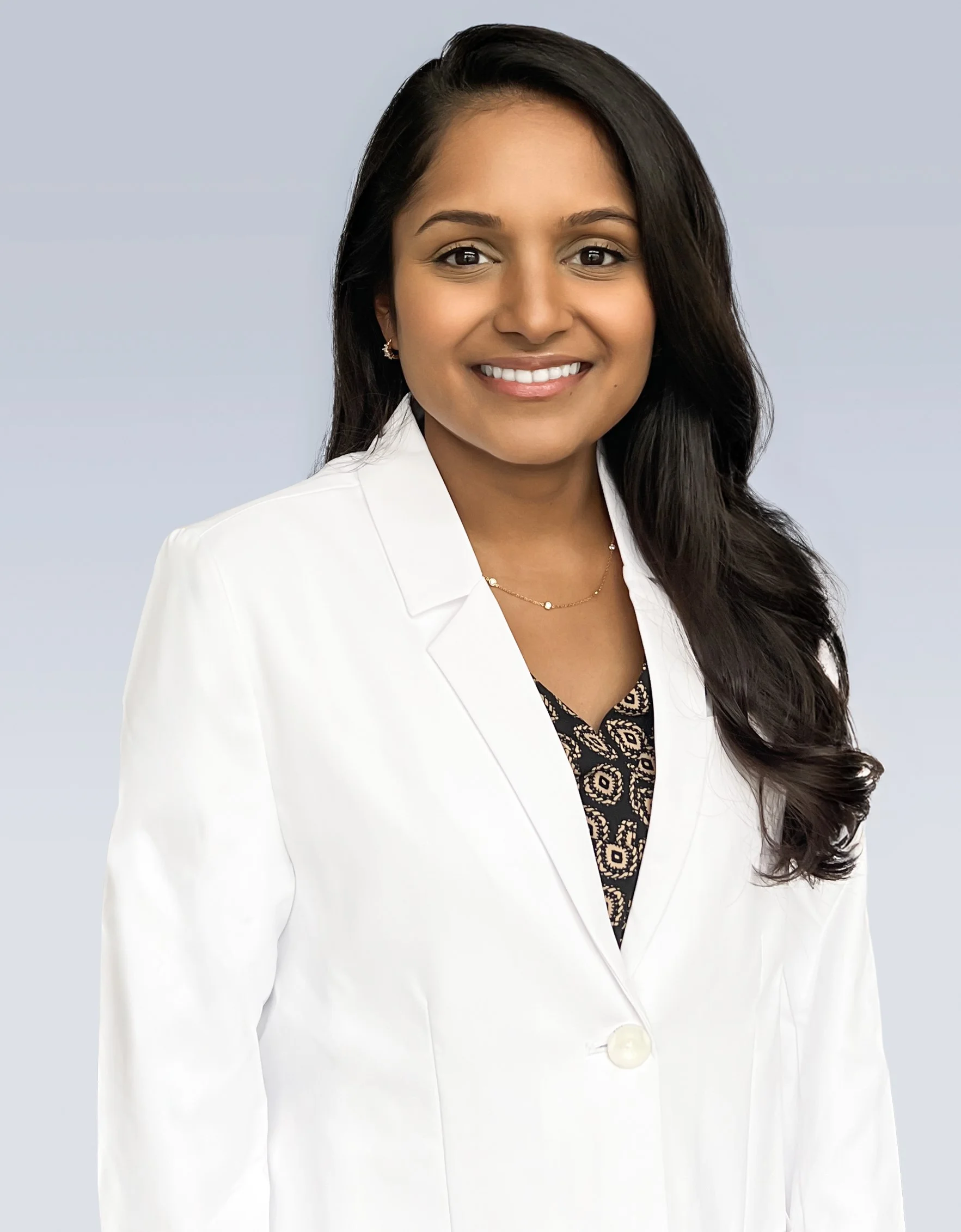
These headshots represent you in your professional role at Penn Medicine. Please wear business attire such as suits, blazers, collared shirts, blouses, dresses, or sweaters.
- Wearing shades of blue or red is encouraged to complement Penn Medicine’s brand colors.
- Avoid wearing short-sleeved or sleeveless shirts. (They do not present well in cropped images.)
- If you wear a white lab coat when seeing patients, please wear it for your photo session.
- Keep jewelry and accessories minimal.
- Clothing and lab coats should be clean and wrinkle-free.
- Remove any badges, lanyards, or pins.
If you do not have a Penn Medicine-issued white lab coat you may wear any white lab coat; non-Penn logos shown will be edited out of the photo.

Choose a location
- Indoors near a window with ample natural light.
- Choose a background that contrasts with your hair color.
- If no one is available to hold your phone, use a window ledge, table, or other stable surface to prop it up.
Phone Set up
- Position your phone at eye level, facing the window. If possible, ask a friend or colleague to hold it steady.
- Have a fast, reliable Internet connection or use data.
- Open the Capturely Virtual Studio link found inside of your confirmation email.
Your photographer will provide additional guidance during your session.
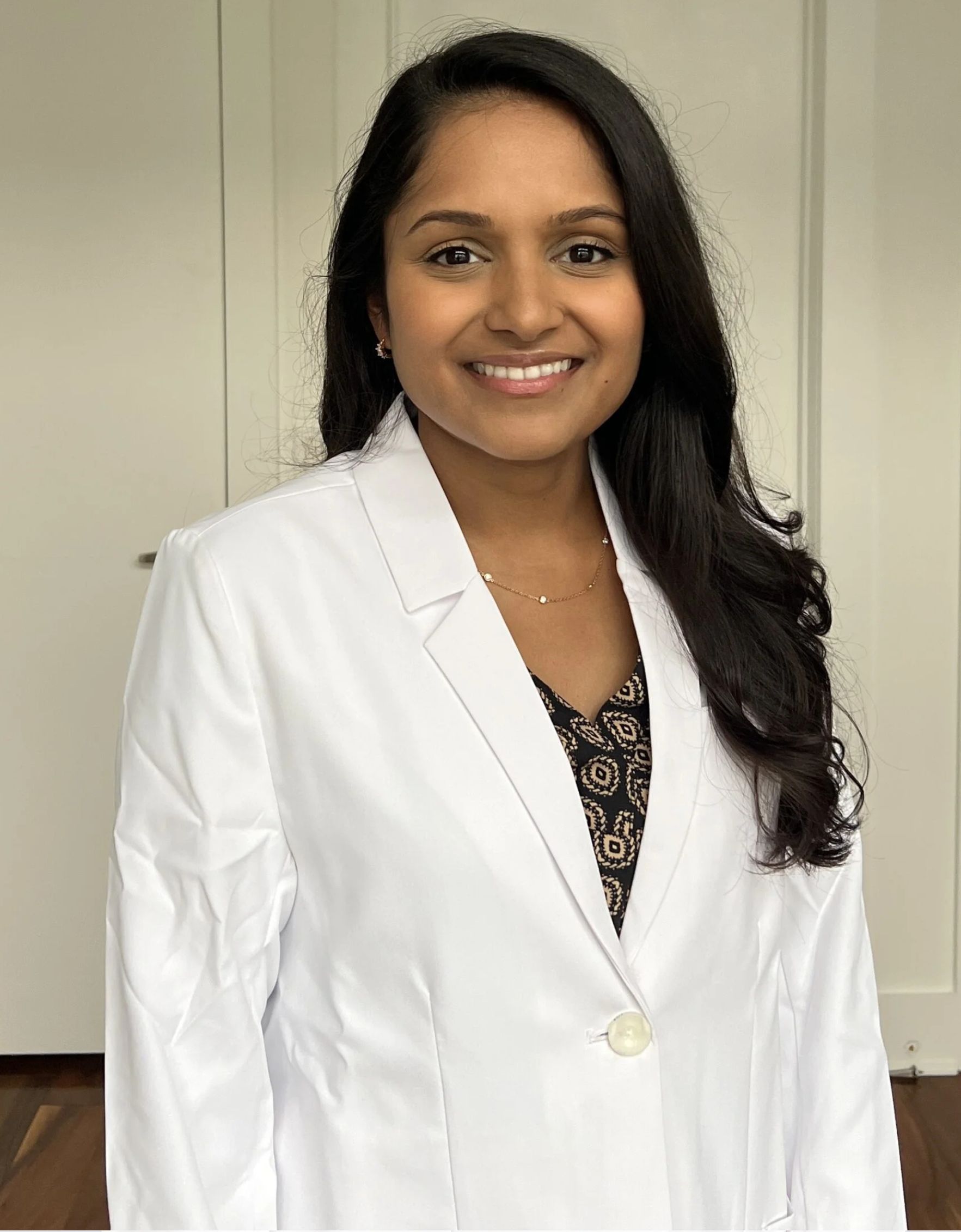
Headshot brand standards
To align with your organization’s branding, all photo specifications have been pre-set by:

- Providers will be photographed in the right-facing position when viewing the image.
- Capturely will retouch and finalize the best 3 images, using the approved Penn Medicine background.
- Standard editing will be applied to enhance each image.
- Final photos will be cropped and sized for both digital and print use, meeting all Penn Medicine requirements.
Selecting your headshot
Your photos will be ready to review within 24 hours.
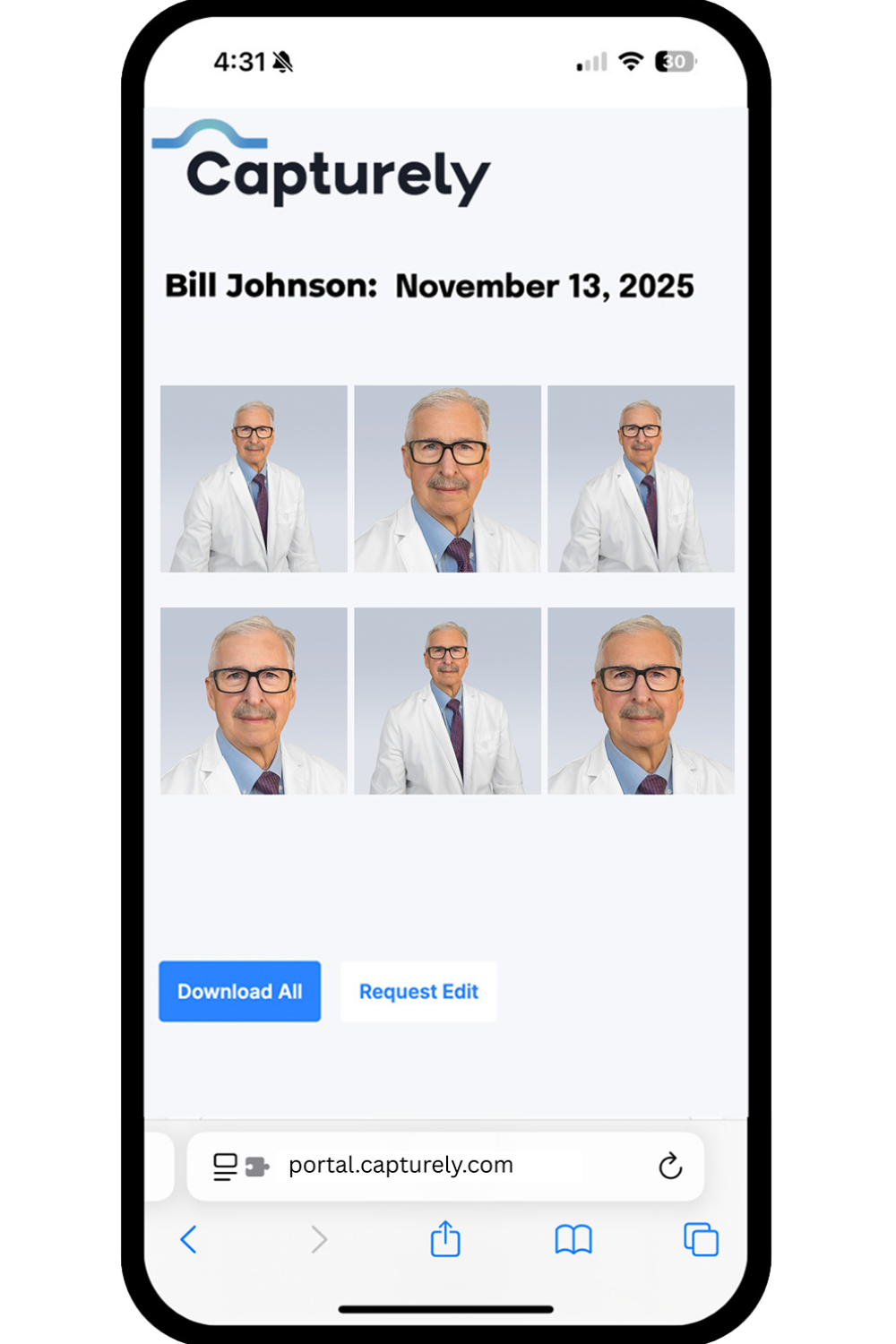
- You’ll receive an email from photos@capturely.com with a link to your gallery. If you don’t see it in your inbox, be sure to check your spam, junk, or quarantine folders.
- You will receive 6 total images: 3 cropped headshots and one wider version of each cropped image.
- Select your preferred cropped image for the Penn Medicine website by clicking “Approve,” choosing the image you like best, and then selecting “Submit.”
- If you’d like any retouching or adjustments, you can request them at this time.
- If no action is taken within 5 days, Penn Medicine will review and select an image for you.